What does an accountant or CPA website actually need?
Seven must-haves separate a site that converts from one that just exists, and a slideshow isn't on the list.
A prospective client is about to hand you their bank statements, their Social Security number, and years of financial history. First, they'll spend a few moments on your homepage deciding whether you seem safe.
That's the real job of an accounting website. It isn't there to dazzle. It's there to make a careful stranger feel safe enough to call.
This guide covers what an accountant or CPA website actually needs. You'll get a checklist table, a security section, and a list of things you can skip.
The checklist at a glance
Website element | Why it matters | Priority |
|---|---|---|
Clear homepage | Tells visitors who you serve and what to do next | Must-have |
Service pages | Match what people search for, such as bookkeeping or tax prep | Must-have |
About page with credentials | Shows you're licensed, experienced, and real | Must-have |
Easy contact path | Turns a visit into a call or consultation | Must-have |
Secure document handoff | Keeps sensitive files off email and public forms | Must-have |
Privacy policy and disclaimers | Explains how you handle information you collect | Must-have |
SSL and fast, reliable hosting | Protects data in transit and keeps the site online | Must-have |
Fees and process page | Sets expectations and cuts repetitive questions | Should-have |
Resources and tax calendar | Answers common questions and builds trust | Should-have |
Accessibility basics | Lets every visitor read and use the site | Should-have |
Testimonials and reviews | Adds social proof, within your board's rules | Nice-to-have |
Treat the seven must-haves as your launch list. A site with all seven beats a bigger one that misses a few. Add the rest as time allows.
1. Start with a homepage that names who you serve
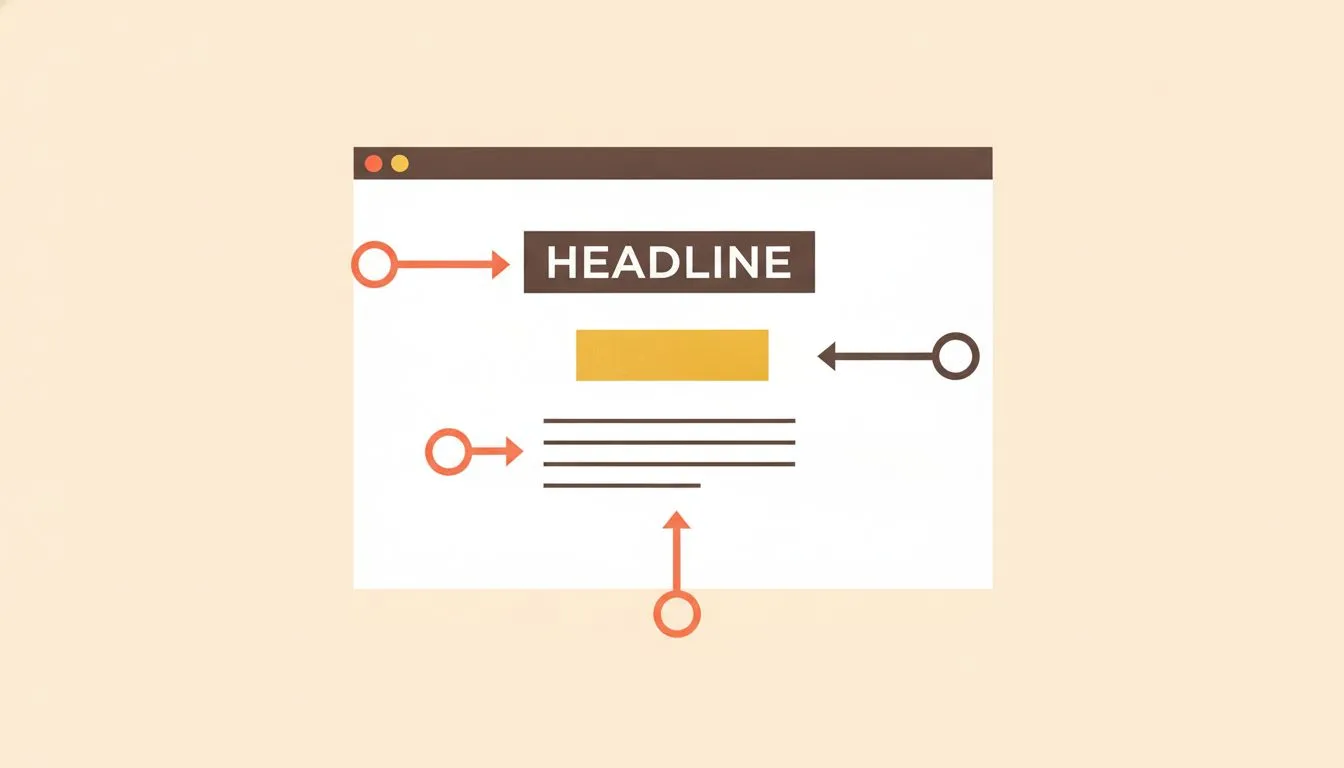
A homepage that names who you serve converts better than a generic welcome page.
Visitors arrive with three questions: do you handle what I need, are you qualified, and how do I reach you? Your first screen should answer all three.
Compare two headlines. "Welcome to Smith & Co." says nothing. "Tax and bookkeeping for freelancers and small businesses in Tampa" tells a visitor they're in the right place.
Name the people you serve and the place you serve them. Add one clear button, such as "Book a consultation."
Below the button, list three services with a line each. Then add your credentials and your phone number. Visitors shouldn't have to scroll to find either one.
Skip the slideshow. A single calm photo of you, or your team, builds more trust than five rotating banners.
2. Give each service its own page
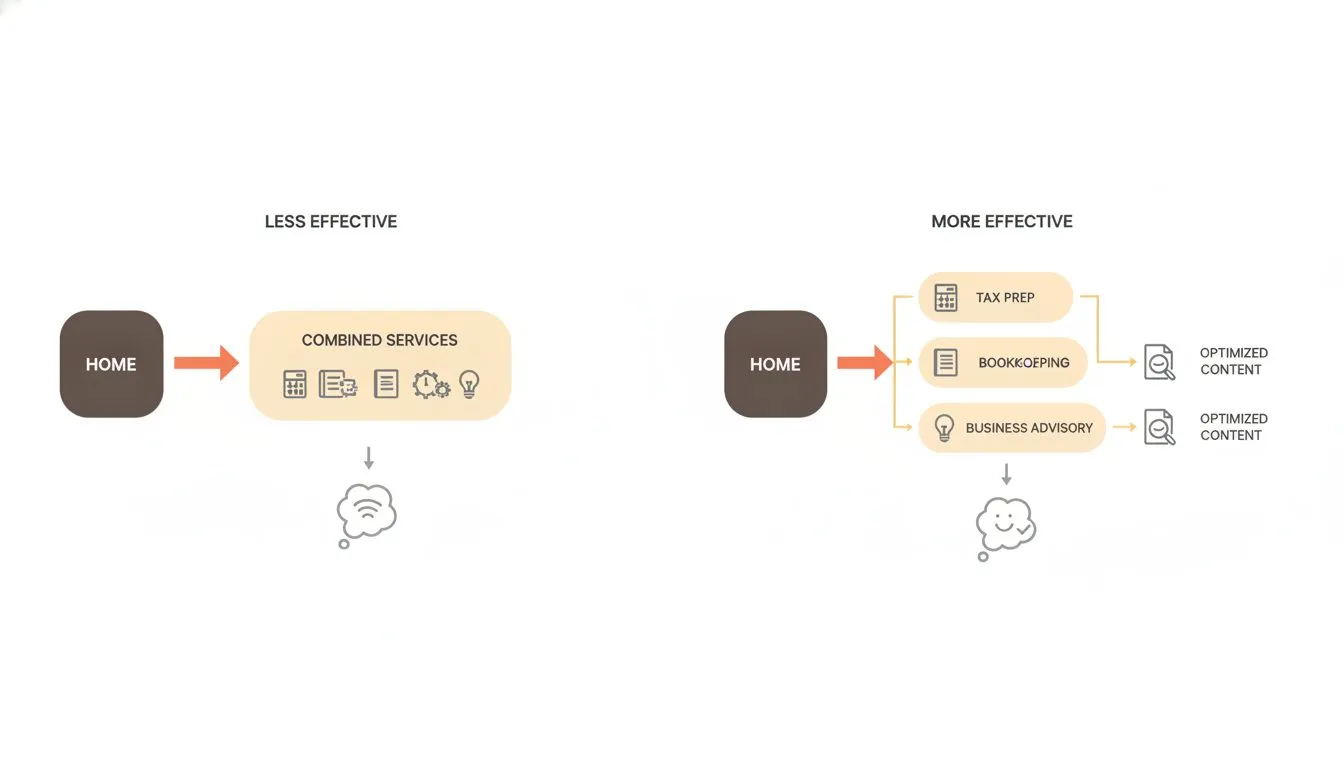
Each service deserves its own page so search engines and visitors can find exactly what they need.
A visitor searching for "small business bookkeeping" should land on a page about exactly that. A single "Services" page with a long list rarely does the job. Separate pages also give search engines more to understand.
Keep each page simple. Cover who the service is for, what's included, and how it works. Explain how pricing works, even if you only give a starting point, and end with a next step.
Write in plain language. "We reconcile your accounts monthly" beats a paragraph of jargon. Avoid promising results, such as a bigger refund, because you can't guarantee them.
Add niche pages if you serve specific groups. Restaurants, contractors, and creators all have different books. A page that speaks to one of them converts better than a generic one.
3. Show your credentials where visitors can verify them
Credentials are the heart of an accounting firm's credibility. State them clearly on the About page and in the footer. Include your license type, your state, and your years in practice.
Say which state licenses you. Visitors can check with your state board, and NASBA's state board directory lists contact details for every jurisdiction. Being easy to verify builds confidence.
Use credentials exactly as your board allows. Professional standards bar advertising that's false, misleading, or deceptive, and state boards add their own rules. Check yours before you publish a bio.
Beyond licenses, add a real photo and a short human bio. Mention your specialties, professional memberships, and the kinds of clients you enjoy working with. Visitors hire a person, not a logo.
4. Make contact easy, and keep the form careful
A visitor ready to call shouldn't have to hunt. Put a phone number at the top of every page and make it tap-to-call on phones. Add a short form and a consultation booking option for people who'd rather not phone.
Tell visitors when to expect a reply. "We respond within one business day" sets a clear expectation. During busy season, say so plainly and offer another path.
Be careful about what the form collects. A public contact form isn't a safe place for sensitive data. Here's a simple rule for what to ask:
- Ask for: Name, email, phone number, the service they're interested in, and a short message.
- Ask for: A preferred contact time, so your first call lands well.
- Don't ask for: Social Security numbers, bank account details, or tax documents.
- Don't ask for: Passwords or login credentials for any account.
Add a line under the form: "Please don't send sensitive documents here. We'll share a secure link after we talk." It protects visitors and sets the right tone.
5. Handle sensitive documents outside the website
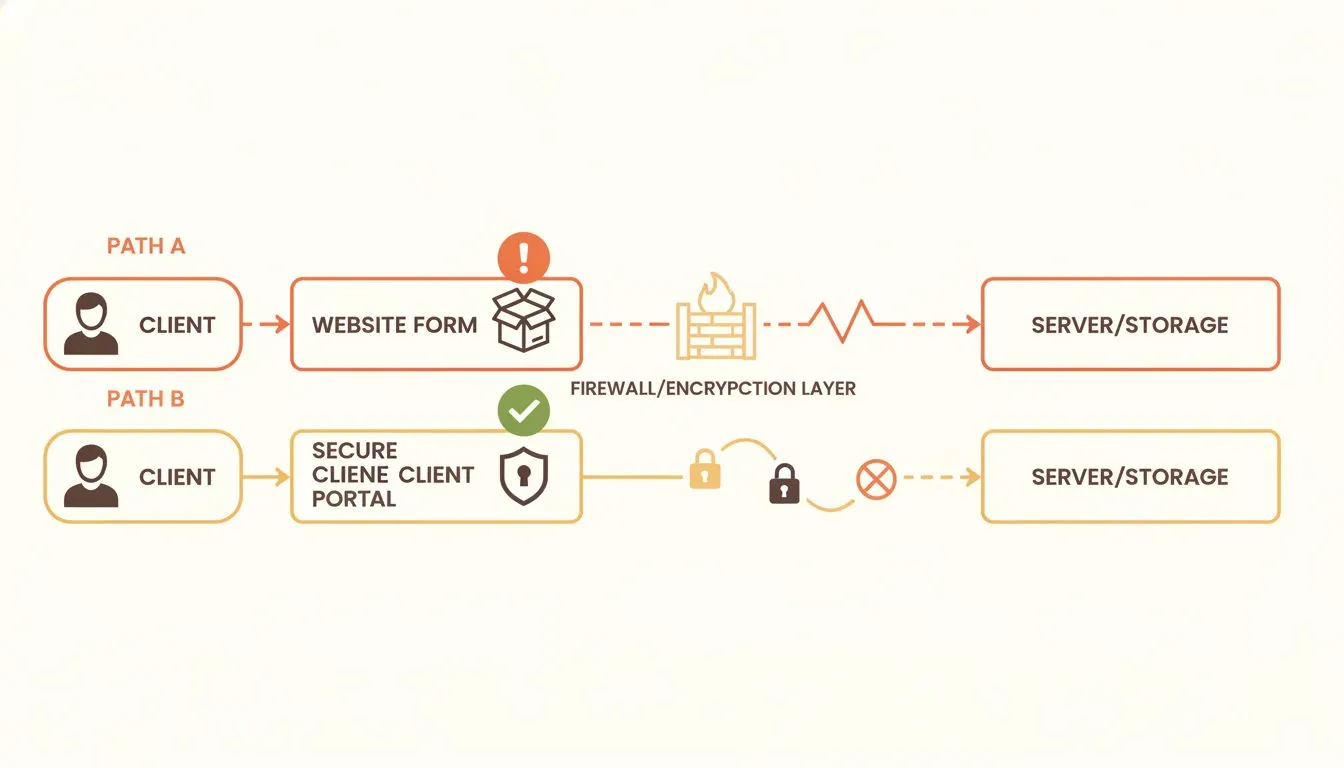
Sensitive documents belong in a dedicated secure portal, not a generic website upload field.
Your website is a front door, not a filing cabinet. Real documents should move through a secure client portal or another encrypted channel. The site's job is to point people there, once they're a client.
Federal rules make this more than good manners. The FTC Safeguards Rule guidance lists tax preparation firms as examples of covered financial institutions. Whether a given firm is covered depends on its activities, so confirm your status with a qualified advisor.
The IRS is direct about it too. IRS Publication 4557 says data security is necessary for every tax professional. It recommends strong passwords, multi-factor authentication, and encrypted backups kept off your network.
Your website is part of that picture. Here are the basics every accounting site should cover:
- SSL on every page. The padlock encrypts data between visitors and your site. Our guide to what an SSL certificate does explains how it works.
- Strong, unique passwords and extra login steps. Apply them to your hosting account and your site's admin area.
- Regular updates. Keep WordPress, themes, and plugins current, and remove any you don't use.
- Daily backups. Test a restore at least once, so you know it works before you need it.
- A firewall and malware scanning. These catch common attacks before they cause damage.
- Few admin accounts. Give access only to people who need it, and remove it when they leave.
A hosting plan can supply several of these. It can't write your security plan for you. Treat the site as one layer and document the rest.
6. Add trust signals, with care
Trust is why people pick one accountant over another. Your site can show it in small, specific ways. Generic claims like "trusted experts" don't count.
Reviews and testimonials help most. Ask clients for permission before you quote them. Never include financial details, and check your board's rules on testimonials before you publish any.
Other signals matter too. List your professional memberships, your years in business, and your office address. Add a short note about how you protect client information.
You'll also need a privacy policy. Any site with a contact form collects personal details. Our knowledge base shows you how to add a privacy policy page in a few minutes.
Avoid fake badges and vague awards. Visitors can tell. One real review beats five invented ones.
7. Explain your fees and your process
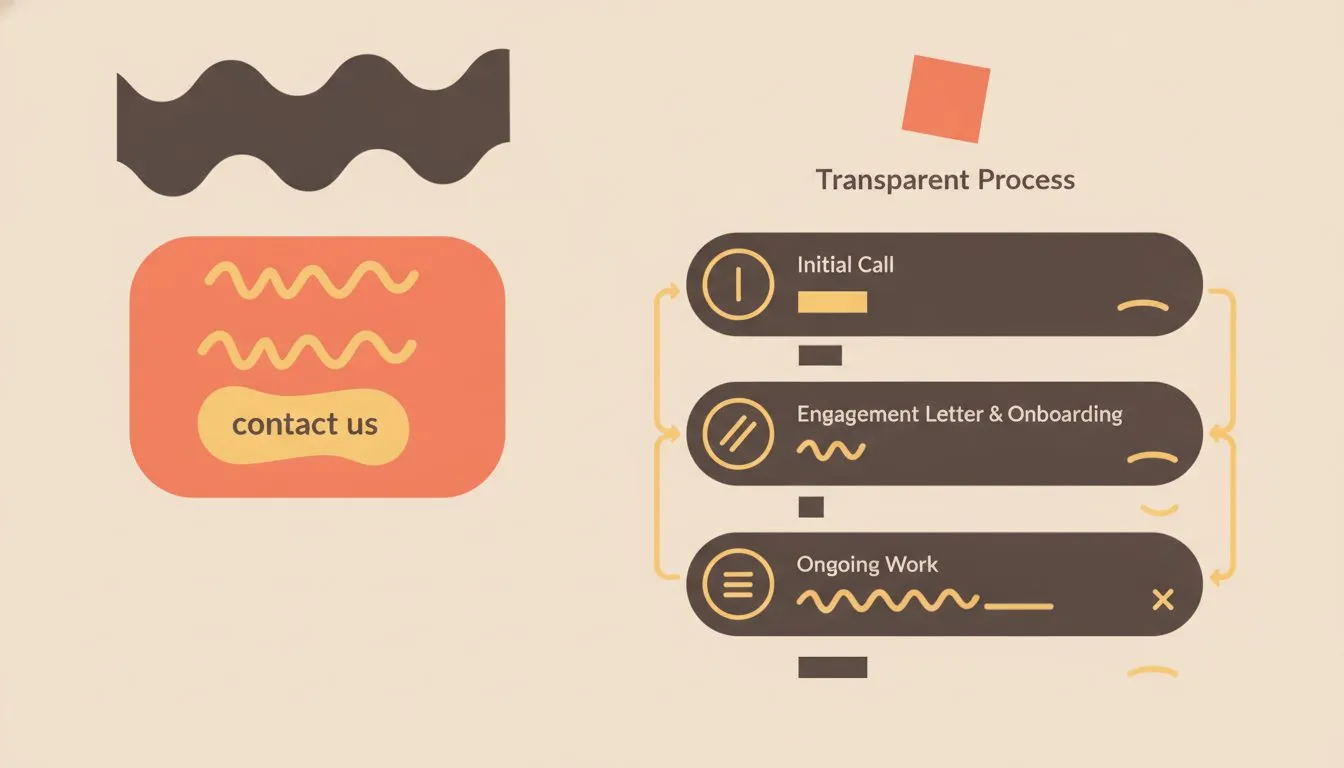
Showing your process alongside fees reduces hesitation and pre-qualifies better-fit clients.
Nervous visitors want to know what happens next. A short "How it works" page answers that. It also cuts the repetitive questions you'd otherwise answer on every first call.
Walk through your process in five or six steps. A typical flow runs from a free consultation to an engagement letter. Then come document collection, preparation, review, and filing.
Fees are trickier. You don't have to publish a full price list. A "starting at" figure or a typical range filters out mismatched inquiries and builds trust.
If your pricing varies, say what drives it. Number of entities, volume of transactions, and complexity all matter. That honesty shows you're not hiding anything.
8. Publish resources that answer real questions
A few useful pages beat fifty stale blog posts. Think about what clients ask you every February. Turn those answers into resources.
Three formats work well:
- A tax calendar. Key deadlines give visitors a reason to return.
- A "what to bring" checklist. It saves time at intake and cuts back-and-forth emails.
- A short FAQ. It handles the repeat questions before anyone has to ask.
Update these pages every year before the season starts. An old date on a deadline page signals neglect. A fresh one signals a firm that pays attention.
You don't need a blog schedule to benefit. One helpful page, kept current, outperforms a calendar of posts nobody maintains.
9. Make it fast, mobile-friendly, and accessible
Many visitors will find you on a phone, often while searching in a hurry. If the page takes too long to load, they'll leave. Compress your images and keep pages light.
Test your site on your own phone. Can you find the phone number in a few seconds? Can you read the text without zooming?
Accessibility matters for a firm that serves the public. Add descriptive text to images and keep strong contrast between text and background. Label your form fields clearly, and make sure visitors can navigate with a keyboard.
These steps also help everyone else. Clear labels and readable text improve the experience for every visitor.
10. Choose hosting, a domain, and email that match your standards
Your domain should be simple and professional. Something like smithcpa.com works better than a long phrase. The rule is short: easy to say, easy to spell.
Use email on your own domain. An address like info@smithcpa.com looks more credible than a free webmail account. It also keeps your communications under your control.
Hosting sits underneath everything. Look for SSL, daily backups with a decent retention window, and support that answers quickly. Read the renewal price, not only the banner price.
Fair warning: Flashcloud is our product, so read this section with that in mind. Every figure comes from our plan pages.
Flashcloud's Start plan costs $2.79 a month on the 12-month term, renewing at $9.99. It includes one website and 25 GB of NVMe storage. The domain is free for as long as you stay, with free privacy.
SSL, email accounts, and daily backups with 30-day retention are included. So are a firewall, DDoS protection, and malware scanning and removal. Support is human, around the clock, with an average reply under 15 minutes.
If you don't have a site yet, the team builds one free. It's a real WordPress site of up to five pages, with your colors and a working contact form. If you need a logo, the team makes one.
Those five pages cover the core of this guide: Home, Services, About, Resources, and Contact. It isn't a drag-and-drop builder or an AI generator. A person builds it, usually within one to two working days, and you get one free revision.
Some limits apply. The free build doesn't include a client portal or an online store. Flashcloud is also a newer brand, launched in 2026 by a team with nearly two decades in web hosting.
The billing term changes the math. The annual term costs less up front, at $33.48 for the first year. The 3-year term costs $107.64 up front at $2.99 a month, but that covers three years. The annual term comes to $273.24 over the same three years, and the 3-year term also renews lower, at $8.99.
Weighing other routes? Our guide to small business website costs compares do-it-yourself builders, freelancers, and agencies side by side. For every route to a site, from building it yourself to hiring help, see how to get a website.
A simple launch plan for a busy practice
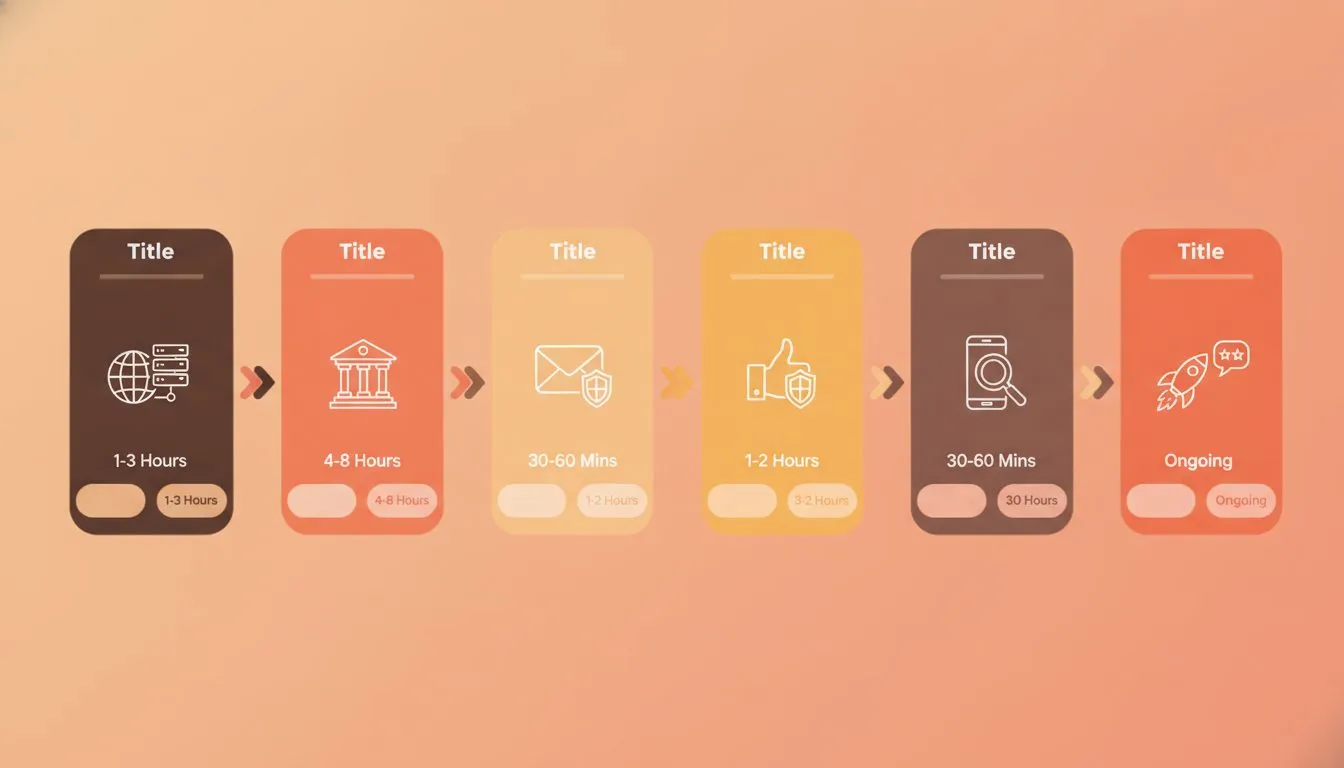
A focused six-step launch plan keeps a busy practice from stalling on perfectionism.
You don't need a month to launch. A focused week is enough if you work in order. Here's a sequence that fits around client work.
Start with words, not design. Write your homepage headline, your three main services, and your bio. If you can't explain what you do in two sentences, visitors won't understand it either.
Next, sort out the practical pieces. Decide how people will reach you, pick your portal for documents, and draft your privacy policy. These choices shape the pages, so settle them early.
Then build or commission the site. Keep it to five pages for the first version. Add your photo, your credentials, and your contact options.
Before launch, test everything on a phone. Submit your own contact form and confirm it arrives. Click every link, and check that the portal link opens.
After launch, ask one or two clients to find your phone number and book a call. Watch where they hesitate. That ten-minute test shows you more than any analytics report.
What you can skip for now
A lean site is a stronger site. These extras look impressive but rarely help an accounting firm win clients.
Skip auto-playing video. It slows the page and distracts from your message. Skip rotating sliders, which hide your best content behind a timer.
Skip stock photos of handshakes and calculators. Visitors have seen them a thousand times. A real photo of you does more.
Skip a custom-built portal. A dedicated portal product is safer, and far less work, than anything you'd build yourself. Link to it from your site instead.
Finally, skip long lists of thin service pages. Five strong pages beat twenty pages of filler. You can always add more once the basics work.
Conclusion: build trust first, then add features
An accountant or CPA website needs less than you think and more care than you'd expect. It needs a clear homepage, service pages, visible credentials, and an easy way to reach you. It also needs a smart plan for sensitive documents.
Start with the seven must-haves in the table. Keep the site fast, simple, and secure. Add resources and reviews once the foundation holds.
Don't have a site yet? Flashcloud's team builds your starter website free with any hosting plan. Pick a plan, tell them about your firm, and a real person sets it up.
Flashcloud prices and inclusions in this guide were checked on our own plan pages in October 2026. Outside sources are linked where they're cited.

Neycho Tepavicharov is the co-founder of Flashcloud, with nearly two decades in web hosting behind him and a hosting company he co-founded and sold along the way. He started Flashcloud to make hosting clearer, more generous, and genuinely supportive, and he writes about hosting, performance, how AI is changing the industry, and the occasional strong opinion about where it gets things wrong.
Connect on LinkedIn