How to get a website in 2026: 4 routes compared
Published prices, setup times, and platform lock-in differ sharply across the four ways to launch a site, making real ownership the deciding factor.
There are four ways to get a website in 2026. You can build it yourself on a website builder, build it yourself on WordPress, pay a freelancer or agency, or have one built for you as part of your hosting. Each has a different cost, timeline, skill level, and, crucially, a different answer to the question of what you actually own at the end.
This guide is for you whether you're a small business owner opening your first storefront online, a freelancer who needs a portfolio, a creator building an audience, someone testing a side project, a person who just wants a personal site, or a nonprofit working with a tight budget. Learning how to get a website shouldn't mean guessing at prices or getting locked into a platform you later regret.
Every price in this guide was taken from each vendor's own website in September 2026, including 27 web design firms and 23 maintenance providers checked individually for the freelancer section. Where a figure isn't published, we say so rather than guessing.
The four routes at a glance
Before we get into detail, here's the shape of the decision. Read across the row that sounds most like you.
Route | Cost to start | Cost each year after | Time to live | Skill needed | What you own |
|---|---|---|---|---|---|
Build it yourself on a builder | From $12/mo billed annually | $144 to $300 | Days | Low | Your content, with export limits |
Build it yourself on WordPress | Hosting from $2.79/mo | $0 to $655 on top of hosting | Days to weeks | Medium | Everything |
Pay a freelancer or agency | $999 to $8,000 where published | $35 to $2,190/mo in retainers | Weeks | None | Depends on the contract |
Have it built with your hosting | Included with hosting | Included | One to two working days | None | Everything |
None of these is the obvious answer. The right one depends on your budget, your time, and how much you care about being able to move later. Let's take each in turn.
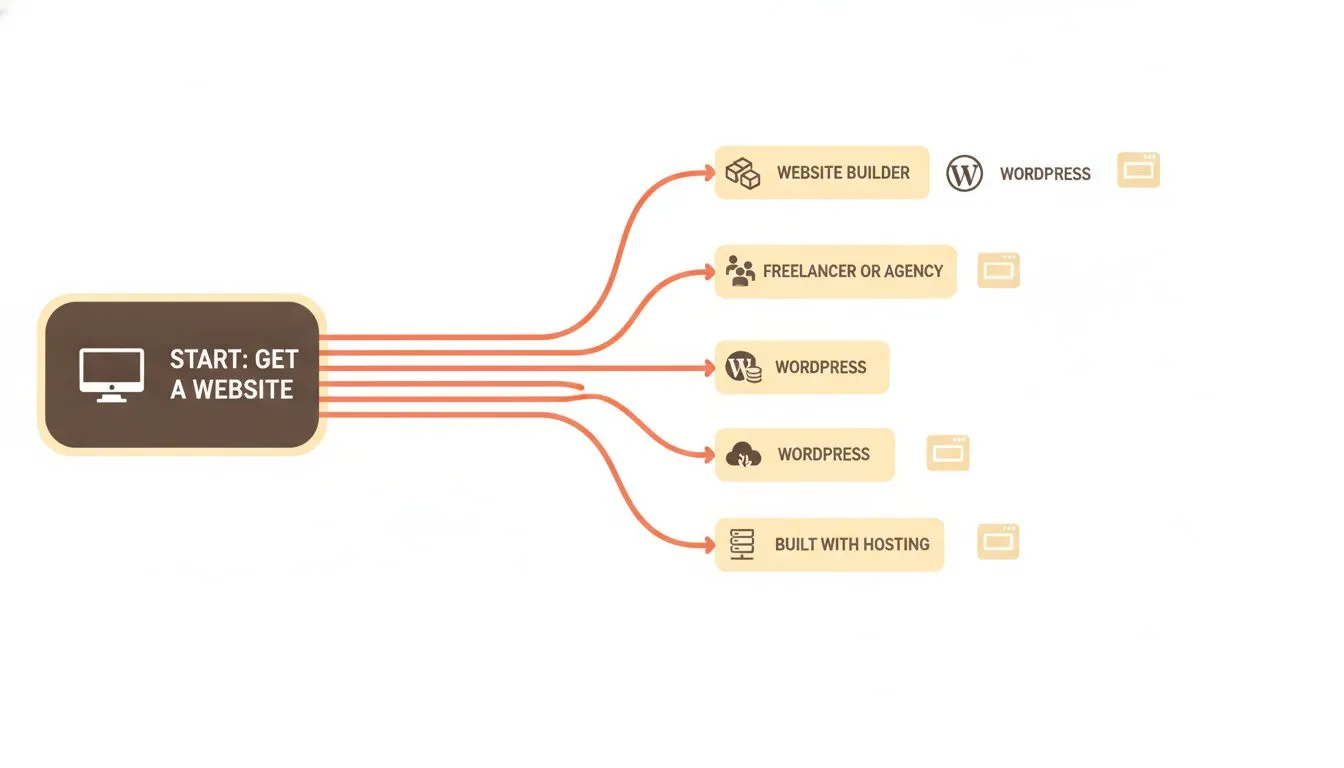
The four routes to getting a website, side by side.
Route one: build it yourself on a website builder
Website builders are drag-and-drop tools. You pick a template, edit it in your browser, and publish. No hosting to configure and no code to touch. Squarespace is the one most people name, so we'll use it as the worked example.
Here's Squarespace's published pricing, verified on 13 September 2026:
- Basic: $19/mo monthly, or $12/mo billed annually
- Core: $27/mo monthly, or $17/mo annually
- Advanced: $36/mo monthly, or $25/mo annually
- Premium: contact sales, no published price
Squarespace publishes only a monthly figure, in both billing states. It doesn't show a yearly total anywhere on its pricing page. So the annual figures worth planning around, $144 for Basic, $204 for Core, and $300 for Advanced, are arithmetic on our part rather than numbers Squarespace quotes.
There's a 14-day trial and no credit card is needed to start it. There is no free plan, and Squarespace states this plainly. The free custom domain applies to annual billing only; on the monthly view that line is struck through.
Transaction fees matter if you're selling. On store sales, Basic charges 2% and Core and Advanced charge 0%. On digital content and memberships, Basic charges 7%, Core charges 5%, and Advanced charges 0%.
One myth worth correcting, because most articles get this wrong: Squarespace branding is not gated behind a tier. Its own support article describes the "Made with Squarespace" footer as optional and gives steps to remove it by editing the footer, on any plan including Basic. You don't need to upgrade to lose the badge.
If you specifically want a genuinely free starting point, that's a different question. We covered the free-tier landscape in our roundup of the top companies offering a free website for a first-time business owner, which is a better place to compare those than restating it here.
Route two: build it yourself on WordPress
WordPress powers a large share of the web because it's flexible and you own everything. You pay for web hosting, install WordPress, and build with themes and plugins. This route has the widest cost range of the four, and being honest about that range is the whole point of this section.
The free end
You can run a real WordPress site paying nothing beyond hosting. Astra, GeneratePress and Kadence all ship free themes on WordPress.org. WPForms, Yoast, Rank Math, UpdraftPlus and Wordfence all have free versions that do the job for most sites. A disciplined owner running a brochure site can genuinely stop there.
The premium end
If you want more, prices add up fast. Here are verified year-one prices, captured 13 September 2026:
- Themes: GeneratePress GP Premium $59/yr, Divi $89/yr or $249 once, Astra Pro + AI $99/yr renewing at $149
- Forms: WPForms Basic $39.60 renewing at $99, or Gravity Forms Basic $59
- SEO: Yoast SEO Premium $118.80, or Rank Math PRO at EUR 95.88
- Backup: UpdraftPlus Premium $70, or BlogVault Personal $99
- Security: Wordfence Premium $149, or Sucuri Basic $229
Two worked totals, before hosting, show the spread:
- A modest premium set of GP Premium, WPForms Basic, Yoast Premium, UpdraftPlus and Wordfence Premium: year one $436.40, year two $495.80. The entire gap between the two years is WPForms coming off its intro price.
- A heavier set of Astra Pro + AI, Gravity Forms, Yoast Premium, BlogVault and Sucuri: year one $604.80, year two $654.80. That gap is Astra's published $99 to $149 renewal.
Be careful with year two. Only three of those vendors publish a renewal price at all: Astra, WPForms and Rank Math. For everything else the renewal isn't published, so treat year two as unknown rather than assuming it matches year one. Astra's own wording is worth quoting:
"Special introductory pricing, all renewals are at full price."
A few more facts to plan around: Gravity Forms and Sucuri have no free version, and Divi has no free tier. If a tool has no free version, there's no fallback if you decide the paid one isn't worth it.
If some of these terms are new, our web hosting glossary explains the ones you'll meet most often. If you already have a WordPress site somewhere else and you're reading this to move it, the practical steps live in our guide to how to switch web hosting.
Route three: pay a freelancer or agency
Hire someone and you skip the building entirely. A freelancer or agency handles design, content and setup, and you get a polished site without learning any tools. It's the right call when your time is genuinely better spent on your actual business.
The first thing to know is that most of this market doesn't publish prices. We looked at 27 web design firms and found 13 that state a figure on their own site. Several of the rest rank for pricing searches on a page that explains what the industry charges without ever saying what they charge.
Among the thirteen that do publish, the spread is too wide to average honestly. Seahawk Global starts at $999 one-time. WebFX starts at $8,000 per site. AdverGroup runs tiered packages from $1,500 to $6,995 across 5 to 40 pages. Designstaq charges $2,950 to $11,250 for Squarespace builds. One designer sells a $3,000 "VIP day", and Hook Agency splits $12,000 across twelve monthly payments.
Turnaround varies just as widely. TL Web Design Studio quotes one to two weeks. Straight North quotes five to twelve weeks depending on tier. WebFX quotes three months to twelve.
What that means for you: get two or three quotes, because the market has no standard price and the same brief can return figures an order of magnitude apart.
The cost that comes after
The build is a one-off. Keeping the site running is not, and this is the part most people don't budget.
Published maintenance retainers run from $35 a month to $2,190. Most cluster between $49 and $250 for a small business site, covering core and plugin updates, backups, security monitoring and a small allowance of content edits, usually an hour or two a month.
One detail worth checking before you compare two quotes. Of eleven published retainers we looked at, five include hosting, one includes it only on the top tier, one explicitly excludes it, and four don't mention hosting at all. So a $39 plan and a $99 plan may not be comparable, and the page won't tell you which.
Most also cap what counts as an edit. SiteCare defines one as "under thirty minutes". GoWP says "about 30 minutes or less". Fixed.net advertises unlimited tasks and then excludes "redesigns, page builds, new functionality".
Settle ownership before the work starts
This is the only route where what you own depends on a contract rather than on the platform, and it's the question the market answers least.
Of the ten firms we checked that publish pricing, six publish nothing at all about who owns the finished site. Two state it in a terms document. Two more say it only in sales copy, which isn't the same thing.
Where it is published, it's reassuring. Seahawk Global's terms read: "You are, and shall be, the sole and exclusive owner of all right, title and interest in and to the work product." TMN Creative's read: "Upon full payment for completed website projects, clients receive ownership of the website files and project assets created specifically for their project."
The point isn't that agencies are trying to keep your site. It's that most don't say either way, so the answer lives in whatever you agree.
Four things to get in writing
- Who registers the domain, and in whose name and account
- Who holds the hosting account, you or them
- What you receive at handover, including files and logins
- Whether the contract assigns copyright in the design and code to you
These decide what you can recover if the relationship ends. Where your domain is registered and where your hosting sits determine what you can take back on your own, which is exactly why they're worth settling before the work starts rather than after.
Route four: have it built with your hosting
Some hosts build the site for you as part of the plan. At Flashcloud, that means up to five pages, built by a designer rather than generated, usually ready in one to two working days, with one free revision that can be a complete redesign, included with any hosting plan. You own everything, and there's no separate build fee. You can get a free website built for you and take it from there.
What it actually costs, year one and year two
The headline number is rarely the number you pay long term. Two things move it: intro pricing that jumps at renewal, and add-ons you buy after launch.
On a builder, the price is stable and predictable. Squarespace Advanced is $300 a year in year one and year two alike. Transaction fees are the variable, and only if you sell.
On WordPress, hosting is the steady part and the plugins are the wild card. As the two worked totals above show, a premium WordPress stack can cost more per year than a builder, and year two can rise further as intro prices expire. It can also cost nothing beyond hosting if you stay on free tools. Both are real WordPress sites. If those two routes are the ones you're weighing, we compared them properly in website builder vs WordPress.
On a freelancer build, year two is hosting plus a maintenance retainer, and published retainers run from $35 a month to well over $2,000. Check whether hosting is inside that figure or billed separately, because the published plans split roughly evenly on that and rarely say which. With a host that builds the site for you, the build is included and your recurring cost is simply the hosting plan.
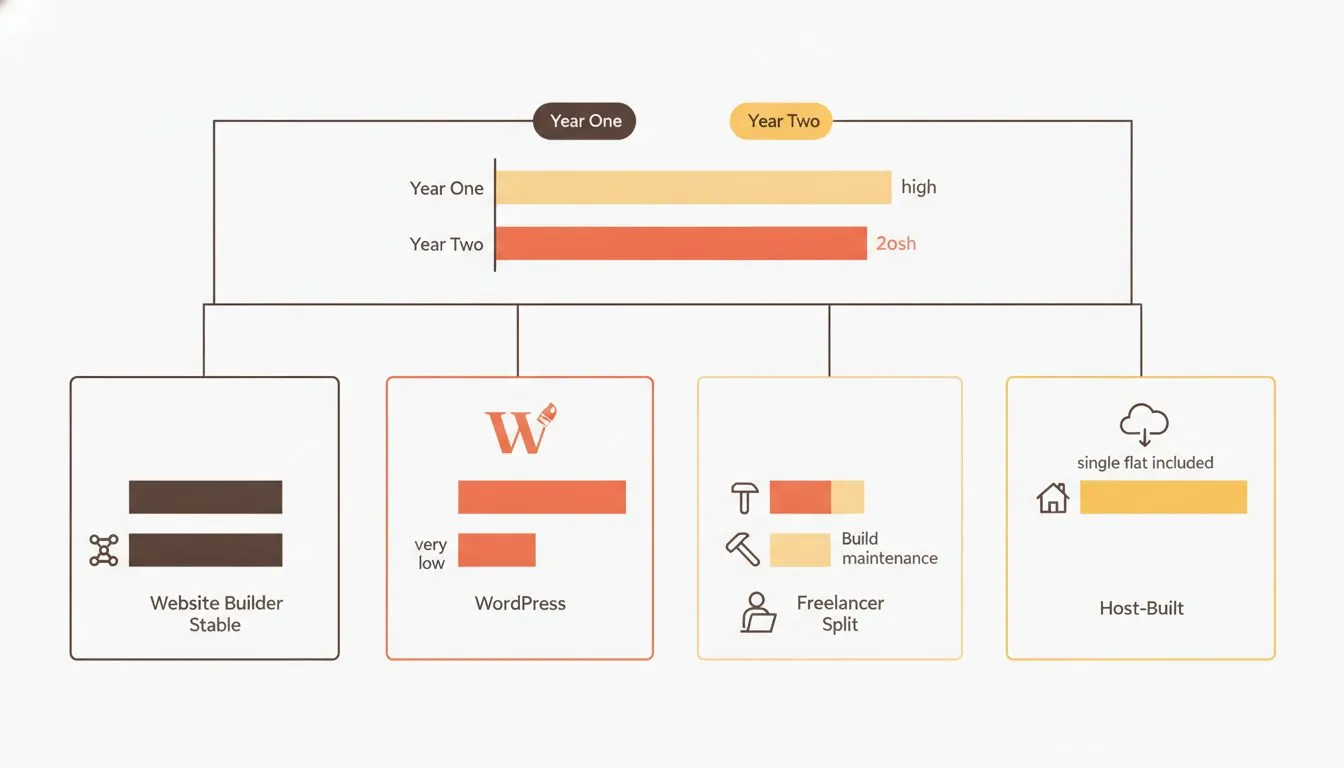
Year one rarely equals year two. Intro pricing and add-ons are where the difference hides.
What you own at the end
This is where the routes differ most, and it's the part most guides skip. "You can export" and "you can move" are different claims. The gap between them is where a store or a portfolio can get stuck.
Squarespace documents its export openly, which is more than many platforms do. According to its export documentation, updated 12 February 2026, the export is a single XML file in WordPress format only. Its own article states the export "can only be in a WordPress format."
What exports: layout pages, one blog page with posts and up to 1,000 comments per post, text blocks, image blocks, and gallery pages.
What does not export: album, cover, index, info, calendar, portfolio and store pages; page-specific headers, footers and sidebars; more than one blog page; dropdowns; audio blocks; product blocks; video blocks; drafts; style settings; and custom CSS.
Three further conditions, all stated by Squarespace:
- The site must be active and published. "It's not possible to export content from a trial site."
- Squarespace to Squarespace isn't supported. "It's not possible to export content from one Squarespace site and import it into another."
- Images may not migrate. A self-hosted WordPress import may pull only reference links, which stop working when the Squarespace site does.
Read that store-pages line again if you're planning to sell. Your products are among the things that don't come with you.
Now the contrast. On WordPress, and on a hosted site you control, the files and the database are yours. You can back them up, move them, and hand them to anyone. On a freelancer build, ownership depends entirely on the contract, which is why the earlier questions matter. None of this makes any route wrong. It just means you should choose knowing what leaving would look like.
Which route fits you
- If you want to be live in days with no technical work and predictable pricing, a website builder fits, as long as you accept the export limits.
- If you want to own everything and you're comfortable managing a few tools, WordPress fits, at whatever spend level you choose. Picking the host is its own decision, covered in how to choose web hosting.
- If your time is worth more than the build and you'll put ownership in writing, a freelancer or agency fits.
- If you want a designed site fast, included with hosting, and fully yours, having it built with your hosting fits.
- If you're not sure, start with the route that's easiest to leave. WordPress and a host-built site both keep your files and database in your hands, so a change of mind later costs you less.
Getting a website for a specific kind of business
Different businesses need different things from a site. A restaurant needs bookings and a menu. A course creator needs payments and lessons. A tradesperson needs to be found locally and to take enquiries. The route that fits a personal blog isn't always the route that fits a store taking orders.
We're building guides for specific trades and site types to sit alongside this one. If you're selling something rather than simply being findable, our guide to building an online course website without being technical walks through what that particular job needs. For trades, start with our guide to website companies for plumbers and electricians, or what a hair salon website should include. For restaurants, see how to build a restaurant website that gets reservations. For accounting firms, see what an accountant or CPA website actually needs. More are on the way.
The bottom line
Getting a website in 2026 is straightforward once you know the four routes and what each one asks of you. Match the route to your time, your budget, and how much you care about being able to move later. Look past the headline price to year two, and know what you'd own if you ever wanted to leave. Get those three things right and the rest follows.

Neycho Tepavicharov is the co-founder of Flashcloud, with nearly two decades in web hosting behind him and a hosting company he co-founded and sold along the way. He started Flashcloud to make hosting clearer, more generous, and genuinely supportive, and he writes about hosting, performance, how AI is changing the industry, and the occasional strong opinion about where it gets things wrong.
Connect on LinkedIn