AI website builder: what you get and what you own

Yes, an AI website builder can generate a working website in minutes, and six major platforms will do it right now. The output is usually acceptable. The real questions are what you own afterwards, what happens when the credits stop, and whether you can take the site with you. All six answer those in their own terms, if you read far enough.
If you're a business owner, creator, or team trying to get online fast, an AI builder is a tempting shortcut. This article won't tell you whether the sites look good, because that's opinion and we have no evidence for it. Instead, it compares the published terms, prices, and limits across the six biggest tools, so you know what you're signing up for before you start. This piece sits under our guide on how to get a website.
Every price and term in this guide was taken from each vendor's own website in September 2026.
What these tools actually generate
All six generate text and layout from a prompt. Most also generate images. Their own words tell the story.
Wix says its AI "generates a complete site with industry-specific logic, tailored copy and high-quality visuals already wired in." Durable says "answer three questions and our AI will create a custom website," and that "Durable writes persuasive, industry-specific content." GoDaddy says its tool "lays out pages, sections, starter copy, and images."
Here's the honest qualifier. Two of the six don't say whether the images are AI-generated or stock. Durable doesn't state whether a site's first images are AI-made. Framer's docs don't say whether "visuals" means generated images or stock. That distinction matters a lot for ownership, and we'll come back to it.
Two naming changes are worth flagging, because if you search for the old products you'll find them. Wix retired ADI on 10 November 2024, and its AI builder is now part of Wix Harmony. Hostinger has merged Website Builder and Horizons into one product called AI Builder.
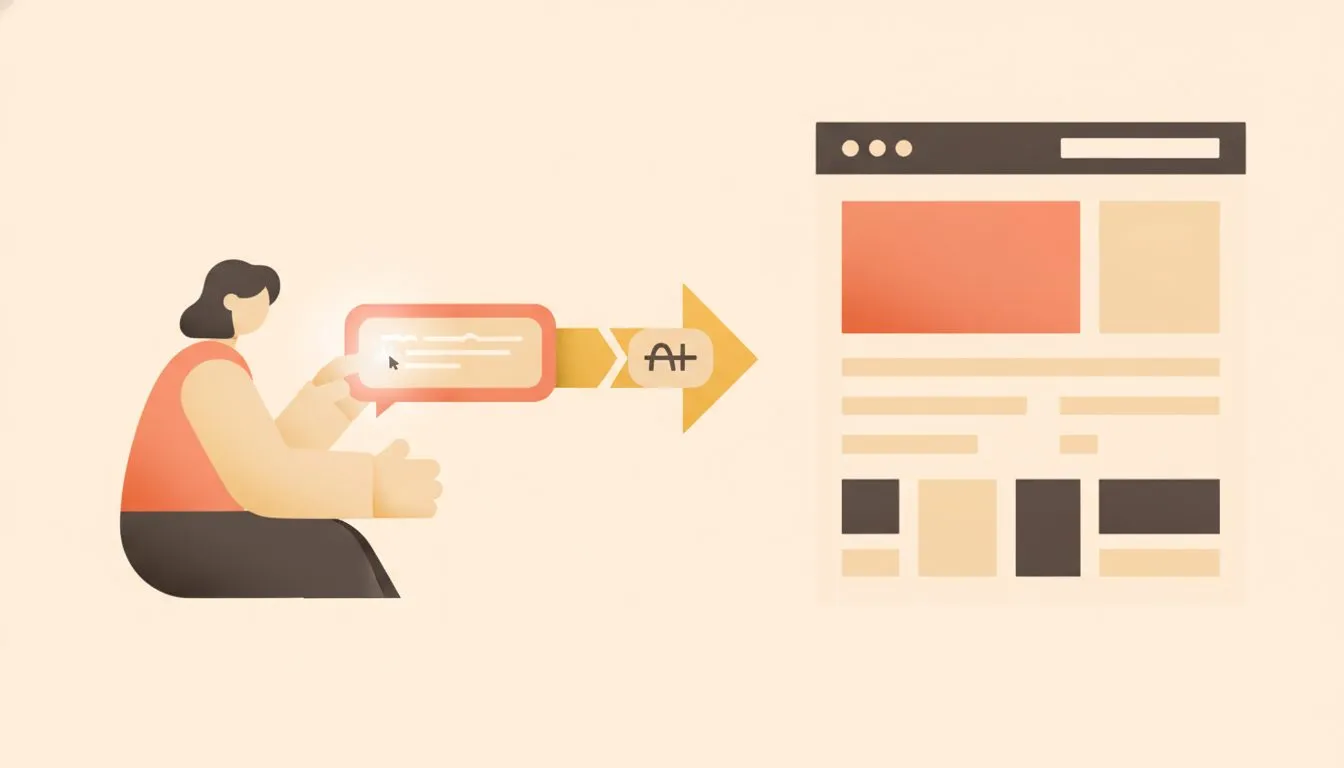
From a few prompt answers to a finished layout: what all six tools promise.
The six, compared
Here's how the six line up on the numbers that decide what you're actually buying. Annual prices are shown per month, the way the vendors present them.
Platform | Free tier | Entry paid | AI credits | Renewal |
|---|---|---|---|---|
Wix | Yes, publishes on a Wix subdomain with Wix ads | $17/mo billed yearly | 30 a day free, max 120 a month; monthly allowance on paid, no rollover | Not published |
Hostinger | No free plan | $3.99/mo on 12 months, $2.99 on 48 | 5 credits on Premium, 15 on higher tiers, a one-time gift | $10.99/mo |
GoDaddy Airo | Yes, 50 credits a month, no card | $9.99/mo billed yearly | 50 to 750 a month by tier; expire each cycle, no rollover | Not published |
Durable | Yes, private preview only | $22/mo billed yearly | Unlimited AI pages; AI chat 10 a month on free | Not published |
Squarespace | No free plan, 14-day trial | $12/mo billed yearly | 10 one-time starter credits on Basic; monthly credits from Core | Not published |
Framer | Yes, 500 one-time credits | $10/mo billed yearly | 1,000 a month on Basic, 3,000 on Pro, pooled per workspace, no rollover | Not published |
First note. Five of the six publish no renewal price at all. Hostinger is the only one that does, and its cart states it plainly: "Renews after 12 months at $10.99/mo for 12 months." For the other five, year two is unknown when you sign up.
Second note. Wix's pricing footnote changed between two page loads on the same day. The second load added "Offer valid until Thursday 7:00 AM GMT. Only valid for the initial term." Treat Wix's figures as a current offer rather than a standing price.
What you own, and what you only borrow
This is the part almost nobody reads before starting, and it's the part that matters most. The good news: all six publish something about ownership, which is better than the industry norm. The catch: they publish two quite different things.
The ones that assign ownership
GoDaddy's AI Terms of Use, last revised 14 April 2026, say: "you... own the Output... we hereby assign to you all our right, title, and interest." Durable's terms, updated 13 October 2025, say: "Customer owns all Output. Durable hereby assigns to Customer all its right, title and interest in and to the Output."
An assignment transfers whatever rights exist to you. That's the strongest position a platform can give you in plain language.
The ones that merely do not claim it
Wix's terms, last revised 9 July 2026, say: "Wix does not claim any ownership rights in the Output to the extent that the Output does not contain any pre-existing intellectual property owned by Wix." Hostinger uses the same pattern: "Hostinger does not claim any ownership rights in the Output."
Here's the difference, without any legal advice. A non-claim says the platform isn't asserting a claim. It leaves the question of what you actually hold unanswered. Both patterns are common across the industry. They are not the same thing, and it's worth knowing which one you're getting.
The finding that matters most is about images
Squarespace is the only one of the six whose AI terms address images specifically, and the answer is the restrictive one. Its AI Terms, effective 25 June 2026, separate two things.
"Customer Generated Output" is yours, "to the extent [it] may be owned under applicable laws." But "Licensed Pre-generated Content," meaning AI images Squarespace generated itself, including its AI stock backgrounds, is licensed rather than owned. That licence is "limited, non-exclusive... solely as intended to be used via the Services."
In practice, this means those images work on your Squarespace site and only there. They are not yours to take to a new site, a print flyer, or anywhere else. If your logo or hero image came from that pool, it stays behind when you leave.
Two more things worth knowing
Three of the six take a licence to train their models on what you put in and what comes out. Framer does so on every plan except Enterprise, though it can be turned off in workspace settings. Wix's terms grant it a licence to "train our software tools" on inputs and outputs. Hostinger's terms authorise use of inputs and outputs for machine learning training.
Two of the six also decline to guarantee originality. Hostinger states it does not guarantee output is "unique, original, or free from third-party intellectual property claims." Durable notes output "may not be unique." GoDaddy says it does not warrant "your Output can be protected by copyright."

Two different promises, and one platform that treats its AI images differently again.
What happens when the credits run out
Every one of these runs on a credit system, and the systems differ more than the prices do. Credits are what let you iterate, and iteration is how these tools are actually used. So the credit model quietly decides how useful the product is to you.
- GoDaddy: "Credits expire at the end of each billing cycle and do not roll over." At zero, "purchase more or wait for your monthly limit to reset." Bought credits expire after a year.
- Framer: at 100% usage, "Credit-using features pause... New credit-using requests are blocked" until the reset or a purchase.
- Wix: "Unused AI credits do not roll over." Chatting with the assistant is free; generating is not. The per-plan credit counts appear only on the logged-in upgrade page, so you cannot compare them before signing up.
- Hostinger: 5 credits on Premium, 15 on the tiers above, described as a one-time gift rather than a monthly allowance. More can be bought on any plan.
- Squarespace: 10 one-time starter credits on Basic, with monthly credits starting at Core. Text generation uses no credits; each generated image does.
- Durable: unlimited AI-generated pages on every tier, with AI chat capped at 10 a month on free.
Here's the practical takeaway. A platform with five one-time credits and one with fifty a month are different products, regardless of the headline monthly price. Five one-time credits means five generations, ever, before you pay again. If you like to try, react, and redo, that runs out fast.
One more thing worth flagging. Durable's whole-site regenerate carries a warning in its own help documentation: "the old version of your site is permanently deleted." Regenerate is not a draft you can undo. It's a replacement.
Can you take the site with you
If you plan to be online for years, this is the decisive section. Export tells you whether the site is yours to move or a tenant on someone else's platform.
- Hostinger offers a full source-code export, though "currently, this is available in Agentic mode."
- GoDaddy says "Download your code anytime" on paid plans.
- Squarespace offers a partial XML export for WordPress, and states "Not everything will export."
- Wix offers no export. The site must run on Wix's servers.
- Framer "does not offer HTML export for self-hosting."
- Durable offers no export.
There's a lock-in that's easy to miss. A Wix Harmony site cannot be moved into the Wix Editor or Wix Studio either. That's a lock-in inside a single platform, not just between platforms.
For context, there's a different path. Divi AI and Elementor One both generate layouts, copy, and images inside a WordPress install you control, so the files stay on your own hosting. Divi AI is $115 a year standalone, though that was an anniversary sale price with about twelve hours left when we checked, and Divi Pro including it is $199 a year. Elementor One is billed in euros at EUR 15 a month annually, renewing at EUR 228 a year. If ownership and portability are the goal, our guide on website builder vs WordPress goes deeper on the trade-offs.
When an AI website builder is the right answer
These tools are genuinely good at some jobs. This isn't a warning to stay away. It's about matching the tool to your situation.
An AI website builder fits well when you're:
- Testing an idea before you commit real time or money to it.
- Building a single-page site for something short-lived, like an event or a launch.
- Wanting a first draft to react to rather than starting from a blank page.
- Someone who would otherwise not have a site at all. A live site beats no site.
If you're weighing free options first, our roundup of companies that offer a free website for first-time business owners is a useful next read.
They fit badly when you're building:
- Anything you expect to still be running in five years on a platform you can leave.
- Anything where the images need to be usable off the site, on flyers, ads, or a future rebuild.
- Any business that will eventually want a developer to work on the code.
The pattern is simple. AI builders are strong for speed and low stakes. They get weaker the moment you need ownership, portability, or growth.
The bottom line
An AI website builder can get you online fast, and for testing an idea or launching something short-lived, several of these tools do the job well. Just go in knowing three things: whether the terms assign ownership or only decline to claim it, how the credit system limits your iteration, and whether you can export the site later.
If you want a site that's fast, portable, and genuinely yours from day one, that starts with hosting you actually own. That's what we built Flashcloud web hosting to give you. AI can get you online. The right foundation keeps you there.

Neycho Tepavicharov is the co-founder of Flashcloud, with nearly two decades in web hosting behind him and a hosting company he co-founded and sold along the way. He started Flashcloud to make hosting clearer, more generous, and genuinely supportive, and he writes about hosting, performance, how AI is changing the industry, and the occasional strong opinion about where it gets things wrong.
Connect on LinkedIn