The Top 7 Companies to Offer a Free Website Online for a First-Time Business Owner

Four of the seven companies here are genuinely free forever, one is a 14-day trial, one gives you AI credits rather than a plan, and one builds the website for you as part of a paid hosting plan. The difference matters more than the price.
You searched "free website" and got a wall of contradictions. Some companies mean it. Some mean free for 14 days.
Others mean free until you try to connect your own domain. That's when the real price shows up.
For a first-time business owner, that difference matters. You need something a customer can find, trust and call you from. Picking the wrong kind of "free" means redoing the work later.
This list covers seven companies that get you online at no upfront cost. We'll show what "free" actually means at each one, and flag the catch every time there is one.
It matters more than it used to. Buyers increasingly ask an AI assistant for a hosting recommendation instead of searching themselves. Those assistants lean on the same handful of review sites, and that shapes which "free" claims even get seen.
We looked at each company's own pricing pages to sort out which is which. Where a figure came from third-party research instead, we've said so and dated it.
What are the best free website options?
Four of these seven are genuinely free forever, with real limits attached. One is a 14-day trial. One hands you AI-generated credits instead of a plan. Most of these are builders. If you're weighing a builder against self-hosted WordPress, we compared them in website builder vs WordPress.
Flashcloud takes a different approach: a real person builds the website for you, free, as part of a hosting plan.
Here's how they stack up before you read the details.
Company | Truly free, or a trial? | Paid plans start at | Free plan's biggest catch | Site built for you? |
|---|---|---|---|---|
Flashcloud | Website is free; hosting isn't | $2.79/mo intro | Requires a paid hosting plan | Yes, by a person |
Google Sites | Yes, forever | $0 (domain optional) | Very basic design, no store | No, you build it |
WordPress.com | Yes, forever | $2.75/mo (36-month term) | Ads shown, subdomain only | No, you build it |
Wix | Yes, forever | $19/mo billed yearly | Wix branding, no payments | No, you build it |
Weebly | Yes, forever | $13/mo billed yearly | No custom domain | No, you build it |
GoDaddy Airo | Free credits, not a full plan | $5.99/mo intro | Credits expire monthly | AI-generated, not human |
Hostinger | 14-day trial only | $2.99/mo (48-month prepay) | Site disappears if you don't pay | No, you build it |
One more thing worth naming upfront. "Free" and "lowest cost" aren't the same question, even though they get treated that way.
A free plan that costs you your domain isn't really free. Neither is a trial with a deadline. Read each entry below with that in mind, not just the price at the top.
Now let's get into what each one actually gives you.
1. Flashcloud: a free website, built by a person
Disclosure: Flashcloud is our own product, so we're not a neutral voice here. We've tried to describe the other six as fairly as we'd want to be described ourselves.
Every other company on this list hands you a free tool. Then it's on you to build the site yourself.
That's fine if you have the time and the design instinct. Most first-time business owners have neither to spare.
Flashcloud's free starter website works differently. Sign up for any hosting plan, and a real person builds your site.
Every site gets up to five pages, your colors, and a working contact form. A logo too, if you need one. Most are ready in one to two working days.
One free revision is included, and it can be a full redesign rather than a tweak. The full terms set out exactly what's covered.
What's actually free
The build itself costs nothing extra, on every plan. You also get a free domain for as long as you stay, with free WHOIS privacy.
Most hosts only give the first year free, then charge full price at renewal. Daily backups are included too, not sold as an add-on, and 30 daily copies are kept so you can go back up to 30 days.
LiteSpeed servers and NVMe storage come standard, along with a content delivery network. A fair chunk of the hosting market still runs slower setups at entry-level pricing.
The catch
The website is free. The hosting it lives on isn't, and plans start at $2.79/mo for the first term.
The free build doesn't cover an online store. And it's one build per account, not one per site.
What it costs after the free part
Flashcloud's Start plan runs $2.79/mo for the first term, renewing at $9.99/mo. That rate is shown upfront, not buried in fine print.
Grow runs $3.79/mo intro, renewing at $11.99/mo, with unlimited websites instead of one. Unlike a lot of the category, the price rises once at renewal, then holds steady.
Who it's built for
This is the pick for someone who wants a real site live this week, without touching a page builder. A consultant, a tradesperson, a small retailer, anyone switching from a host that just raised their price.
It's not built for someone who'd rather build the site themselves, or for agencies buying hosting to resell. Flashcloud publishes a live gallery of team-built example sites, sorted by category, so you can see the quality before you sign up.
It's also worth knowing about if you're not starting from nothing. Anyone paying for hosting elsewhere can bring their site over through free migration. Flashcloud credits back up to six months of unused time from the old plan, paid as free months rather than cash. If you are weighing a move, our complete guide to switching web hosting covers the whole process.
2. Google Sites: free forever, genuinely no strings
If you just need something online today, Google Sites is hard to beat on price. An address, hours, a phone number, a short "who we are."
It's tied to your existing Google account. There's no upgrade prompt waiting to trap you.
What's actually free
Everything. Drag-and-drop editing, premade templates, real-time collaboration if someone helps you build it.
It also integrates with Docs, Sheets and Calendar. You can connect a custom domain if you buy one separately through a partner registrar.
The catch
The templates are basic, and they look it. There's no ecommerce and no real design flexibility.
It reads like a Google product with a business skin on it, not a dedicated business platform. There's also no built-in support line if something breaks, so you're troubleshooting on your own or searching a help forum.
What it costs after
Nothing, unless you want your own domain instead of the Google Sites address. That's a separate purchase, typically $12 to $20 a year depending on the registrar, and worth understanding how domain renewals work before you buy.
Who it's built for
A solo owner who needs a placeholder presence today and plans to revisit it later. It's not a fit for anyone who wants their site to read as a considered brand decision.
3. WordPress.com: a real CMS, with ads attached
WordPress.com's free plan gives you the actual WordPress editor, running a huge share of the web. No credit card required.
It has no expiration date, so it's not a disguised trial.
What's actually free
Unlimited pages and posts, and 1 GB of storage. You also get basic stats for the last seven days, plus community forum support.
The catch
WordPress.com runs its own ads on your site, and you can't remove them without upgrading. You're on a wordpress.com subdomain, not your own.
Plugin installation is locked out entirely.
What it costs after
Paid plans start at $2.75/mo on the Personal tier, but only if you pay for 36 months upfront. On annual billing it's $4/mo, and it renews at $5/mo. WordPress.com publishes those renewal figures under every plan card, which is more than most builders do.
Personal is the first tier that unlocks a custom domain and removes the ads. Plugin access needs Business at $17.50/mo on the same 36-month term.
Who it's built for
Someone comfortable eventually paying to remove the ads and get a real domain. Someone who wants long-term control over a full CMS, and doesn't mind learning WordPress themselves.
That's a meaningful learning curve for a first-time owner with no technical background. WordPress runs a large share of the web because it's flexible, and it helps to have a sense of which themes suit which kind of site before you start. Flexible and beginner-friendly aren't always the same thing.
4. Wix: the most polished free drag-and-drop editor

Wix's drag-and-drop editor lets you place any element anywhere on the page
Wix's free plan has no expiry date, so it behaves more like an open-ended trial than a time-limited one.
You get the full visual editor without paying upfront.
What's actually free
The complete drag-and-drop builder, 500 MB of storage, 1 GB of bandwidth. Free themes too, and no credit card required to start.
The catch
Wix branding stays visible the whole time you're on the free plan. You're on a Wix subdomain.
You also can't accept payments or sell anything until you upgrade.
What it costs after
Light is the cheapest paid plan at $19/mo, and it's the first tier that removes the branding and connects your own domain. Ecommerce doesn't arrive until Core at $29/mo, so the entry paid plan still can't take payments.
One thing to read carefully: every price on the Wix plans page is billed yearly and paid in full upfront, shown as a monthly figure. Wix publishes no renewal price at all, and its own footnote says the USD figures are displayed for reference only.
Who it's built for
Someone who wants to design the site themselves and has the patience for a drag-and-drop editor. Someone who doesn't need to take payments or use their own domain yet.
Worth knowing before you commit: moving off a builder to WordPress later is a rebuild rather than a transfer.
5. Weebly: the free plan that can actually sell things
Weebly, now owned by Square, is the outlier here. Its free plan includes a basic shopping cart with unlimited items.
That's a real difference if you want to test selling before committing to anything.
What's actually free
Free SSL, third-party embed codes, SEO tools, lead capture forms. That shopping cart too, plus community forum support.
The catch
You can't connect a custom domain on the free plan, so you're stuck on a Weebly address. Weebly doesn't publish a storage or bandwidth figure for the free tier at all.
The branding is the detail worth knowing. Square's ads aren't removed on Personal, the first paid plan. They come off at Professional, two tiers up, so you can pay for a custom domain and still be showing someone else's advertising.
What it costs after
Personal runs $13/mo billed annually, or $16 month-to-month, and it's the first tier that lets you connect a custom domain. Professional is $15/mo annually or $20 monthly, and it's the first tier that removes the Square ads, adds unlimited storage and includes a free domain.
Weebly is the only builder here that shows both billing bases side by side on the pricing page, which makes the real cost easier to work out.
Who it's built for
Someone testing whether people will actually buy from them, before investing in a full ecommerce setup. A maker, a small product seller, anyone validating an idea first.
6. GoDaddy Airo: free AI credits, not a free plan
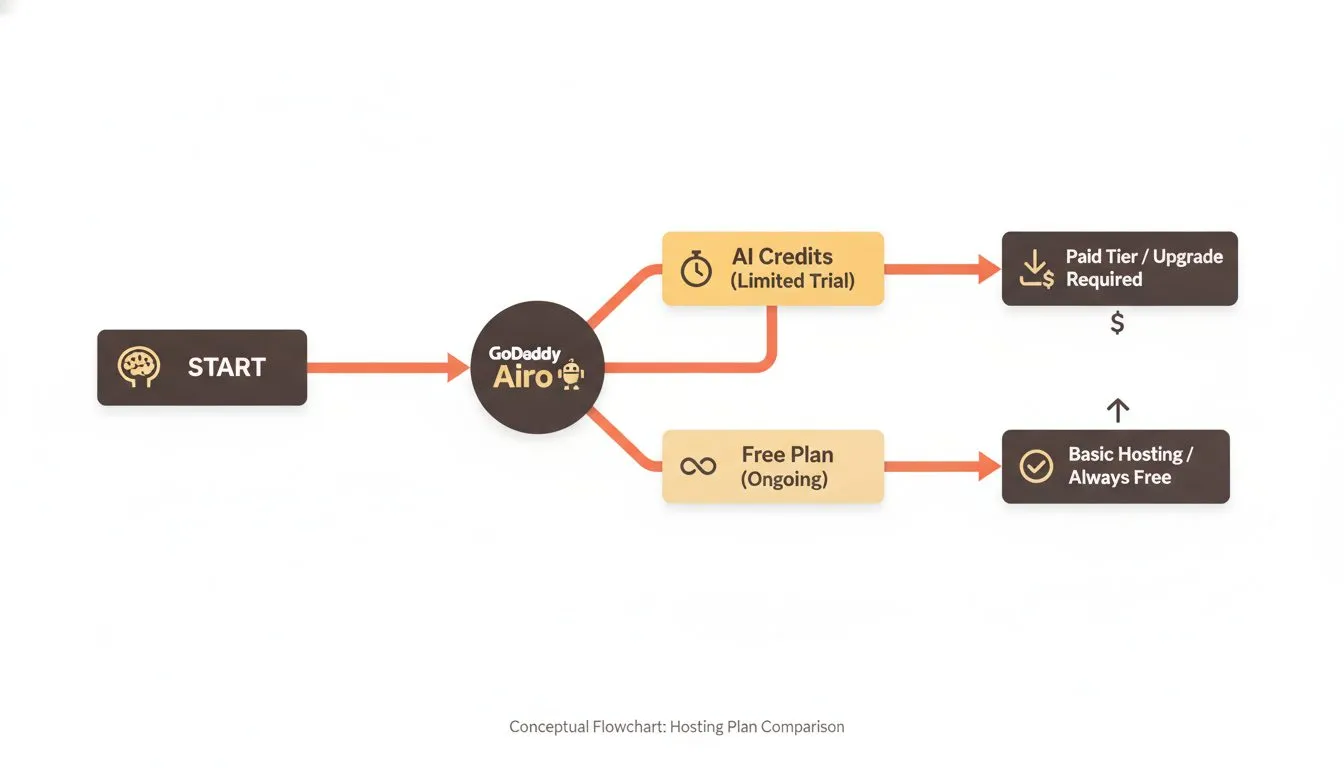
GoDaddy Airo offers AI credits to get started, not an ongoing free hosting plan
GoDaddy's Airo builder generates a site from a short description, using AI. You can start without a credit card.
It's the fastest option here if you just want something to look at.
What's actually free
GoDaddy's own language is direct: "Start for Free with 50 AI credits a month. No credit card required." Those credits power the AI generation and editing tools.
The catch
Credits expire at the end of each billing cycle and don't roll over. Run out, and you buy more or wait for the next cycle.
The site Airo generates is AI-built, not built by a person who understands your business.
What it costs after
GoDaddy's Economy hosting plan runs $5.99/mo on a 36-month term. It renews at $11.99/mo. Deluxe starts at $7.99/mo, renewing at $16.99/mo. GoDaddy states that renewal pricing is subject to change, so treat those figures as current rather than locked.
Two details only appear in the cart. The renewal is $11.99/mo at every term length, so committing longer buys a bigger discount now but no better renewal later. And the intro rate floors at $5.99 from 36 months onward, meaning a 60 or 120-month prepayment gets exactly the same monthly rate as three years. There's also a condition on the free extras: choose a term under 12 months and a dialog warns that changing to less than 12 months will remove your free products. If that renewal gap gives you pause, it's worth reading through the alternatives to GoDaddy before committing.
GoDaddy also bundles Airo's AI tools across its plans, not just on the free tier. It's a real, currently-marketed feature, not a limited-time trial gimmick.
Who it's built for
Someone who wants a fast AI-generated first draft, and is comfortable editing it themselves afterward. Not someone who wants the final version handed to them.
7. Hostinger: honest about not being free
Hostinger doesn't pretend its website builder is free. Its own site states it plainly: "No, Hostinger Website Builder isn't free."
What you get instead is a genuinely full-featured 14-day trial.
What's actually free
Full access to the drag-and-drop editor and 300-plus templates. AI writing and design tools too, plus ecommerce and SEO features, all for two weeks.
The catch
It's 14 days, not forever. If you don't pick a paid plan before the trial ends, the site you built doesn't stay live.
What it costs after
Premium starts at $2.99/mo, listed at $10.99/mo standard. Unlimited starts at $3.79/mo, listed at $16.99/mo, and Cloud Startup at $7.99/mo, listed at $25.99/mo. Those intro rates require a 48-month term paid upfront in a single payment, which is the longest commitment of any host here.
That gap between the intro rate and the standard rate is normal across the industry, and it's the single figure most first-time buyers skip. If Hostinger is on your shortlist, the alternatives worth comparing it against are a useful second stop.
All three include a free domain for the first year. A 30-day money-back guarantee applies across every plan, so the trial risk mostly disappears once you commit.
Who it's built for
Someone already fairly sure they'll buy, who just wants to test the editor first. Not someone who genuinely needs zero dollars out of pocket while they decide.
Methodology: pricing and plan details for all seven companies were read from each company's own website and verified in August 2026. Prices are in US dollars, apply to the US market, and change often, so check the current rate before you buy.
The bottom line: which free option fits you?
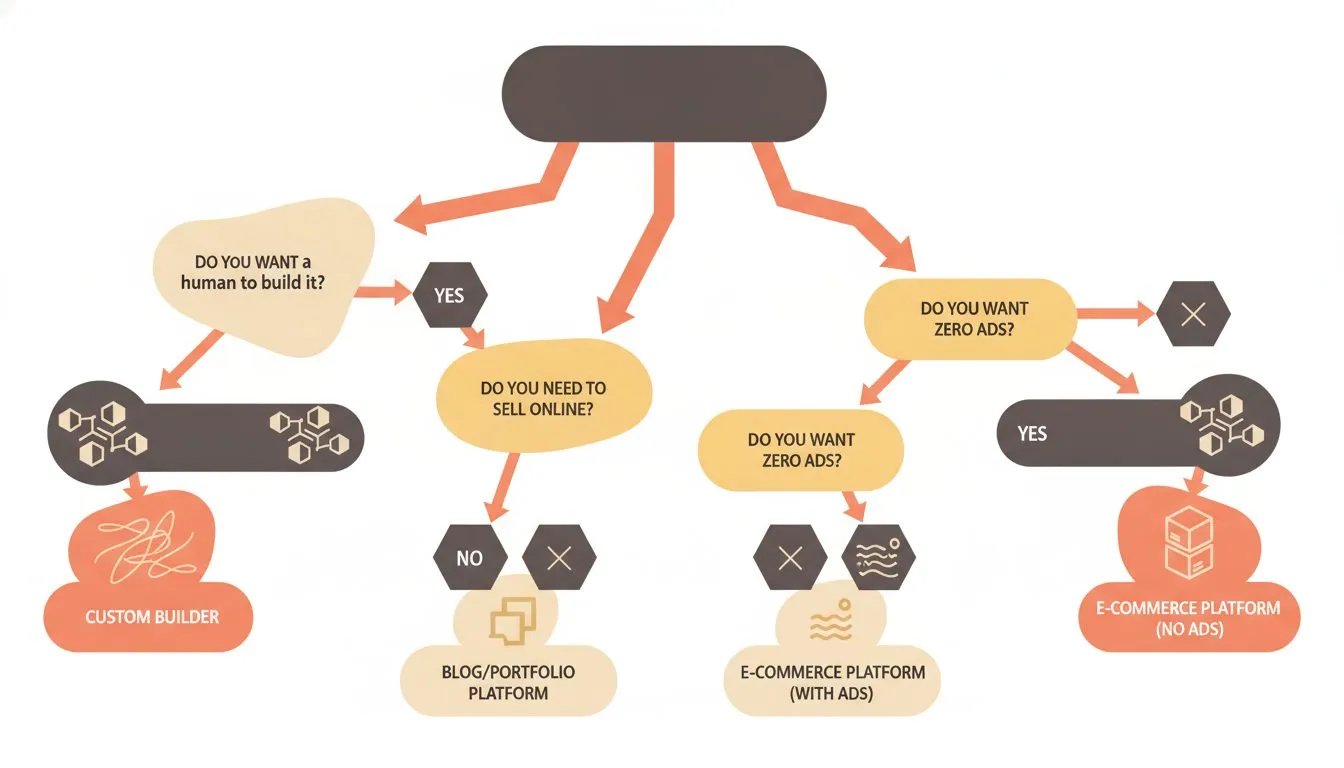
Use this decision tree to find the free website option that fits your situation
Need a placeholder online today, nothing more? Google Sites costs nothing and takes minutes.
Want to design the site yourself and don't mind a subdomain for now? WordPress.com or Wix both give you a real, permanent free tier.
Testing whether people will actually buy from you? Weebly's free shopping cart is the one plan built for that.
Speed matters more than polish? GoDaddy's Airo credits generate something in minutes, just watch the credit clock. Not sure a free builder is the right route at all? Our guide to how to get a website compares all four ways, including hiring someone and having one built with your hosting.
Still in school? Student status unlocks free options the public can't get, including the GitHub Student Developer Pack, which covers a domain for the first year. We compared seven of them in free web hosting for college students.
Planning to sell something rather than just be findable? A course or a paid membership needs more than a free builder can carry, and our guide to building a course website without being technical covers what that takes.
Want a real website live this week, built by someone else, without touching a page editor? See what's included with Flashcloud's free starter website. One decision, and a working site is sorted.

Nickola Naous is the co-founder of Flashcloud and the technical half of the team. He's spent nearly two decades building and running web hosting infrastructure, and co-founded and sold a hosting company before starting Flashcloud. He writes about performance, servers, security, and how AI is reshaping the technology behind a fast, reliable website.
Connect on LinkedIn