Best Web Hosting for Moodle Websites in 2026
Compare six hosts against Moodle's strict memory and cron requirements to see whether official hosting or standard shared plans fit your courses best.
Six ways to host Moodle in 2026, compared on what a real install actually needs. Flashcloud installs and configures Moodle for you free. MoodleCloud is official but forbids plugins on every tier. The rest are general-purpose hosts that run Moodle without documenting it.
Moodle powers 146,110 registered sites across 236 countries, serving more than 525 million user accounts. Schools, universities and independent course creators all rely on it. Picking the wrong host turns a straightforward course into a slow, unreliable one.
Here's the number that matters most for this decision, and it comes from Moodle's own statistics: 116,091 of those sites have under 1,000 users. That's 79.5% of every registered Moodle install in the world. Shared hosting is not a compromise for most Moodle sites. It's the normal case.
Moodle isn't like installing a blog. It needs specific PHP and database versions, enough memory to run properly, and a cron job that fires every minute. Get any of that wrong and course pages time out or backups quietly fail.
This guide compares six ways to host Moodle, one of them ours. Where a provider publishes nothing, we say so rather than guessing. If you want the general version of this method, our guide on how to choose web hosting sets out the four questions that decide any hosting choice.
Every price and requirement in this guide was taken from each provider's own website in October 2026.
Moodle hosting at a glance
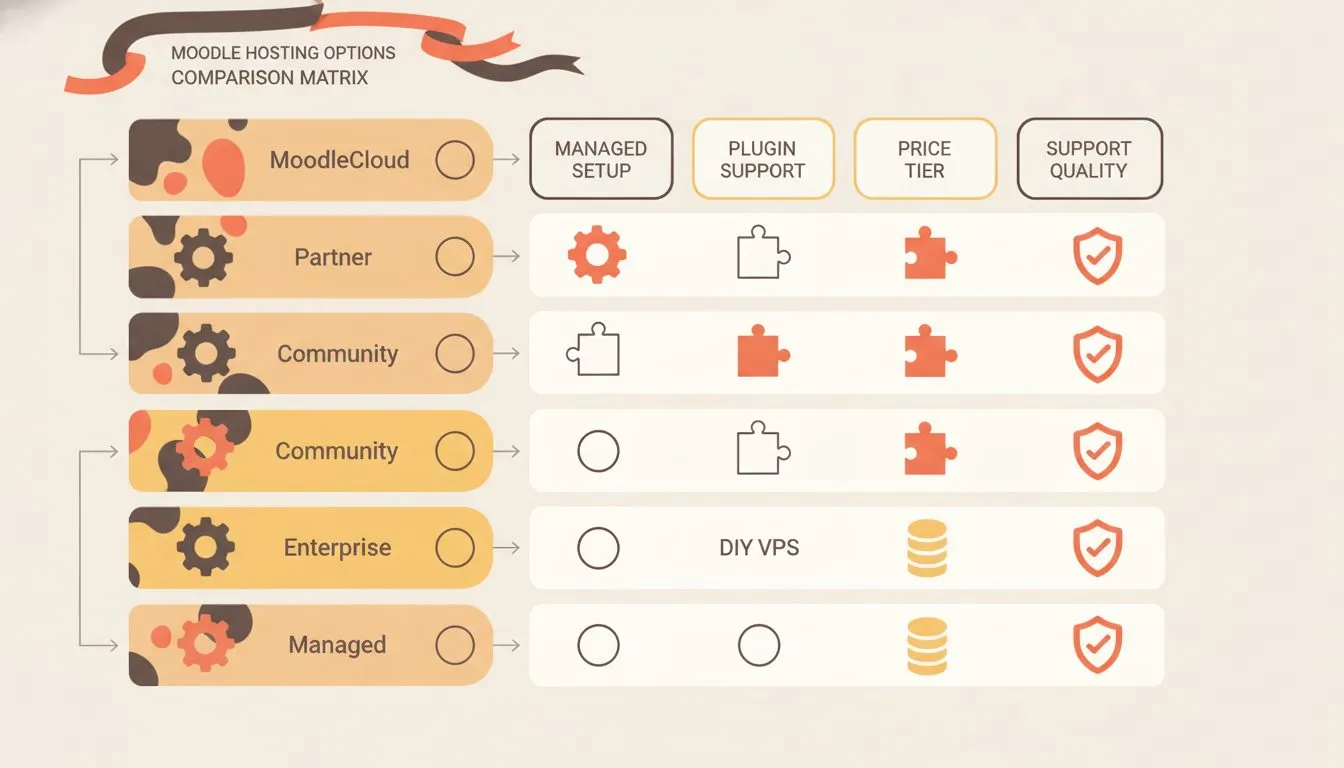
How the six hosts stack up across the criteria that matter most for Moodle
Six options make this list: Flashcloud, MoodleCloud, HostGator, SiteGround, GreenGeeks and HostPapa.
Flashcloud installs and configures Moodle for you at no charge, and includes a domain free for as long as you stay. MoodleCloud is Moodle's own service, fully managed but priced by student headcount and closed to plugins. The other four are capable general-purpose hosts that will run Moodle, but none markets a Moodle product.
Platform | Starting price | Renews at | Best for | Key differentiator |
|---|---|---|---|---|
Flashcloud | $2.79/mo | $9.99/mo | Anyone who wants Moodle set up for them | Installation and configuration done by our team, free |
MoodleCloud | $170/yr | Not published | Small pilot courses | Official Moodle, fully managed |
HostGator | $3.75/mo | $10.99/mo | Budget-conscious solo tutors | Familiar cPanel at a low entry price |
SiteGround | $2.99/mo | $17.99/mo | Institutions wanting hands-on support | Staging and managed hosting tools |
GreenGeeks | $2.95/mo | $13.95/mo | Eco-conscious campuses | 300% renewable energy match |
HostPapa | $2.95/mo | $8.99/mo | Non-technical course creators | One-on-one onboarding call |
Shared hosting prices are entry-tier rates on the terms noted in each section below. MoodleCloud bills annually by student count. We break each one down next. Not sure what spec you need? Start with what Moodle actually requires from a server.
1. Flashcloud: Moodle installed and configured for you
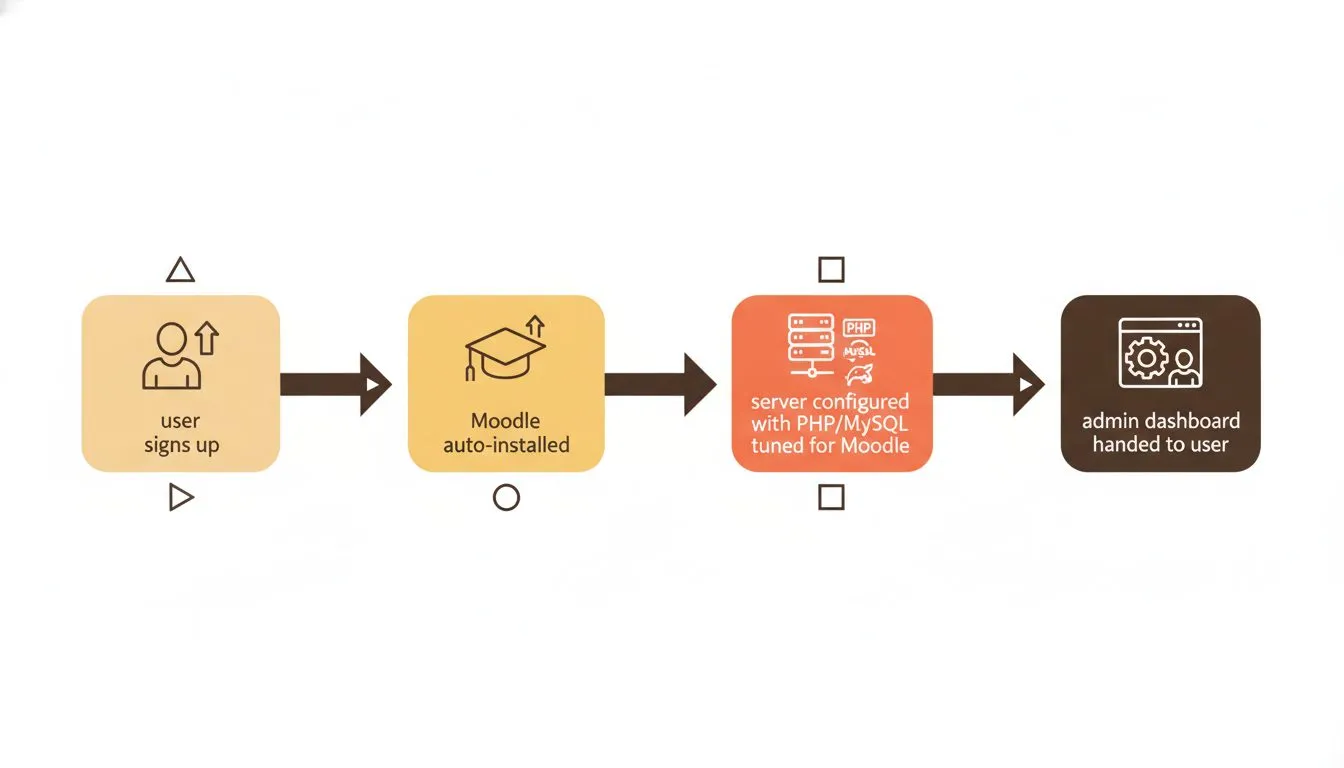
Flashcloud handles every setup step before you log in for the first time
Full disclosure: Flashcloud is our own hosting company, so we're not a neutral judge here. We've held the other five to the same standard we'd want applied to us.
Flashcloud launched in March 2026, built by two founders with close to 40 years in hosting between them. It isn't chasing the biggest name in the category. It's chasing the fewest surprises for the person signing up.
For Moodle specifically, that means we install it and configure it for you, free, and we tell you which plan suits your student numbers before you buy rather than after.
How it handles Moodle
Every plan runs a Moodle-ready environment. The PHP version and extensions Moodle requires are already in place, memory limits are set well above Moodle's floor, and cron is configured so scheduled tasks actually run. That last point matters more than it sounds, and we come back to it below.
Daily backups cover the database and the moodledata folder, with 30 days of history and one-click restore. Staging is available, so a Moodle upgrade can be tested before it touches a live course.
If you're moving an existing install, we migrate the database, moodledata and config for you at no cost, and we schedule it for a break in your teaching calendar rather than mid-term. Unused time at your old host gets credited back, up to six months added to your new plan.
We support the other open-source platforms too: Chamilo, Claroline, ATutor, Forma LMS and ILIAS all run on the same environment.
What you'll pay
The Start plan is $2.79/mo on a 12-month term with 25 GB of NVMe storage and one website, renewing at $9.99/mo. On a 3-year term it's $2.99/mo, renewing lower at $8.99/mo.
Grow adds unlimited websites and 50 GB for $3.79/mo, renewing at $11.99/mo. Scale runs $8.49/mo with 100 GB, renewing at $22.99/mo. For a single school or a single course creator, Start or Grow covers it comfortably.
There's also a free student plan: verify a student email and the Start plan is free for 12 months, then $4.99/mo. A domain isn't included on that one.
Pros and cons
Pros: Moodle installed and configured by our team at no charge, a domain free for as long as you stay including renewals, free migration with unused months credited back, and daily backups covering moodledata as well as the database. Support is human, 24/7, with no chatbot in front of the queue.
Cons: we're newer than hosts that have run Moodle installs for over a decade, and we don't publish Moodle-specific performance benchmarks. If a long public track record is your deciding factor, that's fair.
Who it's built for
A single school, department, or independent course creator running one or two Moodle sites. Anyone who wants the server side handled without hiring someone to do it.
2. MoodleCloud: official, managed, and closed to plugins
MoodleCloud is run by Moodle HQ, the organisation behind the software. It's the most Moodle-native option here. Moodle handles the server, the updates and version compatibility, so there's nothing to configure and nothing to break during an upgrade.
How it handles Moodle
There's no installer, because there's nothing to install. You sign up, pick a plan, and get a working Moodle site on a MoodleCloud subdomain.
One limitation deserves stating plainly, because it isn't obvious from the plan cards. MoodleCloud does not allow plugins on any tier. Their own wording: "To keep our plan costs low and your site simple to manage, you are not able to install any plugins or integrations."
Moodle's plugin directory is one of the main reasons people choose Moodle over a closed platform. If you need a specific gradebook plugin, an integration with your student information system, or a particular theme, MoodleCloud is not the route. If you're weighing self-hosted Moodle against a hosted course platform more generally, we compared seven of them for teachers, including what each takes from a sale.
What you'll pay
Pricing runs by student count, not by server resources. All plans are billed annually.
Plan | Price/yr | Max users | Storage | Custom domain |
|---|---|---|---|---|
Starter | $170 | 50 | 1 GB | Not available |
Mini | $280 | 100 | 2.5 GB | Not available |
Small | $510 | 200 | 5 GB | Not available |
Medium | $1,230 | 500 | 20 GB | Add-on, $160 AUD/yr |
Standard | $2,170 | 750 | 50 GB | Included |
Two details worth knowing. The custom domain must be bought elsewhere, since MoodleCloud doesn't supply one, and its add-on price is quoted in Australian dollars even in the USD view. And the plans stop at 750 users. Above that, Moodle routes you to its Certified Partners.
A 28-day free trial of the Starter plan is available with no credit card required.
On storage, the Starter tier works out to $170 per gigabyte per year. That drops to about $43 per gigabyte on Standard. For comparison, Flashcloud's Start plan at its renewal rate works out around $4.80 per gigabyte per year.
That comparison isn't entirely fair on its own, because MoodleCloud's price includes fully managed upgrades and support from the people who write Moodle. But it does show what you're paying for, which is management rather than resources.
Pros and cons
Pros: zero server administration, automatic Moodle updates, and support from Moodle HQ itself. For a pilot course, nothing else removes as much work.
Cons: no plugins on any tier, storage that's tight at the lower end, pricing that scales with headcount rather than usage, a hard ceiling at 750 users, and no custom domain below the Medium plan.
Who it's built for
An administrator who wants nothing to do with servers and doesn't need plugins. A single pilot course or a small department testing Moodle for the first time. Larger installs and anyone with a plugin requirement will outgrow it.
If you want that management without MoodleCloud’s limits, independent managed hosts are another route. Cubite, for example, isn’t a Moodle Certified Partner, but it runs Moodle with version upgrades, security patches and daily backups included, and it maintains the plugins you run. As of October 2026, its plans start at $690 a month for up to 500 concurrent learners, which suits a large install rather than a single course.
3. HostGator: familiar cPanel, no Moodle product
HostGator doesn't market a Moodle product. What it offers is cPanel shared hosting with a one-click installer library, which is enough for a course creator comfortable with a setup wizard.
How it handles Moodle
There's no Moodle-specific onboarding. HostGator's knowledge base does have a Moodle article covering PHP versions, and it states that the minimum PHP available on shared servers is 8.1.
That article is built around Moodle 3.11, four major versions behind current. Moodle 5.2 requires PHP 8.3 as a minimum, so anyone following that guidance would be planning against the wrong numbers.
What you'll pay
On a 36-month term, Hatchling starts at $3.75/mo and renews at $10.99/mo. Baby is $4.50/mo renewing at $16.49/mo, and Business is $6.25/mo renewing at $21.99/mo. Shorter terms cost more per month from the start.
Pros and cons
Pros: a low entry price, a familiar cPanel interface, and a 30-day money-back guarantee on qualifying plans.
Cons: no Moodle-specific support, no pre-tuned PHP settings, and published Moodle guidance that predates the current release by four versions. Assisted migration is a paid service on every shared tier.
Who it's built for
A course creator comfortable managing their own install after the initial setup. If the renewal is the sticking point, our guide to HostGator alternatives covers the wider field.
4. SiteGround: strong support, outdated Moodle guidance

Outdated hosting guides can leave you configuring the wrong Moodle version
SiteGround built its reputation on managed hosting tools, staging environments and responsive support. It has a full Moodle knowledge base category, which is more than most hosts here.
How it handles Moodle
Installation runs through SiteGround's own App Installer in Site Tools rather than Softaculous. The knowledge base covers installation, initial configuration, modules and themes, which is the most extensive Moodle documentation of any host in this comparison.
The problem is that it's badly out of date. SiteGround's Moodle requirements page states PHP 5.6 or above and MySQL 5.5 or above. Moodle 5.2 requires PHP 8.3 and MySQL 8.4. A reader following that page would be planning against figures roughly a decade old, and an install built to them would fail outright.
What you'll pay
On a 12-month prepaid term, StartUp is $2.99/mo renewing at $17.99/mo with 10 GB and one website. GrowBig is $4.99/mo renewing at $29.99/mo, and GoGeek is $7.99/mo renewing at $44.99/mo.
That entry renewal is roughly six times the intro rate, the steepest jump in this comparison. To SiteGround's credit, those renewal prices are printed on the plan card rather than hidden in checkout.
Pros and cons
Pros: a strong support reputation, staging environments, and the most Moodle documentation of any host here by volume.
Cons: that documentation is years out of date on the requirements that matter, and the renewal jump is the steepest in this comparison. 10 GB on the entry plan is tight once course video is involved.
Who it's built for
An institution already using SiteGround that wants to add Moodle to an existing account. Harder to justify for a budget-conscious course creator starting fresh, and worth reading our SiteGround alternatives guide before committing to a renewal at $17.99.
5. GreenGeeks: an eco-conscious generalist
GreenGeeks has run a 300% renewable energy match and been an EPA Green Power Partner since 2009. It works with the Bonneville Environmental Foundation, which calculates its annual consumption and buys renewable energy certificates at three times that figure.
How it handles Moodle
GreenGeeks publishes an "LMS Hosting" page. It never mentions Moodle.
What it does have is a Softaculous install tutorial and a separate guide for running Moodle on a VPS with Docker. There's no Moodle-specific configuration guidance, no PHP tuning notes and no cron instructions.
What you'll pay
Lite is $2.95/mo renewing at $13.95/mo, Pro is $4.95/mo renewing at $18.95/mo, and Premium is $8.95/mo renewing at $30.95/mo.
One pricing quirk worth catching: the discount applies to the 12-month term only. A 24-month term is billed at full list price with no discount at all, which reverses the usual advice about committing longer.
Pros and cons
Pros: a genuinely long-standing environmental commitment, documented rather than asserted, and standard cPanel hosting that runs Moodle without trouble.
Cons: an LMS page that doesn't mention the most widely used LMS in the world, a 12-month-only discount window, and a renewal at roughly 4.7 times the intro rate on the entry plan.
Who it's built for
A school or course creator who genuinely values the environmental commitment alongside standard hosting, and who plans to move or renegotiate before the renewal lands.
6. HostPapa: the friendliest entry point
HostPapa markets itself the same way we do: small-business-first, no jargon, built for people who aren't technical. It's Canada-based, with a one-on-one onboarding call on every plan.
How it handles Moodle
HostPapa has a full Moodle knowledge base category covering Softaculous installation, manual installation, plugins, themes, language packs and course setup. It's genuinely thorough.
It's also written for Moodle 3 throughout. The onboarding call covers general setup rather than Moodle configuration.
What you'll pay
The renewal rate is set by the term you first buy, and all four rates only appear in checkout. A 36-month term is $2.95/mo renewing at $8.99/mo. A 24-month term is $3.95/mo renewing at $9.99/mo. A 12-month term is $4.95/mo renewing at $10.99/mo.
That $8.99 is the gentlest renewal of any shared host in this comparison, though it requires committing three years to get it. Our HostPapa alternatives guide covers the rest of that pricing structure.
Pros and cons
Pros: a genuinely non-technical audience fit, a human onboarding call few budget hosts offer, and the lowest renewal rate among the shared hosts here on the longest term.
Cons: Moodle documentation written for a version three releases old, no Moodle-specific configuration help, and backups that are free for the first year only before becoming a paid add-on.
Who it's built for
A course creator who wants the friendliest possible entry into hosting and values a human onboarding call over Moodle-specific expertise.
The thing none of the four generalists publishes
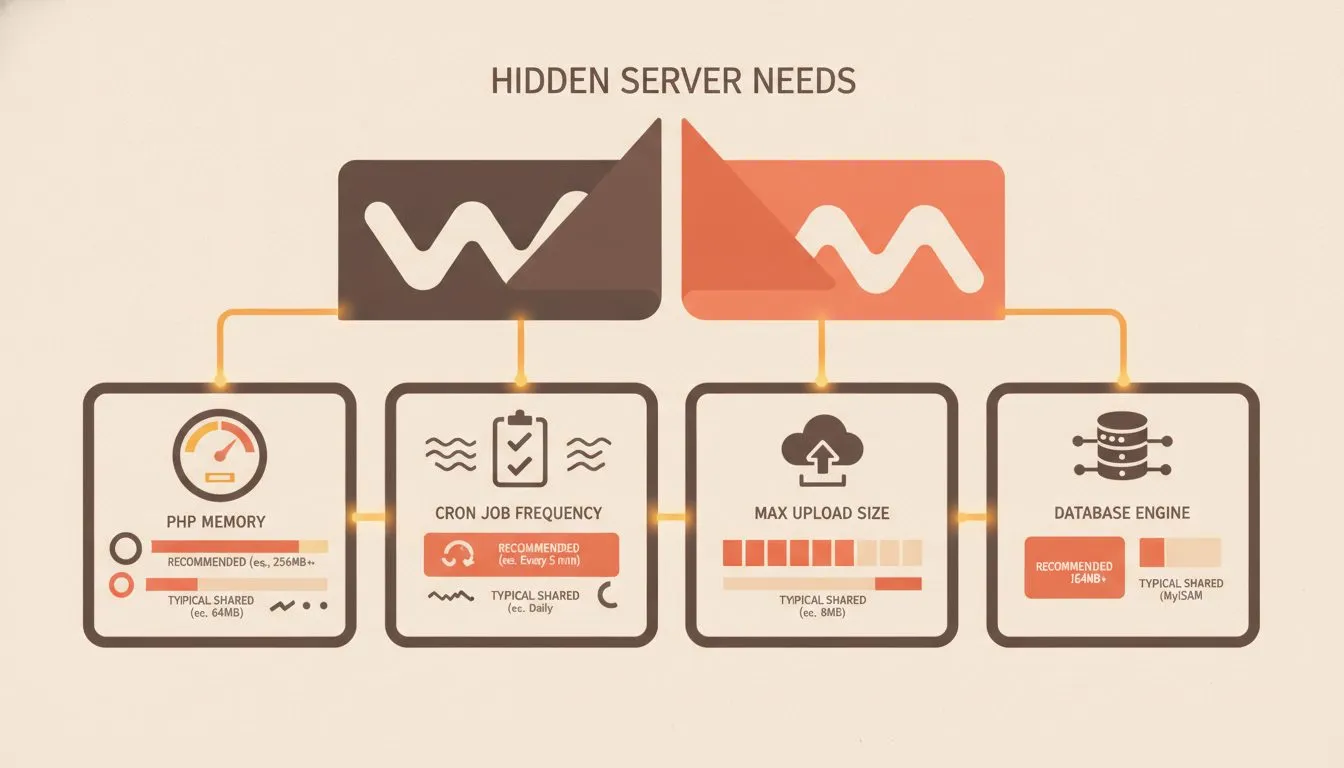
The four server settings generalist hosts rarely mention — but Moodle depends on them
Worth stating plainly, because it's the most common way a shared-hosting Moodle install goes wrong.
Moodle needs a cron job running every minute. Moodle's own documentation is blunt about it: "Do not skip setting up the cron process on your server for your Moodle. Your site will not work properly without it." Without cron, forum emails stop sending, course backups stop running, and grades stop syncing. Nothing displays an error. It simply stops working, quietly.
None of HostGator, SiteGround, GreenGeeks or HostPapa publishes Moodle cron guidance anywhere in its documentation. For what it's worth, ours is here: setting up cron jobs. We also configure it for you during setup, so on our plans it isn't something you need to do yourself.
It's the sort of thing that surfaces three weeks into a term, when someone asks why nobody received the assignment reminder.
Which Moodle host should you choose?
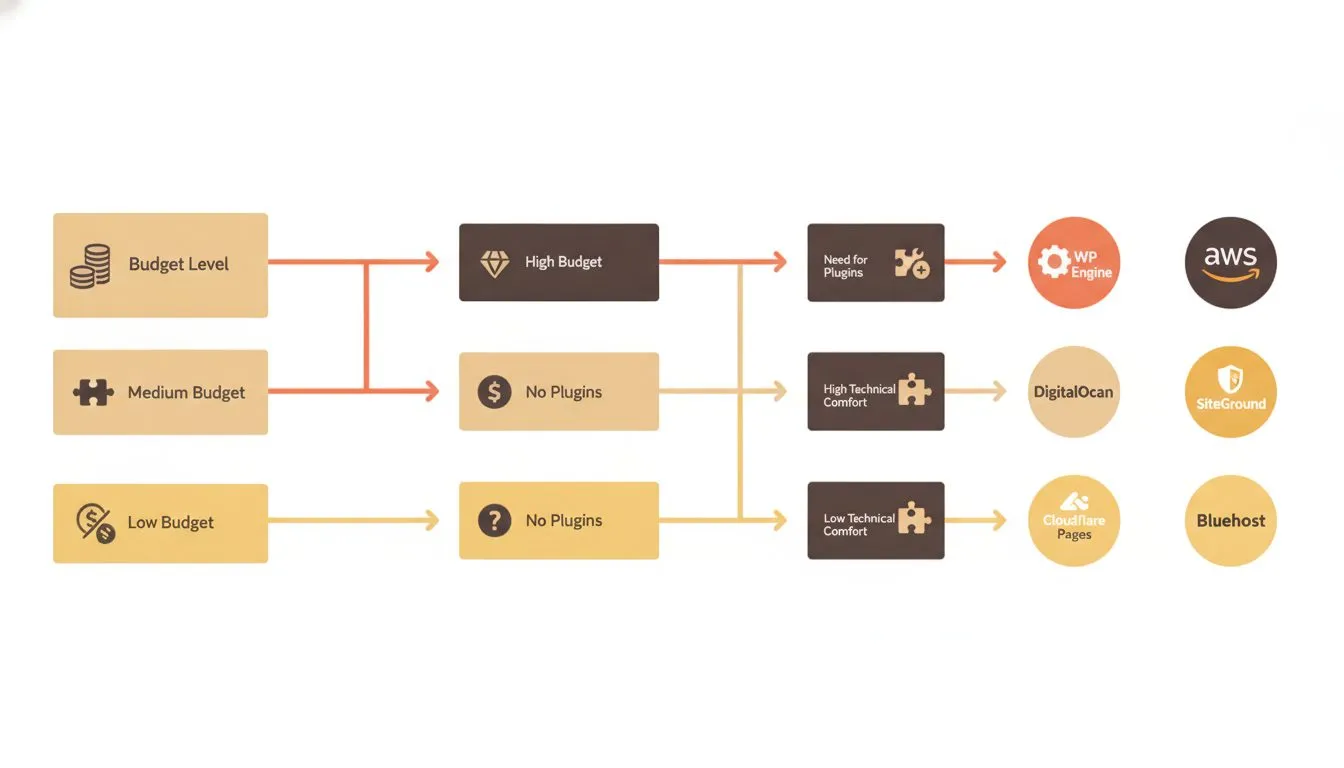
Follow the branches to find the right Moodle host for your situation
A solo course creator with one class doesn't need much. Flashcloud's Start plan or HostGator's Hatchling both cover a small install. Only Flashcloud installs and configures Moodle for you as part of the plan.
A school running its first Moodle pilot has two real choices. MoodleCloud removes server administration entirely, at a real cost per student and with no plugins available. Flashcloud's Grow plan costs less, hands you far more storage, and keeps the plugin directory open, but the install stays yours to run.
A department that needs specific plugins can rule MoodleCloud out immediately. That's the clearest decision point in this comparison.
A district planning several years ahead should compare HostPapa's $8.99 three-year renewal against Flashcloud's $8.99 on the same term, then look at what each includes. Neither jumps the way SiteGround or GreenGeeks does, which matters once a multi-year budget is set.
If you're unsure which plan fits your student numbers, that's what our setup team is for. Tell us what you're building and we'll recommend a plan and get Moodle running for you. You don't need a credit card to ask.

Neycho Tepavicharov is the co-founder of Flashcloud, with nearly two decades in web hosting behind him and a hosting company he co-founded and sold along the way. He started Flashcloud to make hosting clearer, more generous, and genuinely supportive, and he writes about hosting, performance, how AI is changing the industry, and the occasional strong opinion about where it gets things wrong.
Connect on LinkedIn