How to build a restaurant website that gets reservations
Most restaurant sites bury the booking under a slideshow, a PDF menu and a pop-up. Nine steps to a site built around one button.
Empty tables on a Tuesday cost the same rent as full ones on Saturday. A website can't cook or pour. It can fill seats you'd otherwise lose.
The trick is giving a hungry stranger one clear way to book. Plenty of restaurant sites bury it under a slideshow, a PDF menu, and a pop-up. The guest gives up and tries the place next door.
This guide covers nine steps. You'll pick a booking tool, design the page around one button, and tame no-shows. You'll also see what hosting has to do with it.
Why your own website still decides the booking
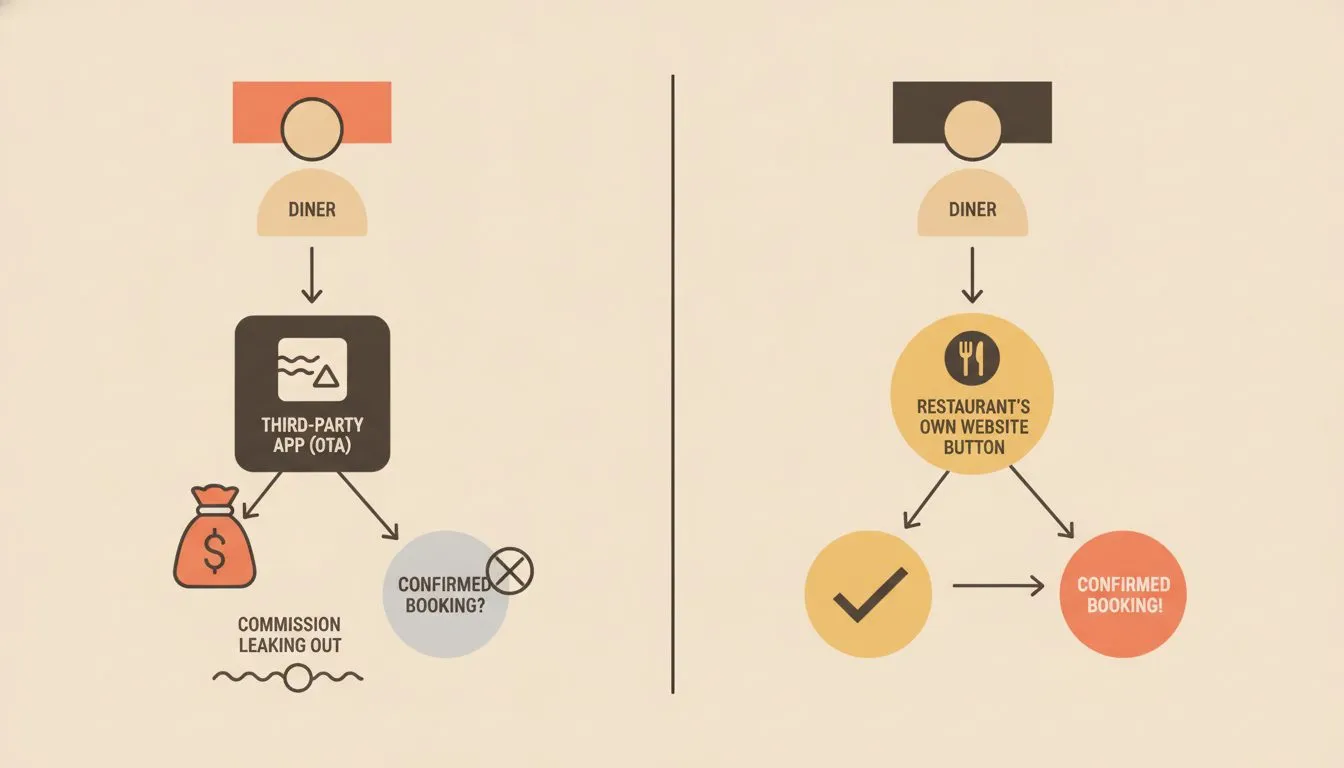
Diners research before they book. In a Toast diner survey, 32% said they always check a restaurant's website before visiting. Another 51% said they sometimes do.
The same research points to where bookings happen. Toast's reservations report, published July 30, 2026, found 65% of surveyed diners book on the restaurant's own website. Your site is the front door, not a brochure.
That makes it a booking channel worth getting right. The nine steps below take you from a blank page to a site that turns searches into seated guests. If you haven't picked a route to a website yet, start with how to get a website.
Here's the journey you're designing: a guest searches your name, lands on your homepage, and taps one button. They pick a date and time, then get a confirmation. A reminder arrives the next day, and they show up.
Every step in this guide removes friction from one part of that path. If a change doesn't help that guest, skip it. The best restaurant sites feel obvious because someone cut everything that wasn't.
Step 1: Pick one goal and measure it
A restaurant website can do ten jobs. It can sell gift cards, announce events, take takeout orders, and recruit line cooks. Each job competes for the same few inches of screen.
For this guide, reservations are job one. Pick a single number to track, such as reservation clicks per week. Everything else on the page either supports that number or moves down the page.
Before you change anything, write down your starting point. Count how many bookings came from the website last month. If you can't, that's your first fix, because the tool in Step 2 should report it for you.
Step 2: Choose your reservation tool
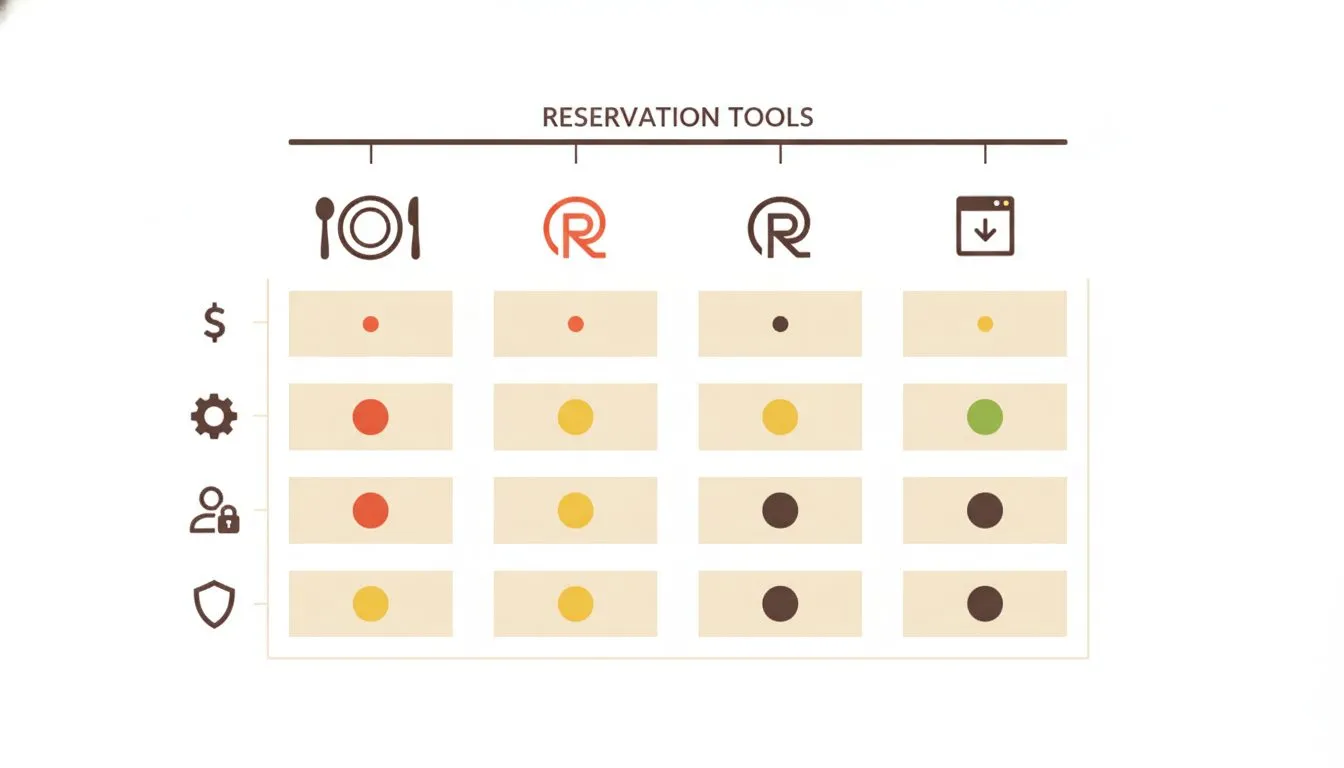
Your booking tool decides how the whole experience feels. A clunky widget loses guests at the last click. A smooth one takes about thirty seconds.
Look at the options side by side. The table below covers the common routes for a restaurant in the United States.
| Option | How it works | Best for | Watch for |
|---|---|---|---|
| OpenTable | Marketplace listing plus a booking widget for your own site | Restaurants that want new diners to discover them | Fees can apply per seated guest, so read the contract |
| Resy | Reservation system with its own diner app and a site widget | Busy dining rooms with limited seating | Plan tiers and fees vary, so ask for a current quote |
| SevenRooms | Reservation and guest-data platform with embeddable booking | Larger venues and multi-location groups | Quote-based pricing and more setup than a small café needs |
| Toast Tables | Reservations built into Toast's restaurant platform | Restaurants already running Toast point of sale | Works best when the rest of your stack is Toast too |
| Simple form or call link | A contact form or tap-to-call button handled by staff | Small cafés and bakeries with few tables | Staff time rises, and replies must be fast |
Fees and plan tiers change often. Ask each vendor for current rates in writing before you sign. This table is a starting point, not a price list.
Whichever tool you pick, ask three questions first:
- Who owns the guest data? You want the right to export names, emails, and visit history.
- What does each booking cost? Some tools charge per seated guest, and the fees add up on busy nights.
- Can I embed it on my own page? Guests shouldn't land on a different site to finish booking.
If the answers are good, you've found your tool. If any answer is vague, keep looking.
Step 3: Build the homepage around one button
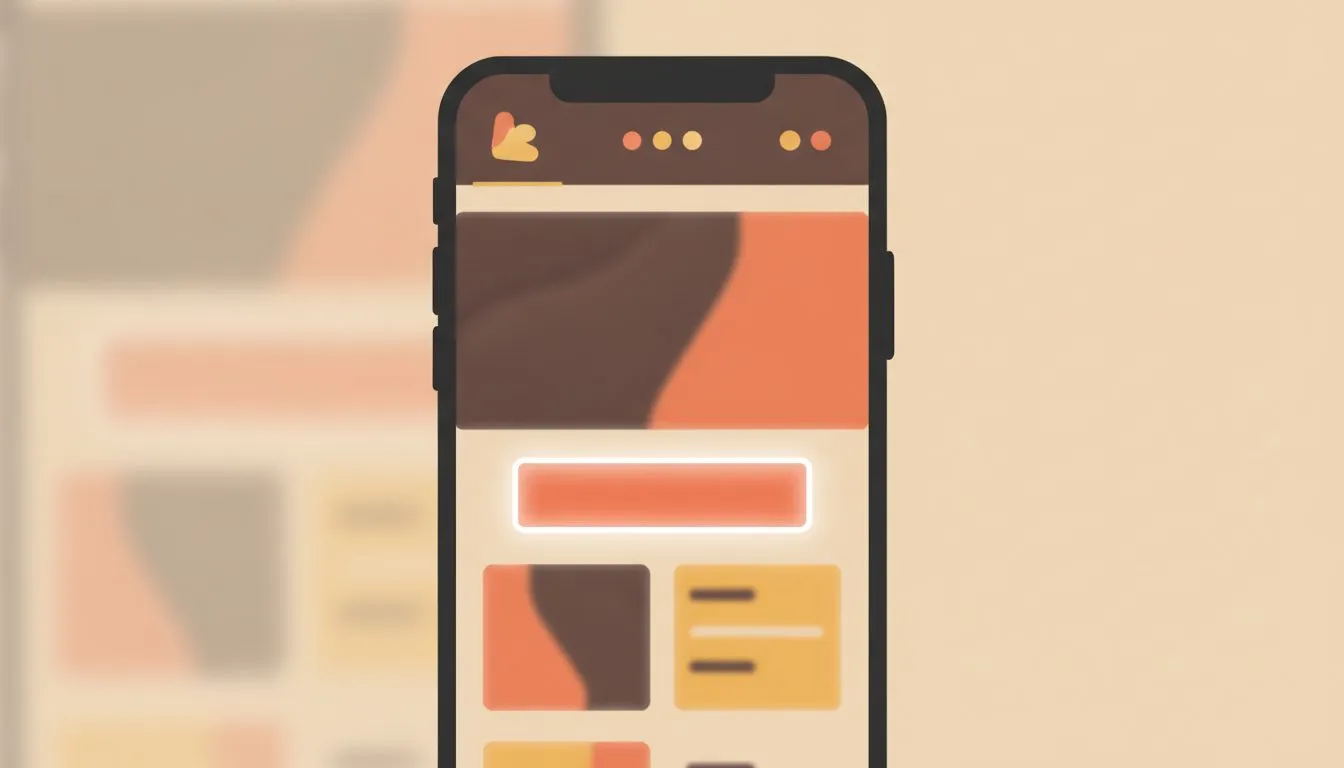
A hungry visitor on a phone gives you a few seconds. Put the answer to their question at the top. The question is almost always "Can I get a table, and when?"
Place a bold "Reserve a table" button in the header. Repeat it after your menu preview and again near the footer. Use the same wording each time so nobody wonders if they're different actions.
Here's what belongs above the fold on your homepage:
- A reserve button. Make it the highest-contrast element on the page.
- Today's hours. Show whether you're open now, and flag holiday changes clearly.
- A tap-to-call number. Some guests still prefer a human, especially for large parties.
- Your address with a map link. One tap should open directions.
- One strong photo. Show real food or your real room, not a stock image.
Everything else can wait below. A story about your grandmother's recipe is lovely. It belongs under the button, not above it.
Step 4: Put the menu on the page, not in a PDF
A PDF menu forces a phone user to pinch, zoom, and scroll sideways. It loads slowly on weak signals. It's also easy to forget to update.
Build the menu as plain text on a web page instead. Group dishes under clear headings. Add prices, short descriptions, and tags for vegetarian, vegan, and gluten-free options.
Allergen information matters too. The FDA lists nine major food allergens, and sesame joined the list in 2023. Flag these clearly on each dish, and invite guests to call about anything you haven't listed.
You can still offer a printable PDF as a secondary link. Just don't make it the only way to see what you serve. Update the web version first, every time.
Step 5: Make the page fast on a phone
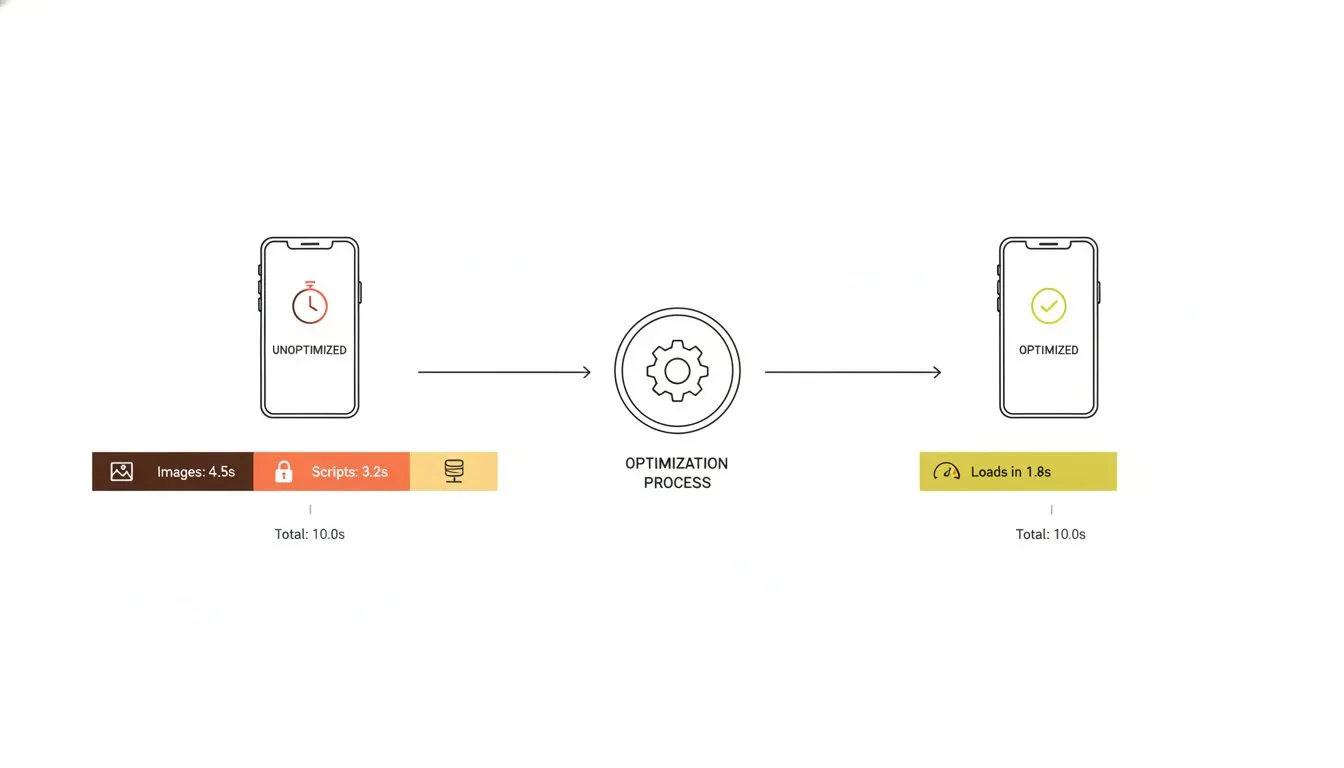
Speed shapes how a restaurant feels before a guest ever tastes anything. A slow page reads as a slow kitchen. Many guests are searching from a couch, a car seat, or a sidewalk.
The standard benchmark is Core Web Vitals thresholds. The main content should load within 2.5 seconds, measured on both mobile and desktop. That's a useful target for any restaurant page.
Three habits get you most of the way there:
- Compress your photos. A hero image rarely needs to be bigger than a few hundred kilobytes.
- Skip auto-playing video. A short clip can live further down the page, behind a play button.
- Limit pop-ups. A newsletter prompt that covers the reserve button works against you.
Hosting plays a part too. Fast storage and built-in caching help every page load quicker. Step 8 covers what to look for.
Step 6: Show the room and answer the small questions
Guests book when small doubts disappear. Is there parking nearby? Can we bring a stroller or a dog to the patio?
Give each of those questions a short, plain answer on the page. A "Plan your visit" section works well. Keep it under your menu and above the footer.
Include these details:
- Parking and transit: Name the nearest lot, garage, or stop.
- Accessibility: Describe entrances, restrooms, and seating options.
- Large parties: State your cutoff and how to book a bigger table.
- Private dining: Add a short inquiry form and a photo of the space.
- Kitchen hours: List when the kitchen closes, not only when the doors do.
Add photos of the dining room at the hour guests will actually visit. A candlelit evening shot sells dinner. A bright morning shot sells brunch.
Also check that your name, address, phone number, and hours match your map and search listings. A mismatch confuses guests and search engines alike. Fix one, then update the rest the same day.
Step 7: Set booking rules that cut no-shows
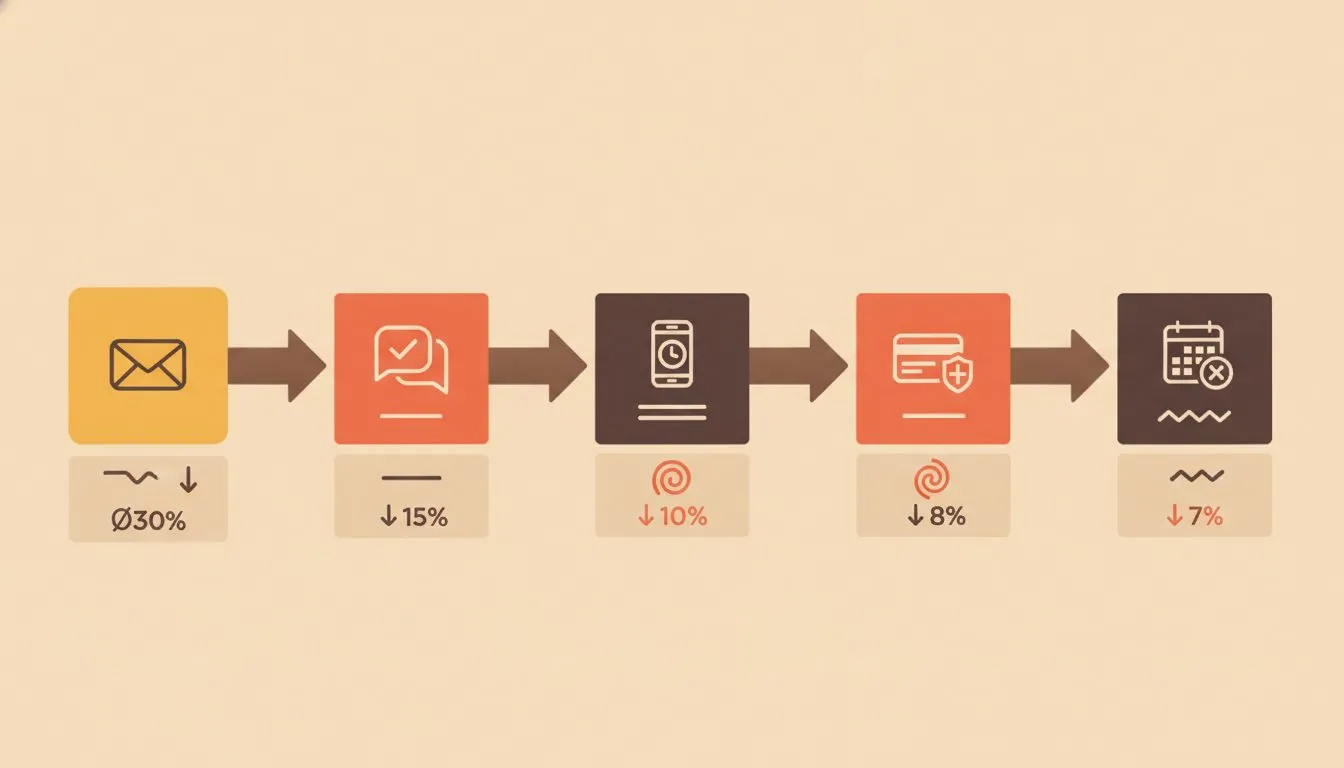
Every empty reserved table is lost revenue. Bloom Intelligence's reservation data covers advance bookings across roughly 50 locations from January 2025 to August 2026. It found 3.7% of parties never arrived, and 15% canceled.
Together that's nearly one in five booked tables. The data is directional, not a universal benchmark. It still shows why a clear policy pays off.
Parties of seven or more showed a no-show rate of only 1.8% in the same data. Small parties are where reminders matter most. A few simple rules go a long way:
- Send confirmations and reminders. A text or email the day before gives guests an easy way to cancel.
- Set a cancellation window. State it plainly beside the reserve button, not buried in terms.
- Use deposits selectively. Consider them for peak nights or very large parties, where an empty table hurts most.
- Run a waitlist. Cancellations then become fresh bookings instead of dead air.
Be kind in the wording. "We hold your table for 15 minutes" sounds friendlier than "Late guests forfeit their reservation."
Clear rules feel fair when they're stated early. Guests who see the policy before they book rarely argue about it later. Put the same wording in your confirmation message too.
Step 8: Choose hosting and a domain that keep the site up
Your website should never go down on a Friday at 6 p.m. It's the exact moment guests are looking for a table. Hosting is the quiet decision that protects those minutes.
Start with the domain. Pick something short that matches your restaurant's name, and avoid hyphens and numbers. Our guide to choosing a domain name walks through the process.
Then look at what the hosting plan includes. For a restaurant, five features matter most:
- Speed: Fast storage and caching keep menu pages quick.
- Daily backups: You can restore a menu update you broke by mistake.
- SSL: The padlock tells guests the site is safe.
- Email on your domain:
reservations@yourrestaurant.comlooks more professional than a free webmail address. - Real support: Someone should answer when the booking widget stops loading.
Heads up: Flashcloud is our company, so weigh this section with that in mind. We've kept every detail to what's on our plan pages.
Flashcloud covers all five. The Start plan runs $2.79 a month on the 12-month term, renewing at $9.99. It includes 25 GB of NVMe storage and one website.
Daily backups keep 30 days of history. Human support is available around the clock, with an average reply time under 15 minutes.
The domain is free for as long as you stay, with free privacy. If you're moving from another host, migration is free. Flashcloud also adds up to six months of unused time from your old plan.
If you don't have a website yet, the team builds one. The free starter website is a real WordPress site of up to five pages.
It isn't a drag-and-drop builder or an AI generator. A person designs it around your colors, usually within one to two working days. You get one free revision, which can be a full redesign.
Five pages cover a restaurant well: Home, Menu, Reserve and Visit, Our Story, and Contact. The site stays fully editable afterward. You can add your booking widget to the Reserve page yourself.
Three trade-offs are worth knowing before you choose:
- No built-in reservation system. You'd embed the widget from the tool you picked in Step 2.
- No online store in the free build. Online ordering would link out to your ordering provider.
- A newer brand. Flashcloud launched in 2026, built by a team with nearly two decades in web hosting.
Multi-location groups should look at Grow, which adds 50 GB of storage and unlimited websites. Scale offers 100 GB. The plans differ in storage, site count, and server resources, so the choice comes down to how many sites you run.
The billing term changes the math. The annual term costs less up front, at $33.48 for the first year. The 3-year term costs $107.64 up front at $2.99 a month, but covers three years. Over the same three years, the annual term comes to $273.24, and the 3-year term also renews lower, at $8.99.
Compare other options in our roundup of the best hosts for restaurants. It covers seven choices side by side.
Step 9: Track results and tune the page monthly
A restaurant website isn't a one-time project. Menus change, hours shift, and seasons come and go. Ten minutes a month keeps the site working for you.
Check four numbers each month:
- Reservation clicks: How many people pressed the reserve button?
- Completed bookings: How many finished the booking after clicking?
- No-show rate: Did your policies change the number of empty tables?
- Top pages: Which pages do visitors read before they book?
A big gap between clicks and completed bookings points to a tool problem. The widget may be slow or confusing. Test it on your own phone, on mobile data, at a busy hour.
Try small experiments. Change the button text from "Book now" to "Reserve a table" and watch the numbers for a month. Swap the top photo and compare.
Finally, keep a seasonal checklist:
- Holiday hours: Update them two weeks early.
- Menu changes: Refresh the page when dishes change.
- Booking flow: Test it after any site update.
Mistakes that quietly cost bookings
Even a good site can leak reservations. These five mistakes show up again and again. Each one is quick to fix.
The first is hiding the reserve button inside a menu. Visitors who can't see it assume you don't take bookings. Keep it in the header on every page.
The second is a booking widget that opens in a tiny window. On a phone, that window is nearly impossible to use. Test it with your thumb, not a mouse.
The third is stale information. A guest who arrives at a closed door because your holiday hours were wrong won't come back. Check your hours every season.
The fourth is slow, heavy photography. Gorgeous images matter, but only if they load. Compress every photo before you upload it.
The fifth is ignoring the confirmation message. That email or text is a chance to share parking tips, your cancellation window, and a friendly note. Most restaurants leave it as a bare receipt.
Conclusion: fewer clicks, fuller tables
A restaurant website that gets more reservations isn't complicated. It has one obvious button, a menu that reads well on a phone, and clear rules for booking. It loads fast and stays online when the dinner rush starts.
Pick your tool first, then build the page around it. Put the button where thumbs land. Answer the small questions guests would otherwise phone in to ask.
Don't have a site yet? Flashcloud's team builds your starter website free with any hosting plan. Pick a plan, tell them about your restaurant, and a real person sets it up.
Flashcloud plan details were checked on our own pricing page in October 2026. Survey and industry figures come from the sources linked in each section.

Neycho Tepavicharov is the co-founder of Flashcloud, with nearly two decades in web hosting behind him and a hosting company he co-founded and sold along the way. He started Flashcloud to make hosting clearer, more generous, and genuinely supportive, and he writes about hosting, performance, how AI is changing the industry, and the occasional strong opinion about where it gets things wrong.
Connect on LinkedIn