WordPress translation plugins compared: which one fits your site
See how Polylang, TranslatePress, and WPML affect database bloat, SEO, and page speed so you pick the right tool before switching becomes painful.
Reaching a global audience starts with the right translation plugin, and not all of them are built the same. Pick the wrong one and you'll fight slow load times, broken layouts, and SEO that never quite works.
Polylang suits small sites and blogs, with a capable free version and a design built on WordPress core taxonomies. TranslatePress is the pick for visual editing and for WooCommerce, which it includes free. WPML is built for large, complex multilingual projects and agencies, and it is the only one with no free version.
Every figure in this guide was taken from each plugin's own website and its WordPress.org listing in August 2026. Prices are in euros, because none of the three publishes pricing in dollars.
Pick the right one and your site just works in every language you need. That's why we've put the top WordPress translation plugins compared side by side, so you can choose fast and move on with building.
Why your choice of translation plugin matters
A translation plugin touches almost everything on your site. It shapes your database, your URLs, your SEO, and your speed. Get it wrong early and switching later is painful.
So this isn't a small decision. Let's break down what really changes depending on the plugin you choose.
How translation affects site performance
Every language you add creates more content, more database rows, and more queries. That's simply how a multilingual site works. The more you translate, the more your database has to store and serve.
The plugins differ in how they store those translations. Some use WordPress core taxonomies, some create their own custom tables, and some store translations directionally from your default language. Each approach shapes your database differently. If speed already worries you, our guide on why your website is slow is worth a read.
Good hosting helps too. A translated site works far better on tuned WordPress hosting than on cramped, generic servers. Speed and languages should not fight each other.
Manual vs automatic translation: what to expect
You have two paths. Manual translation means you or a translator write every string. Automatic translation uses a machine service to do the heavy lifting.
Manual gives you the best quality and tone. It costs time and often money. Automatic is fast and cheap on effort, but you'll want to review the output before publishing.
Most sites use a mix. Machine translate first, then polish the pages that matter most. That balance keeps quality high without draining your week.
What to look for before you commit
Before you install anything, check the essentials. These features separate a plugin you'll love from one you'll regret.
- Language support: Does it cover the languages you actually need?
- SEO handling: Does it manage hreflang tags and translated URLs?
- Update reliability: Is the plugin actively maintained?
- Builder compatibility: Will it play nicely with your theme and page builder?
- Ease of use: Can you edit translations without touching code?
Keep this checklist close as we review the leading options next.
The most popular WordPress translation plugins reviewed
Three plugins dominate the space. Each has a clear personality and a clear best fit. Here's the honest breakdown.
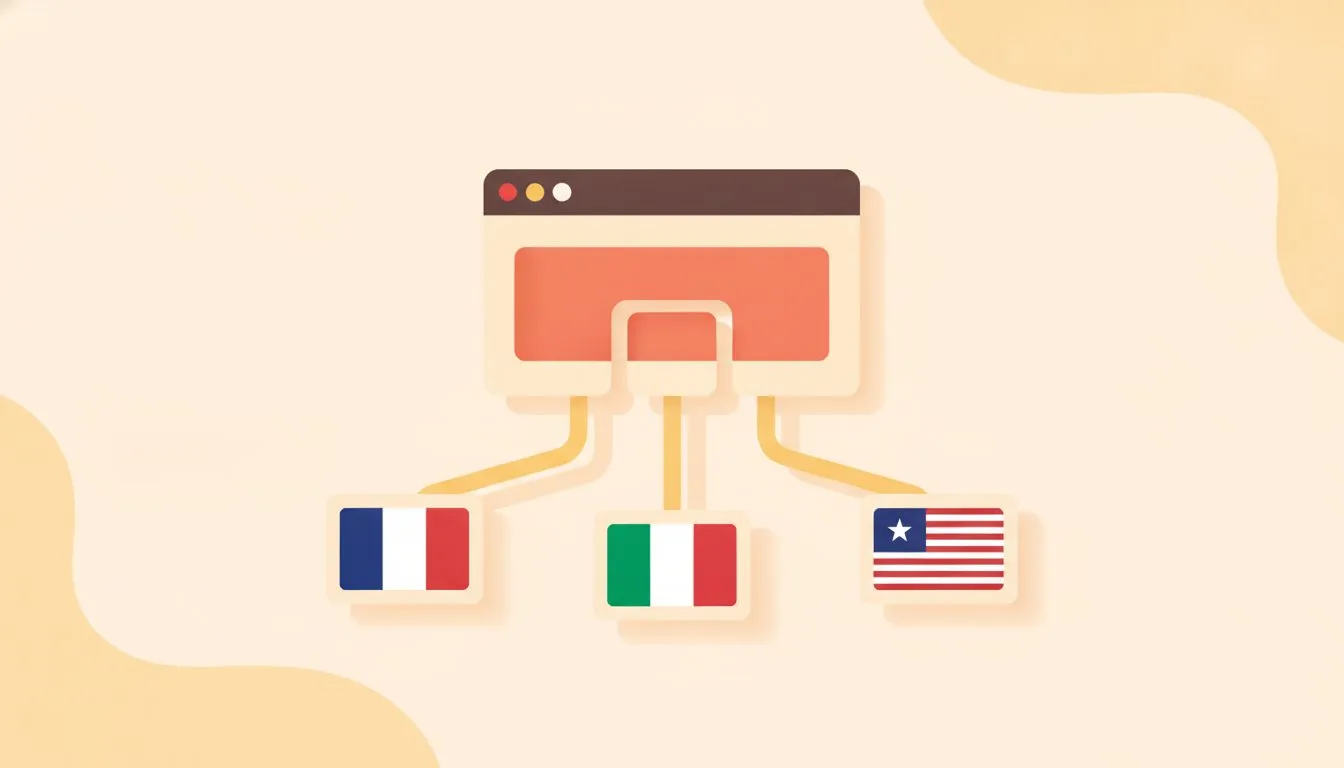
One site, many languages, if you pick the right plugin
WPML: powerful but complex
WPML is the heavyweight. It supports a huge range of languages and handles complex multilingual setups with ease. If you need deep control, it delivers.
The trade-off is complexity, though WPML 5.0 simplified it. A setup wizard sets your languages, URL format, AI engine and translation mode, and everything now sits in one WPML menu with a single Settings page. WPML has no free version, and its core plugin has not been on WordPress.org since 2017. Prices are €39 Multilingual Blog, €99 Multilingual CMS, and €199 Multilingual Agency.
The Blog tier has no e-commerce support and no page-builder support, so the CMS tier is the first usable one for most sites. AI translation words are included, 22,500 on CMS and 45,000 on Agency, translated by WPML’s own AI engine, PTC. Beyond that, Pay-As-You-Go costs from €3.00 down to €0.40 per 1,000 words. Pick WPML when your site is large, layered, and you need serious flexibility. For a simple blog, it's more than you need.
Polylang: flexible and beginner friendly
Polylang keeps things approachable. The free core version covers the basics well, and the interface stays clean and clear. The free version has 800,000+ active installs and a 4.7 rating from 2,974 reviews.
You create translations post by post, with full control over each one. It works beautifully for smaller sites that want quality without a steep curve. Pro is €99 for one site, and renewals are 50% of list price, the only published renewal discount of the three.
The catch is that some advanced features live behind the paid version. Machine translation is DeepL only, Pro only, and needs your own DeepL API key. Polylang's own site states it does not offer a one-click "translate everything" feature. Still, for many creators, the free tier is enough to launch.
TranslatePress: visual editing done right
TranslatePress takes a different route. You translate directly on the front end, seeing exactly how each page looks as you edit. The free version has 400,000+ active installs and a 4.7 rating from 1,646 reviews.
This visual approach is a gift for non-technical users. No hunting through string lists, no guessing where text belongs. You click, you type, you're done. Paid tiers are €99 Personal, €199 Business, and €349 Developer, all billed yearly.
It handles machine translation well too. TranslatePress AI is its own service and needs no API key, with word quotas included per tier. Google Translate and DeepL both require your own API key. For visual thinkers and small teams, it's often the smoothest ride.
Comparing plugins on the features that actually matter
Here's how the three differ on the things that shape your setup.
Feature | WPML | Polylang | TranslatePress |
|---|---|---|---|
Free version | None | Yes, 800,000+ installs | Yes, 400,000+ installs |
Entry paid price, 1 site | €39 Blog, €99 CMS | €99 Pro | €99 Personal |
WooCommerce | From the €99 CMS tier | Separate €99 add-on, or €139 bundled | Included in the free core |
Visual front-end editor | ✗ | ✗ | ✓ |
Translated URL slugs | CMS tier and up | Pro only | Paid SEO Pack |
Machine translation | Own AI engine (PTC), words included | DeepL only, Pro only, your own API key | Own service, no key needed |
Money-back window | 30 days | 30 days, support ticket required first | 15 days |
Renewal price | Not published | 50% of list price | Not published |
Page builders listed by vendor | 5 certified | None published | 9 with integration docs |
All three support manual and machine translation, keep working if your license lapses, and are annual subscriptions with no lifetime option.
SEO and hreflang support
Multilingual SEO lives or dies on hreflang tags. These tell search engines which language version to show which visitor. Get it wrong and Google serves the wrong page.
The three handle hreflang differently. WPML handles hreflang automatically, and since it has no free version, this is a paid feature by definition. Polylang attributes hreflang to Polylang Pro on its own pages. Whether the free version emits hreflang tags is not stated anywhere on Polylang's site, so if you are relying on the free tier, check it yourself. TranslatePress documents hreflang as core behavior in its developer docs, with alternate links and multilingual sitemaps handled by the paid SEO Pack.
SEO plugin compatibility differs sharply too. TranslatePress names six SEO plugins it works with, including Yoast, Rank Math, SEOPress, All in One SEO, Squirrly and Slim SEO. WPML names two: Yoast and Rank Math, with SEOPress support coming. Polylang names Yoast only, and a search of its own site for Rank Math returns nothing.
Translated URLs matter as well. You want your slugs to appear in each language, not stuck in English. If SEO drives your traffic, our take on how AI is reshaping SEO gives useful context.
Speed and database impact
How each plugin stores translations shapes what it does to your database.
WPML creates 23 custom wp_icl_* tables and stores translations as separate WordPress posts, linked through the icl_translations table. WPML publishes the full schema. Polylang's own documentation states it uses WordPress core taxonomies with "no extra tables or bloat"; Polylang publishes no table-level schema, so treat this as the vendor's design claim rather than a verified measurement. TranslatePress uses its own trp_* tables and explicitly states it does not duplicate content, storing translations directionally from the default language.
Whatever you choose, keep your database healthy. Our guide on WordPress database optimization helps you keep things fast as your content grows.
Compatibility with popular themes and builders
You probably use a page builder. Elementor, Divi, and block themes are everywhere. Your translation plugin needs to work with them without breaking layouts.
TranslatePress documents integrations for nine builders, including Elementor, Divi, Beaver Builder, Brizy, Oxygen, WPBakery, Avada and SiteOrigin. WPML certifies five: Beaver Builder, WPBakery, Elementor, SiteOrigin and Visual Composer, with page-builder support requiring the CMS tier. Polylang publishes no supported-builders list, and warns that its DeepL translation is not compatible with Elementor and some other builders.
WooCommerce is the big one for shops. All three can run a store, but check product variations, checkout, and emails carefully. If you run a store, our WooCommerce hosting is built to handle the extra load.
Choosing the right plugin for your site type
The best plugin depends on your site. A personal blog has different needs than a growing store. Let's match the options to real use cases.
Best pick for small blogs and personal sites
If you write for yourself or a small audience, keep it light. You don't need enterprise features weighing down your setup.
Polylang's free version is a great start. It's clean, capable, and won't cost you anything to launch. Polylang free covers unlimited languages but excludes translated URL slugs, DeepL machine translation, and post synchronization, so keep those limits in mind.
TranslatePress free is the better choice when you only need one extra language and want visual editing. Its free tier covers unlimited manual translation into one additional language, and more languages need a paid tier. Either way, if blogging is your focus, you'll also enjoy our roundup of the best web hosting for bloggers.
Best pick for business and ecommerce sites
Business sites need more. Product pages, checkout flows, and multilingual SEO all have to work flawlessly. There's no room for broken strings on a payment page.
TranslatePress includes WooCommerce support in its free core plugin, with no add-on and no tier gate. Product pages, variations, cart, checkout and emails are covered, though WooCommerce URL slugs need the paid SEO Pack. That makes it the lowest-cost route to a multilingual store.
WPML includes WooCommerce from the Multilingual CMS tier at €99, delivered through its free WooCommerce companion plugin. Its coverage is the most thorough of the three: products, variations, categories, attributes, cart, checkout, emails, reviews, slugs, and 200+ currencies with per-currency payment gateways. That makes it the strongest choice for complex catalogs.
Polylang needs a separate Polylang for WooCommerce add-on at €99 a year on top of Pro, or €139 for the Business Pack bundle. Polylang's own documentation states that Polylang or Polylang Pro alone are not sufficient for a multilingual WooCommerce shop, which makes it the most expensive of the three for a store. Whichever you choose, don't skip an SSL certificate for a secure store. Trust matters in every language.
Best pick for agencies managing multiple sites
Agencies need scale. You're juggling many sites, many clients, and many languages at once. Reusable settings and reliable support save real hours.
WPML is the common agency choice, and now it can be justified on price too. WPML Agency is €199 a year for unlimited sites. TranslatePress Developer is €349 a year for unlimited sites. Polylang has no unlimited option at all, capping at 25 sites for €649. Set up your workflow once and roll it out everywhere.
Growth may mean stronger infrastructure too. When shared hosting stops keeping up, VPS hosting gives you the room to run multiple multilingual sites smoothly.
Getting your multilingual site set up and running
You've chosen a plugin. Now let's get it live without the headaches. These steps apply to most popular plugins with small variations.
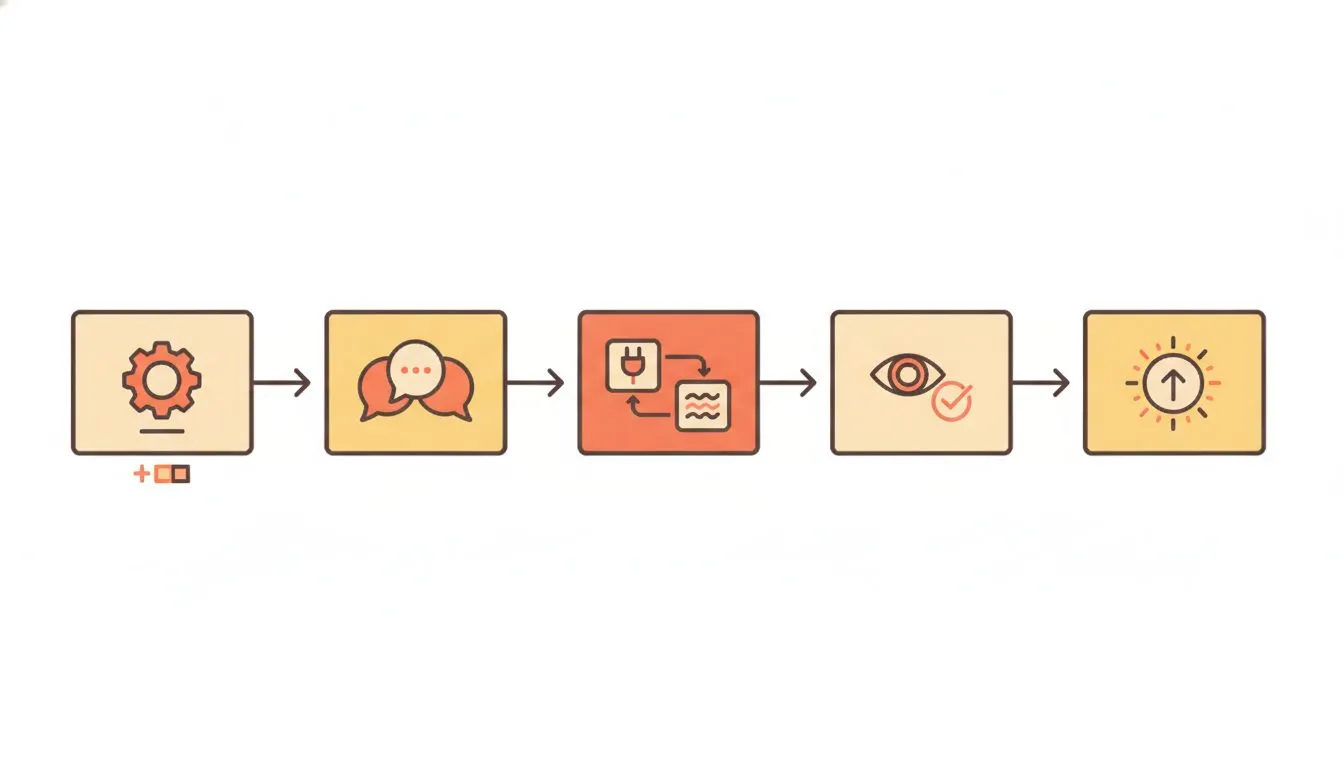
A clear path from install to launch
Installation and initial configuration
Start with a backup. Always. Before you add languages, make sure you can roll back. Our guide on how to back up your WordPress site covers it.
Then follow the basic flow:
- Install and activate your chosen plugin from the dashboard.
- Add your default language and the languages you want to offer.
- Pick your URL structure, usually a subdirectory like /fr/ or /de/.
- Add a language switcher to your menu or footer.
- Save and confirm your homepage loads in each language.
Test as you go on a staging site first. Our guide to a WordPress staging environment shows how to test safely.
Connecting machine translation services
Machine translation speeds everything up. Most plugins connect to services like DeepL or Google Translate through an API key.
You'll grab a key from the service, paste it into your plugin settings, and set your usage limits. From there, the plugin auto translates new content as you create it.
Treat machine output as a first draft. It gets you most of the way, fast. Then review the important pages by hand so your brand voice stays sharp.
Testing your translations before going live
Before you announce your multilingual site, test it properly. A few checks catch most problems early.
- Switch between every language and confirm the content loads.
- Check menus, buttons, and forms for missing or untranslated strings.
- Look for broken layouts where longer text overflows.
- Test your checkout or contact form in each language.
- Verify hreflang tags render in your page source.
If something breaks, don't panic. Fix it on staging, then push it live. And if you hit a wall, our team is happy to help; just contact us and we'll dig in with you.
The bottom line
There's no single winner once you weigh these options honestly. The right pick depends on your size, your skills, and your goals.
Polylang suits small, budget-conscious sites. TranslatePress wins on visual ease and includes WooCommerce free. WPML leads for complex, large-scale projects. Match the tool to your reality and you'll save yourself a lot of grief.
Whatever you choose, a fast, reliable host makes it all easier. Explore our web hosting plans, and pick the plugin that fits your site now and gives you room to grow later.

Nickola Naous is the co-founder of Flashcloud and the technical half of the team. He's spent nearly two decades building and running web hosting infrastructure, and co-founded and sold a hosting company before starting Flashcloud. He writes about performance, servers, security, and how AI is reshaping the technology behind a fast, reliable website.
Connect on LinkedIn