Web hosting for ministries and Christian organizations
Small faith teams and solo workers need a basic web presence to prove they exist, but building it stalls when standard church advice gets in the way.
Someone hands you their phone at an event. They want to look you up. You give them your name, and then there is a pause, because there is nowhere to send them. You've been meaning to fix this for about a year.
If you work in ministry as an individual or a small organization, you need a small website that says who you are, how to reach you, and where you'll be, on a domain you own. Hosting for a site that size costs a few dollars a month. The thing that has actually stopped you is not the cost. It is that nobody has built it.

Most of this audience has nobody to build the site for them
You are not a church, and most advice assumes you are
Most guidance about faith-based websites is written for congregations. A church has a building, a service time, and people who already know it exists. It usually has a committee to make the decision and someone technical to lean on.
You have none of that. If you're a prayer minister, a chaplain, an itinerant speaker, a writer, a missionary raising support, or a small parachurch group, people don't find you in a directory. They find you through a person, an event, a mailing, or a referral. Then they look you up.
That changes what the site is for. It isn't a listing. It's a credibility check and a point of contact. When someone types your name into a search bar, the site confirms you're real, current, and reachable. That's the whole job.
If you actually are a congregation with a building and a committee, this isn't the article for you. Read our guide to hosting for churches instead, and what a church website costs if budget is the question.
What a ministry website actually needs
Keep this short. A site for one person or a small team needs to answer a handful of questions and nothing more.
- Who you are and what you do, in plain words. No jargon, no wall of text.
- How to reach you, with an email address on your own domain.
- Where you'll be, if you speak, travel, or hold sessions.
- A way to give or support, if that applies to your work.
- Something that shows this is current, so a visitor can tell you're still active.
That is a small site. Four to six pages does the job. A bigger site is usually worse, because a bigger site is more to keep updated, and a page that hasn't changed in two years quietly tells people you've stopped.
Resist the urge to plan a blog, a resource library, and a store before you've published a single page. You can add later. Get findable first.
The real barrier is not cost
Let's be honest about why the site doesn't exist yet. It isn't the money. Hosting for a site this size runs a few dollars a month, and you can see exactly what that looks like on our pricing page. That has never been the thing standing in your way.
The thing standing in your way is the blank page. Choosing a theme. Writing the pages. Sizing the images so they don't look stretched. Working out what goes where, and whether the menu should say "About" or "About me" or nothing at all. For someone whose work is ministry rather than web design, that isn't an afternoon. It's weeks of avoidance.
There are three usual ways forward. Each one is fair for some people.
- Build it yourself on a website builder. Lowest in money. But it hands the blank page straight back to you. If you had time and appetite for that, you'd have done it already.
- Pay a freelancer or an agency. This removes the work and can produce something excellent. It costs more, and it takes coordination: briefs, revisions, waiting. Prices vary widely, so get a written quote before you commit.
- Find a host that builds the starting site for you. This removes the blank page without the freelance budget. You get a finished site to edit rather than an empty one to fill.
Notice what all three have in common. The decision is really about who does the building, not about hosting. That's the point most advice misses.
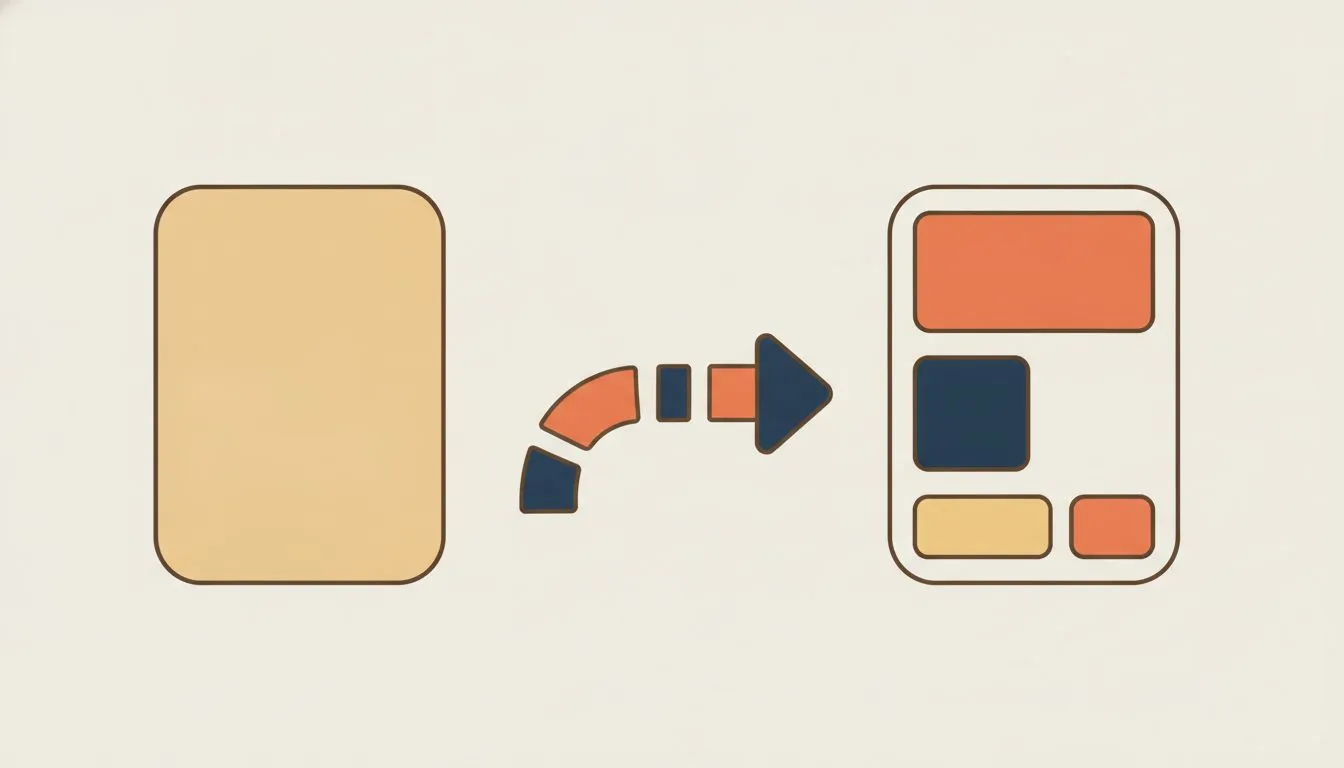
The blank page is the part that stops people
How the free starter website works
Because the build is the barrier, our free starter website is the centerpiece of what we offer, not a line item. Other hosts build a starter site too, so this isn't unique. Here's exactly how ours works, so you can judge it plainly.
- Our team builds it. It is not a template you fill in yourself, and it is not a drag-and-drop builder handed to you empty. A person builds the pages.
- It covers the pages you need. Typically home, about, what you do, a schedule or itinerary, a giving or support section, and contact. We're flexible on what those are. If you don't travel, that page can become testimonials or resources instead.
- Most sites are delivered within one to two business days.
- We need very little from you. Your details, and any photos or a logo you have. If you don't have a logo or images, we create them.
- The text is a starting point. We put words in so the page isn't blank. You'll want to replace them with your own, because you know your work better than anyone.
- It's built on WordPress. So anyone can edit it later, and it can be moved to another host whenever you want. You're not locked in.
A giving or support section can be included from the start. If you want the step-by-step, we've written out how the free website works and how to request one.
The reason this matters for you specifically: the site stops being a project you're dreading and becomes something you react to. It's far easier to edit "here's roughly what you do" than to write it from nothing.
If you take support or donations
If your site includes a way to give, a few practical things matter. This is about the mechanics, not about which service to use.
- The giving page has to work on a phone. Most people will open it on their phone, standing somewhere, deciding in a moment. If it's awkward on a small screen, you lose them.
- The site needs a valid SSL certificate. Browsers warn people away from a payment page without one, and that warning is enough to make someone close the tab. If you're unsure what this is, here's what an SSL certificate does and why your site needs one.
- Make sure you can export your supporter records. Whatever you use to take donations, check that you can get your list out. Your relationships shouldn't be trapped in a tool.
One thing we won't do: advise on tax status, charitable registration, or compliance. Those are real questions, and they belong to someone qualified to answer them for your situation. A website doesn't change any of that.
What to sort out before you launch
A few decisions save you real headaches later. Handle them now, while it's easy.
- Register the domain in your name or your organization's name. Not a volunteer's, not a designer's. This is a common and painful mistake, and it's hard to unwind. We cover why in who owns your church website, and the basics of ownership in our domains guide.
- Use an email address on your own domain. A free webmail address works, but an address that matches your site looks like you mean it. It also travels with you if you ever move providers.
- Give more than one person access, if you're an organization. If everything sits in one person's account and that person leaves, you have a problem. Two people should be able to get in.
- Know where your contact or supporter list lives. And confirm you can export it. Own your list.
And if you already have a site somewhere, moving it is straightforward. We handle it for you with free migration.
The step-by-step build is in how to build a church website. Nearly all of it applies to a ministry site too.
When this isn't the right fit
This approach isn't right for everyone, and it's worth being honest about who should look elsewhere.
If you need member management, event registration, and giving handled as a connected system rather than a page with a link on it, you're describing church management software, not hosting. A starter website won't do that, and you'll be happier with a tool built for it.
If you're a congregation with a building and a committee, your needs are different and there's more to weigh. Start with the churches guide instead of this one.
And if you want full creative control over a custom design, with a look that's unmistakably yours down to the last detail, hire a designer. A starter site gets you findable and contactable. It's not a bespoke brand project, and it doesn't pretend to be.
And if you're a registered 501(c)(3) rather than an individual in ministry, our guide to hosting for nonprofits covers the free and discounted programs available to you.
None of that is a knock on the approach. It's just the honest edge of what it's for.
Conclusion
The hosting was never the hard part. A ministry site is small, it's inexpensive, and it does one honest job: it makes you findable and reachable when someone goes looking. It won't grow your work or raise your support on its own. It just means that the next time someone asks, you have somewhere to send them.
The reason it doesn't exist yet is the blank page. Remove that, and the year of putting it off ends this week.

Neycho Tepavicharov is the co-founder of Flashcloud, with nearly two decades in web hosting behind him and a hosting company he co-founded and sold along the way. He started Flashcloud to make hosting clearer, more generous, and genuinely supportive, and he writes about hosting, performance, how AI is changing the industry, and the occasional strong opinion about where it gets things wrong.
Connect on LinkedIn