Best web hosting for churches in 2026
Five hosts reviewed on Sunday morning uptime, predictable renewal costs, and the human support non-technical church teams actually need.
Your church website has one job on Sunday morning: be there when someone looks you up. A visitor checking service times. A regular finding the giving page. A family watching the stream from home. If the site is slow or down at that moment, it doesn't matter how good it looked the rest of the week.
This guide is for churches, parishes and congregations. If you're an individual in ministry or a small Christian organization instead, this one fits better.
Most church websites were built by a volunteer who has since moved on. Now the pastor, the administrator or whoever picked up the keys has to keep it running, and the hosting decision lands on a desk it was never meant to. This guide is for that person. Whether you call it a church, a parish or a small congregation, the requirements are the same. We'll keep it plain, and we'll be honest about the trade-offs nobody else explains.
The short answer: for most churches, Flashcloud offers the best overall value with a free domain, free starter website, and hassle-free migration included. InMotion Hosting has the longest trial in this list. DreamHost is a solid independent option. Hostinger is an easy low-cost start. Kinsta suits churches with a bigger budget and heavier traffic. All five run an ordinary website you can move.
What churches actually need from hosting
Church websites have needs that generic hosting advice tends to miss. You're not running a startup. You're serving a congregation, on a budget approved by a committee, often with volunteers who change from year to year. We've written a fuller list of what every church website needs before you pick a host. For the general version, see how to choose web hosting.
Budget predictability over the lowest price
A low first year means nothing if the renewal triples. Your committee approved a number. When that number changes without warning, someone has to explain it at the next meeting.
What matters is knowing the real cost before you commit. Look for a host that shows the renewal rate upfront, on the same screen as the intro price, so there are no surprises twelve months in.
Someone to call when it breaks
The giving page goes down at 9pm on a Saturday. A chatbot won't fix that. You need real people who can help you get back online before the morning.
Support quality is hard to judge from a homepage. That's why a genuine trial period matters, and why testing a host before you commit is worth the effort.
Volunteer turnover and lost logins
The most common church hosting problem isn't technical. It's a missing password. The person who built the site left. Nobody knows the passwords. The domain is registered to a personal Gmail account that no longer exists.
Good hosting doesn't cause this problem, but the right setup makes it recoverable. We'll cover exactly what to check later on.
Someone to actually build the site
Many churches don't have anyone who can start from a blank page. A free starter website solves that. It gives you a working structure to fill in, instead of a login and a shrug. If you're starting from nothing, our guide to building a church website walks through the decisions in order.
Giving and streaming integrations
You'll likely embed a giving form and a video stream. Almost any modern host handles this, because you're embedding tools that run elsewhere. You don't need special "church hosting" for it. You need a fast, reliable site that loads those embeds cleanly.
The best hosting options for churches in 2026
Here's how we picked. We include ourselves in this list, and we tell you where we fall short. Every claim about another provider comes from that provider's own website, verified in the month noted. We don't guess at figures. If a number isn't published, we leave it out.
1. Flashcloud: best for overall value and inclusions
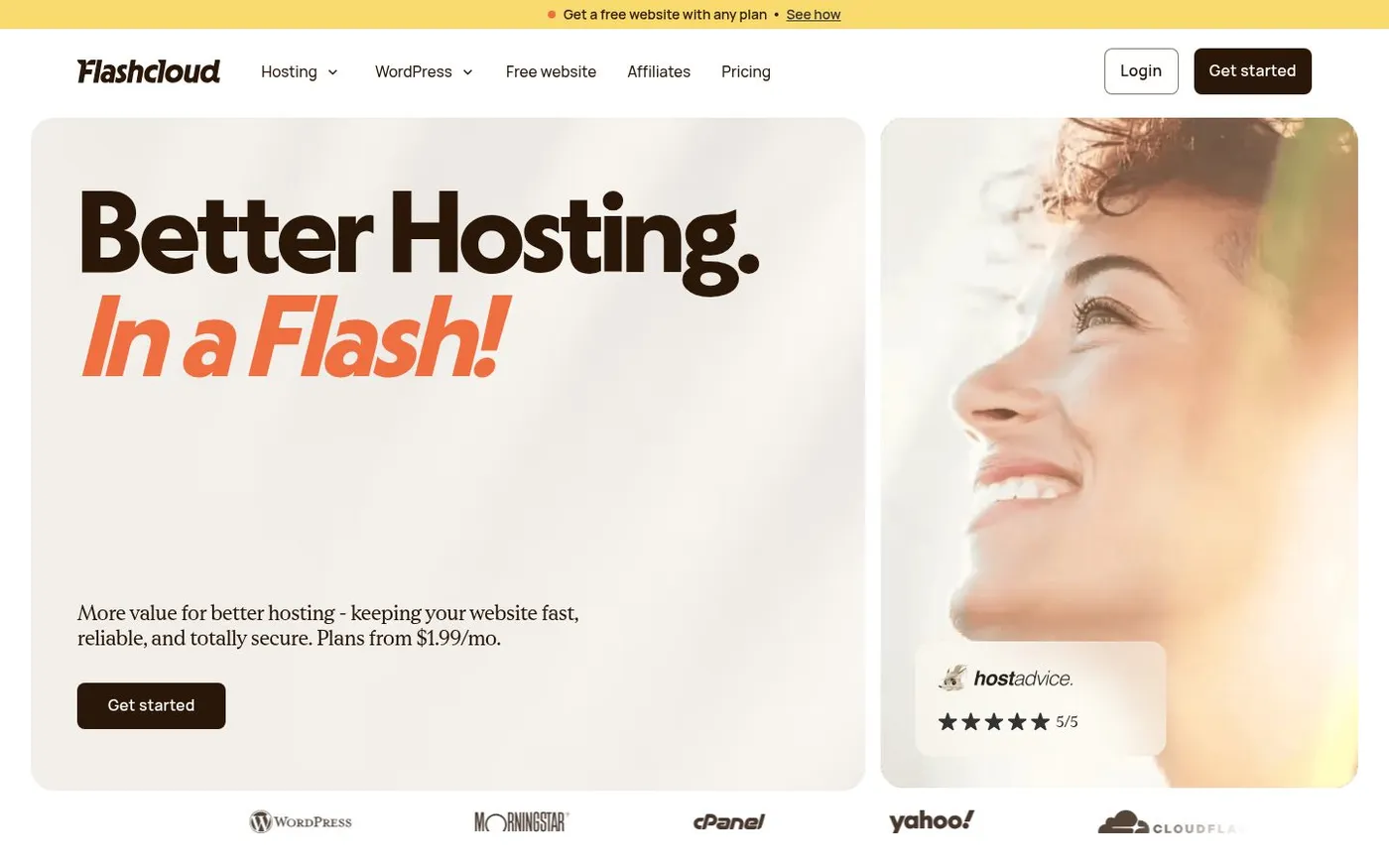
Flashcloud was built by people with nearly twenty years in web hosting who got tired of watching the essentials sold as add-ons. So we included them.
You get a free domain, a free starter website our team builds, and hassle-free migration if you're moving an existing site. Real human support comes standard. Your site runs on WordPress, which means it's yours and you can move it anywhere.
The Start plan is $2.79/mo for the first year and renews at $9.99/mo. Our renewal rate is published upfront, on the same screen as the intro price. Once it rises at first renewal, it holds. It doesn't creep up year after year. The free domain stays free for as long as you're with us, renewal included.
The honest limitation: we're newer and smaller than the long-established names below. If a decade-old brand name is what your committee wants to see, that's a fair reason to weigh the others. We'd rather tell you that than pretend otherwise. If you want to know why we started Flashcloud, the short version is that hosting shouldn't feel like a trap.
2. InMotion Hosting: best for a long trial period
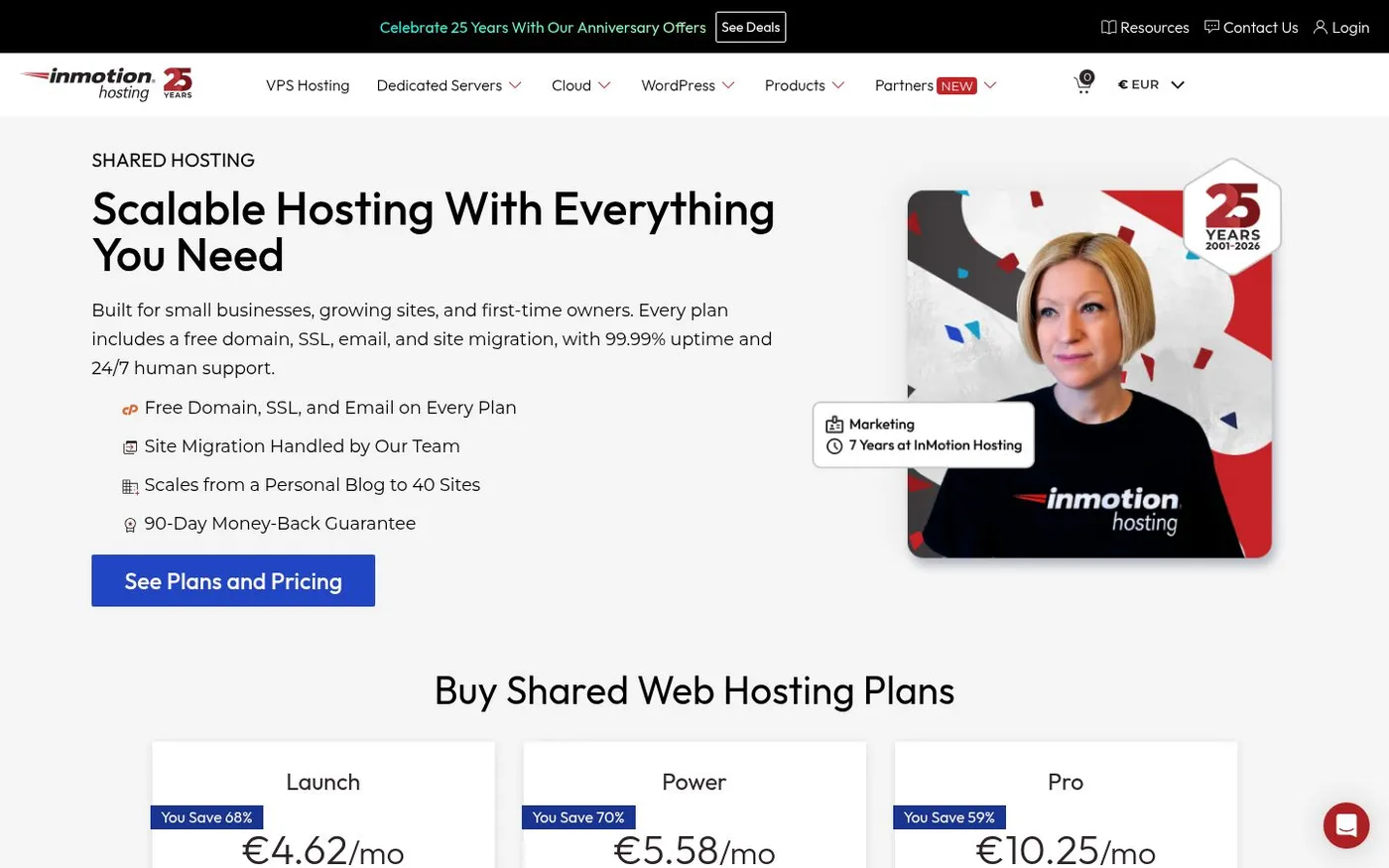
InMotion offers a 90-day money-back guarantee, the longest in this set. For a church committee that moves slowly, that's real breathing room. You can build the site, run it through a few Sundays, and still back out inside three months. The free domain covers year one. The plan is $4.79/mo for the first year and renews at $14.99/mo.
The honest limitation: the interface and plan structure can feel dense if nobody on your team is technical. The long trial is the standout reason to consider them.
3. DreamHost: best for a simple independent option
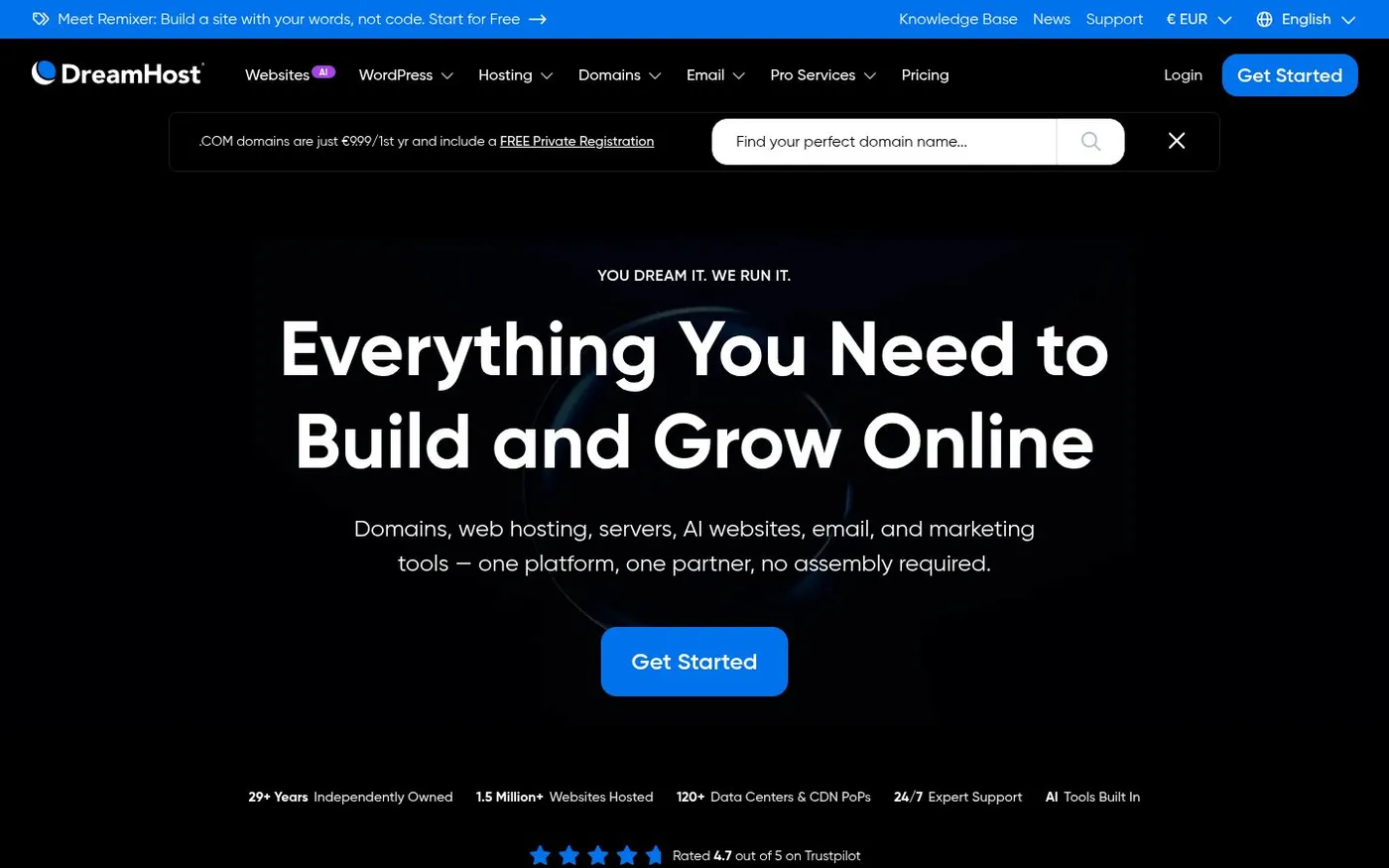
DreamHost is independently owned and has been around a long time. They keep things straightforward, and they also offer a team-built starter website, so you're not alone at the blank page. The free domain covers year one, and the money-back guarantee runs 30 days. The plan is $2.89/mo for the first year and renews at $10.99/mo.
The honest limitation: their control panel is custom rather than the standard many volunteers have seen before. If your next volunteer expects a familiar dashboard, there's a small learning curve.
4. Hostinger: best for an easy low-cost start
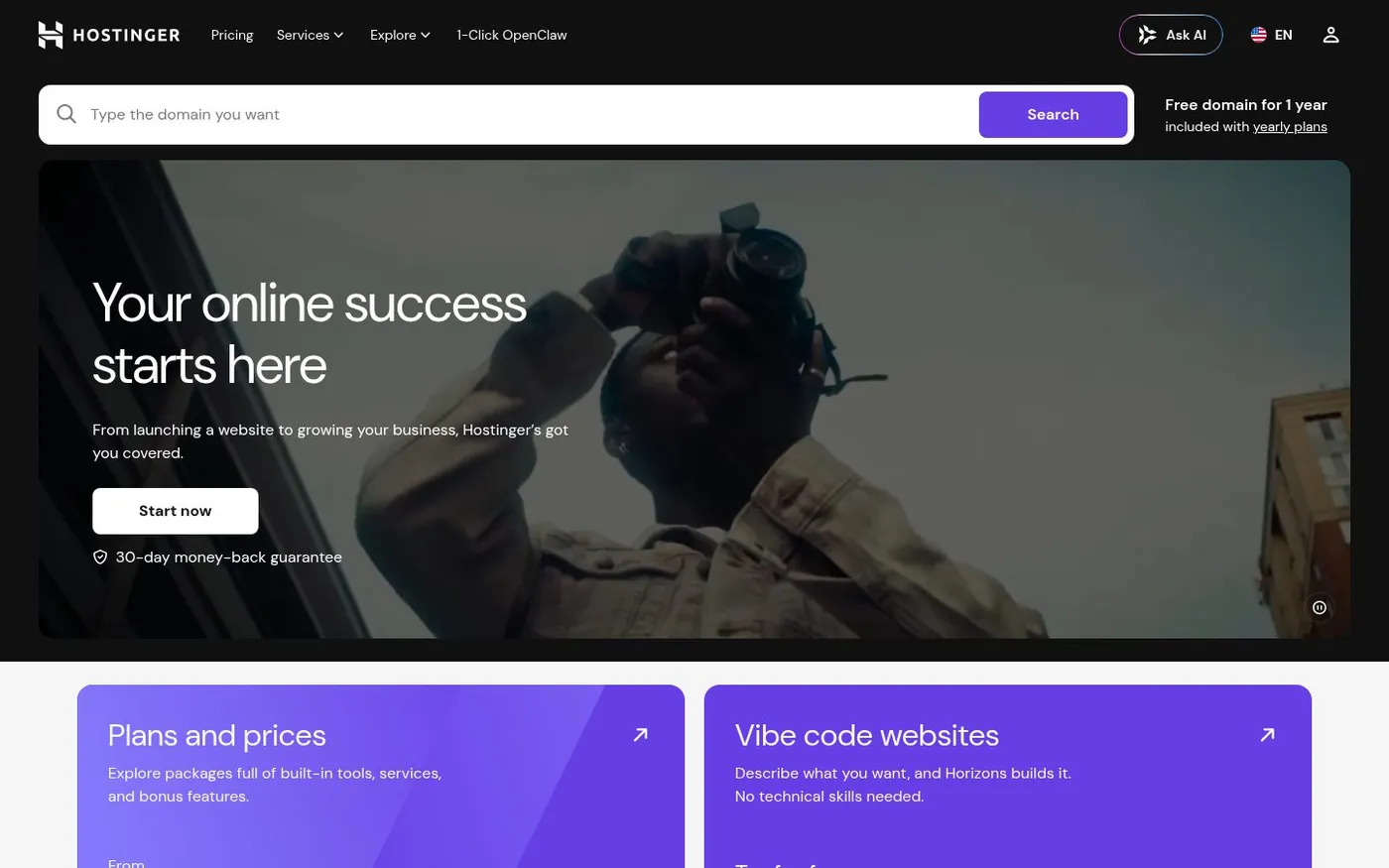
Hostinger is the easy, low-cost way to get online. The onboarding is friendly, and a smaller congregation testing the waters can launch without much fuss. The free domain covers year one, and the money-back guarantee runs 30 days. The plan is $3.99/mo for the first year and renews at $11.99/mo.
The honest limitation: the lowest intro tiers come with resource limits, and support depth varies. Fine for a simple brochure site. Worth checking the details if you plan to stream or grow quickly.
5. Kinsta: best for a bigger budget and heavier traffic
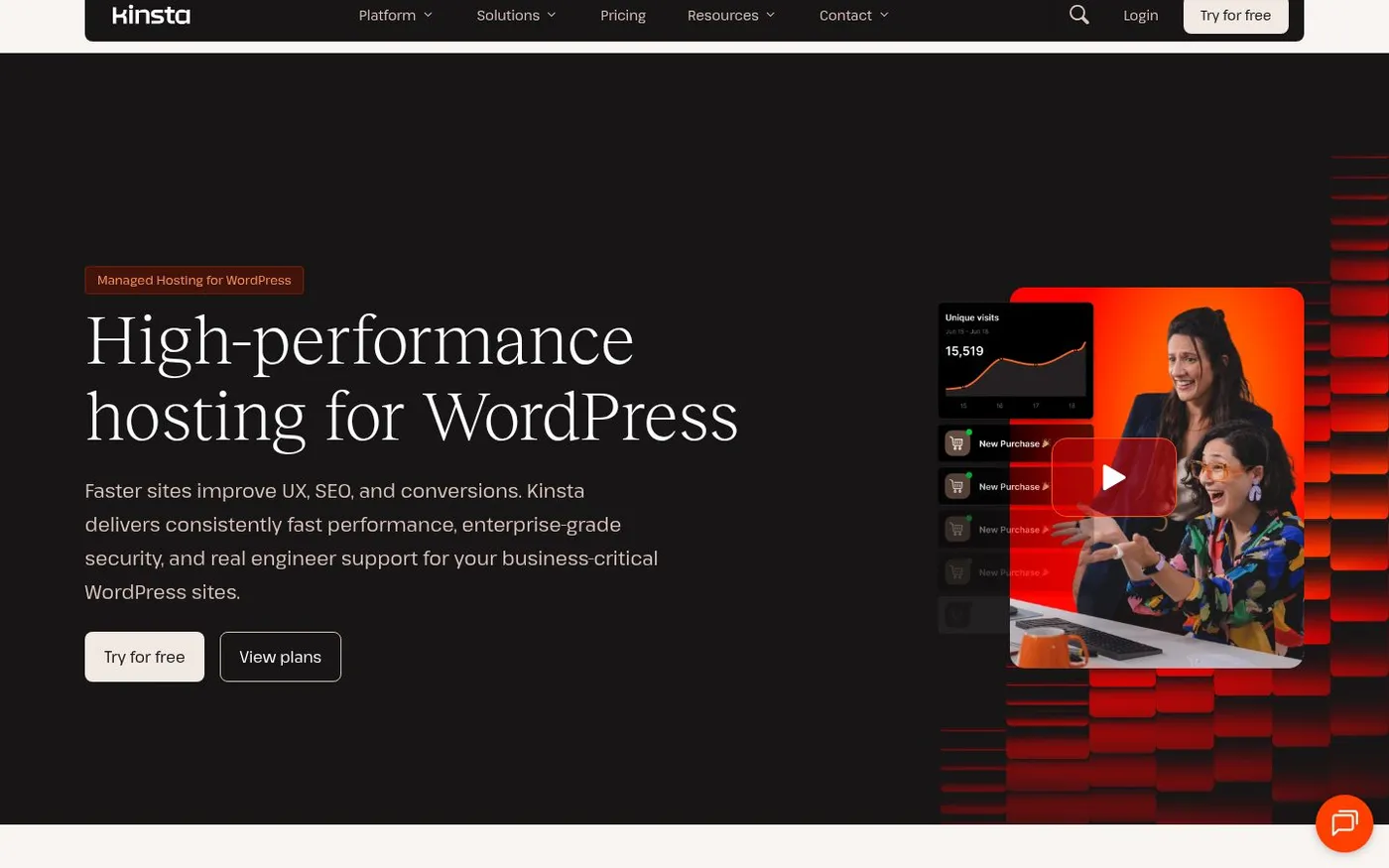
Kinsta is managed WordPress hosting built for performance. If your church has a bigger budget and heavier traffic, it's a strong choice. Plans start at $30/mo with no intro rate, which sits well above the others here and reflects that positioning. There's no free domain, and the money-back guarantee runs 30 days. Their nonprofit discount explicitly names churches, and it applies to all your future payments, not just the first year. That's unusual and worth knowing.
The honest limitation: it costs more than everything else here. For a small congregation with a simple site, it's more power than you need.
Church hosting comparison at a glance
Provider | Free starter website | Free domain | Free migration | Money-back guarantee | Price | Best for |
|---|---|---|---|---|---|---|
Flashcloud | ✓ | Yes, for life | ✓ | Anytime during initial term | $2.79/mo, renews $9.99/mo | Overall value and inclusions |
InMotion Hosting | ✗ | Year one | ✓ | 90 days | $4.79/mo, renews $14.99/mo | A long trial period |
DreamHost | ✓ | Year one | Self-serve, free | 30 days | $2.89/mo, renews $10.99/mo | Simple independent option |
Hostinger | ✗ | Year one | ✓ | 30 days | $3.99/mo, renews $11.99/mo | Easy low-cost start |
Kinsta | ✗ | No | ✓ | 30 days | $30/mo, no intro rate | Bigger budget, heavier traffic |
All prices shown are for a 12-month term. Some providers offer lower rates on longer commitments.
Across the fourteen hosting companies we checked, none includes free domain renewal beyond year one. The first year is often free, then year two you pay the standard domain rate. On Flashcloud the domain stays free for as long as you're with us, renewal included, so there's nothing to budget for later.
Which one should you choose
- If you want the most included for the money, start with Flashcloud.
- If your committee needs a long window to decide, InMotion's 90 days gives you the most room.
- If you prefer an independent host and want help building, look at DreamHost.
- If you're a small congregation testing a simple site, Hostinger gets you live at a low cost.
- If you have real traffic and a real budget, Kinsta earns its price, and its nonprofit discount names churches directly.
Church website platforms versus ordinary hosting
Here's the choice most churches are actually making, and the one nobody explains honestly. You're deciding between an all-in-one church website platform and ordinary web hosting. They're not the same thing, and the difference matters most on the day you might leave.
A church platform bundles the website with hosting, templates, and sometimes giving and event tools, all in one subscription. Ordinary hosting gives you the space and the site, and you connect the other tools yourself. If you're weighing an all-in-one platform against WordPress, see church website builder vs WordPress hosting.
What the platforms cost
Looking only at website-first vendors, year one for a website on a church platform runs roughly $1,040 to $1,340, based on each vendor's own published figures. That's the all-in cost for the first twelve months. We break the routes down in what a church website actually costs.
We've left Subsplash out of that range on purpose. It's church management software where the website is one part of a much larger product, so it isn't a like-for-like website comparison.
One more factual note for the shopping stage. Cloudways, a hosting platform some churches consider, states in its nonprofit eligibility that organizations with religious affiliation are excluded from its nonprofit program. Cloudways isn't one of our picks, but if you saw its nonprofit offer, that's why it may not apply to you.
The part that matters most: can you take it with you
This is the honest trade-off. Some church platforms build sites that can't be moved off the platform. Read that in the terms before you sign, not after.
Two published examples, stated as contract terms with no adjectives:
- SolaSites' terms state the site can't run independently outside their platform.
- SteepleMate's terms state that assets become unavailable on cancellation.
We're not characterizing intent. These are the published terms, and you should read them yourself before deciding. The point is simply this: with some platforms, the site you build isn't fully yours to move.
With ordinary hosting, it is. On Flashcloud, your site is WordPress. It's yours. You can export it and move it to any host whenever you want. If you outgrow us or your committee changes direction, you leave with everything.
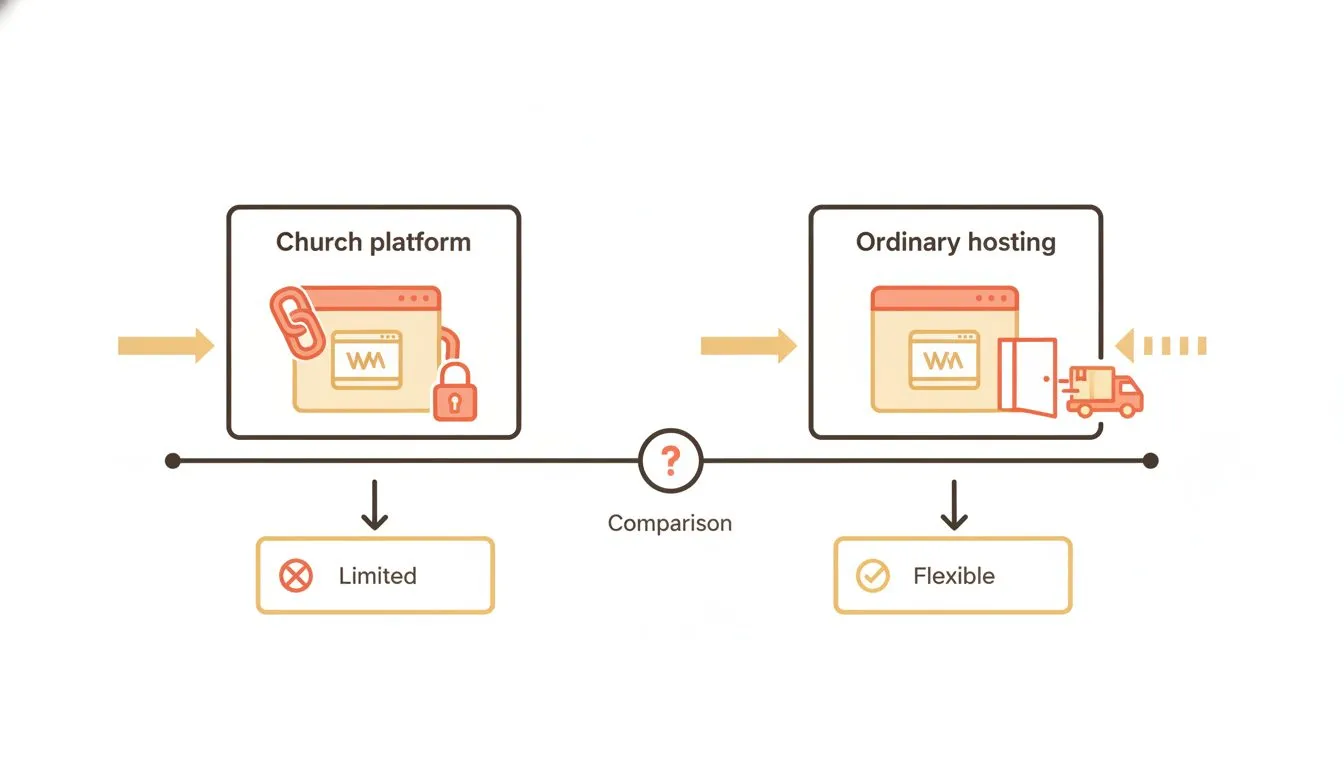
The real difference shows up the day you decide to leave.
What to check before you sign anything
This section is worth more than the price comparison. These are the things that go wrong at churches specifically, because of turnover and volunteers. Check all four before you commit.
- The domain is registered in the church's name. Not a volunteer's personal account. Not the pastor's Gmail. The church owns it. If a volunteer registered it under their own login, transfer it now, while they're still reachable. Who owns your church website covers this in full.
- The church holds the logins. Keep hosting, domain, and website logins in a shared account the church controls, not one person's inbox. When someone leaves, you don't want to be locked out of your own site.
- You can export your site. Confirm you can take your content and move it. If the answer is no, or buried in the terms, that's a reason to reconsider. Our website migration checklist walks through what a clean move looks like.
- You have a plan for when the volunteer leaves. Write down where everything lives and who has access. A single shared document saves the next person weeks of guessing.
Alongside those, make sure your site has a valid SSL certificate. It keeps the giving page secure and stops browsers flagging your site as unsafe. Good hosts include it. And if you're inheriting a site someone else left behind, a quick security check is time well spent.
Why Flashcloud works for churches
We built Flashcloud to remove the things that trip up non-technical teams. Here's what that means in practice for a church.
- The essentials are included. Free domain for life, renewal included, a starter website our team builds, and free migration. You're not chasing add-ons.
- The cost is predictable. The renewal rate sits on the same screen as the intro price. It rises once at first renewal, then holds. Your committee sees the real number upfront.
- Support is human. When the giving page misbehaves, you reach a person who can help. You can contact us to see how we answer before you commit.
- Your site is portable. It's WordPress. It's yours. If you ever leave, you leave with everything.
- It's fast and reliable. Speed and uptime are where it counts, especially on Sunday morning.
We don't advertise a church program, but if your church is a registered 501(c)(3), get in touch and we'll see what we can do.
If your needs grow beyond shared hosting, we also offer VPS hosting and managed WordPress hosting without a painful migration in between.
The bottom line
The right host keeps your church visible, accessible, and online without unnecessary cost or complexity. For most congregations, that means ordinary hosting with the essentials included and a site you can move.
Pick based on what your church actually needs. Flashcloud for overall value. InMotion for a long trial. DreamHost for a simple independent option. Hostinger for an easy low-cost start. Kinsta for bigger budgets and heavier traffic. Whichever you choose, register the domain in the church's name, hold your own logins, and confirm you can export. Do those three things and you'll never be locked out of your own site.
All pricing in this article was verified in October 2026 from each provider's own website. Figures change, so confirm the current rate before you buy.

Neycho Tepavicharov is the co-founder of Flashcloud, with nearly two decades in web hosting behind him and a hosting company he co-founded and sold along the way. He started Flashcloud to make hosting clearer, more generous, and genuinely supportive, and he writes about hosting, performance, how AI is changing the industry, and the occasional strong opinion about where it gets things wrong.
Connect on LinkedIn