What Should a Hair Salon Website Include? A Complete Website Checklist

Walk into a well-run salon and the space tells you everything. Clean stations, good lighting, product shelves that aren't cluttered. Its website rarely tells the same story.
A lot of salon sites get built once, at launch, and then left alone for years. Pages go stale. The booking link starts pointing somewhere that no longer exists.
Nobody notices until a client mentions it, usually after they've already booked somewhere else.
This checklist covers what a hair salon or barbershop website actually needs, and why each piece earns its spot. Rather than rely on general advice alone, we also checked 25 real salon websites to see what salons actually do, and where most of them fall short. Skip to the table near the end for a quick-reference version.
What a salon website actually has to do
A salon website has one real job: turn a visitor into a booked appointment, fast. Everything else, the design, the copy, the photos, either helps that job or gets in its way.
That's a narrower goal than most business websites need to hit. A law firm's site can build trust slowly, across several pages, over several visits.
A salon's site usually gets one shot. Under a minute, before someone moves on to a competitor's Instagram instead.
What 25 real salon websites actually do
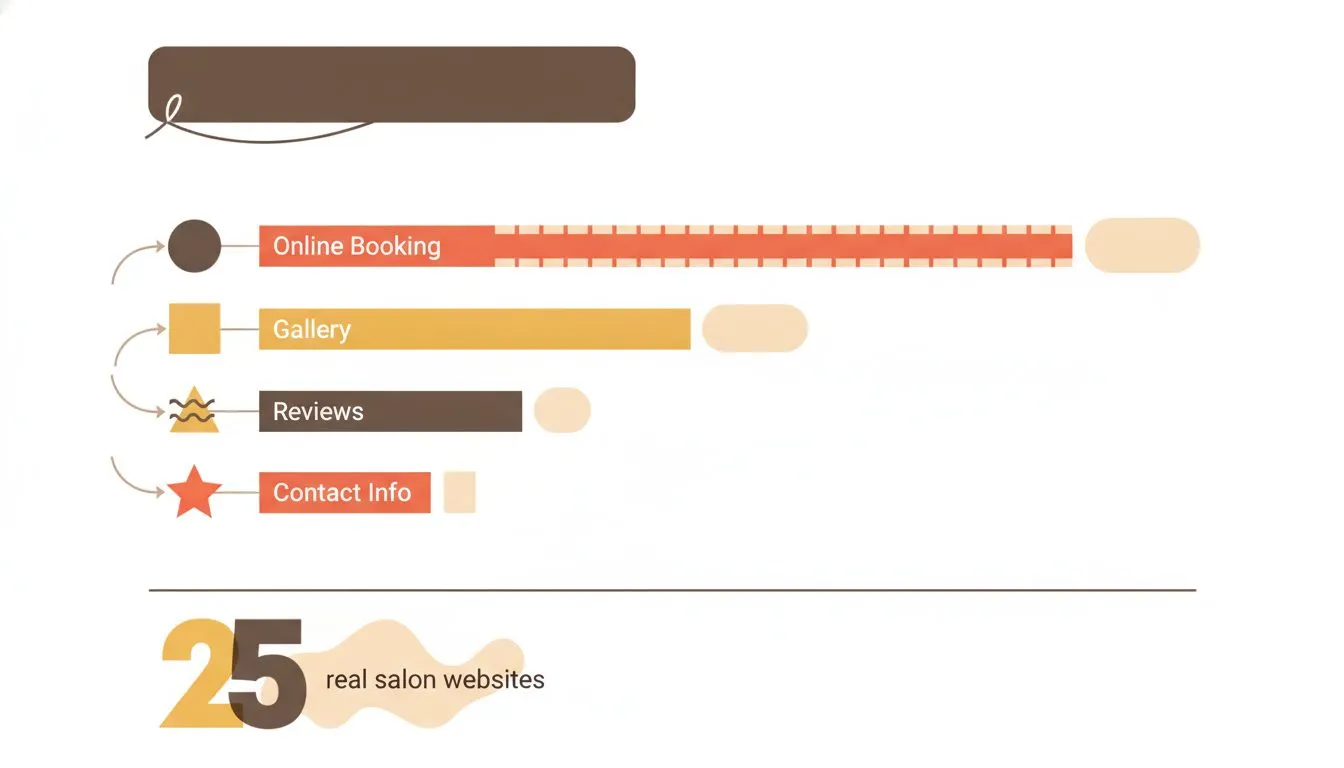
What 25 real salon websites actually include - and what most skip
Before the checklist, a reality check. On 26 September 2026 we looked at the websites of 25 independent hair salons, five each in Austin, Denver, Columbus, Charlotte and Portland. We took the first five non-sponsored Google Maps results in each city that had a website, skipped national chains, and checked each site on a phone-sized screen.
The good news first. None of the top results in any city pointed only to an Instagram or Facebook page. All 25 loaded securely over HTTPS. 24 of 25 offered online booking, and 22 showed their stylists with a name and photo.
Then the gaps:
- Only 3 of 25 had a gallery or portfolio page. For a business people choose on visual results, that's the biggest miss in the sample. At least three others embedded an Instagram feed instead.
- 11 of 25 didn't show a Book button on a phone screen without scrolling. It was tucked in a menu, further down the page, or missing.
- 14 of 25 didn't make the phone number tappable on the homepage, so calling meant copying the number by hand.
- No salon showed exact fixed prices. 18 used starting prices or ranges, and 7 showed no prices at all.
- We couldn't find opening hours on 13 sites, an embedded map on 15, or any reviews on 15. Those three counts are minimums, since some site builders load that content in ways that are easy to miss.
- 16 of the 24 salons with online booking sent clients to a different website to book, usually the booking platform's own page. Seven kept booking on their own site.
Two caveats worth stating. This is 25 salons, not a survey of the industry, and the search surfaced salons rather than barbershops. But the pattern is consistent enough across five cities to be useful: most salon websites get the basics of existing right, and miss the details that turn a visit into a booking.
Domain and branding basics
Before any content decisions, the site needs an address. A domain that matches the salon's actual name saves confusion later, rather than a shortened or misspelled version.
Choosing a domain name that fits the business is worth doing properly the first time. Changing it later means updating every business card and sign in the shop.
Keep it short enough to say out loud. A stylist should be able to tell a client the web address without spelling it out. Avoid hyphens and numbers where possible, since both get lost easily over the phone.
The must-have pages
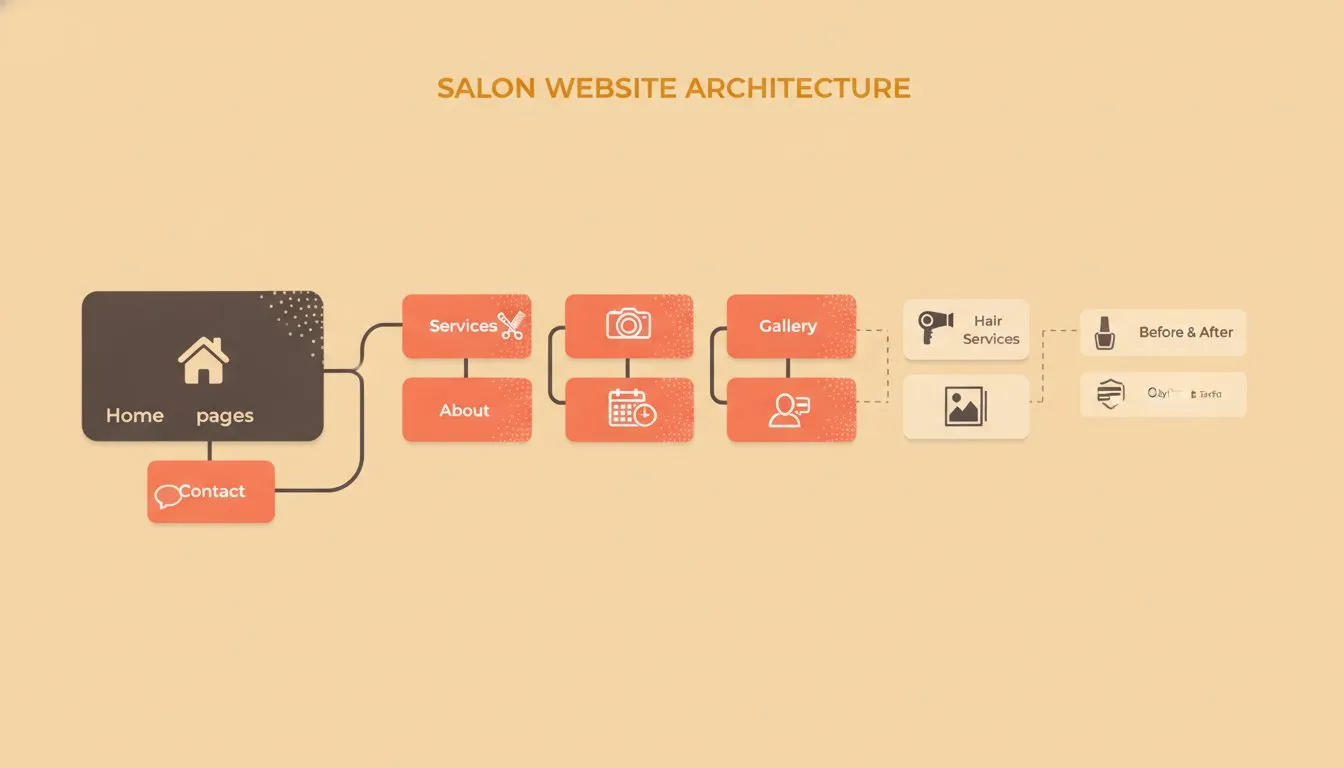
A simple site map showing the essential pages every salon website needs
Every hair salon or barbershop site needs a handful of pages, at minimum. Here's the short list, in the order a first-time visitor usually looks for them.
- Home: who you are, what you do, and a clear path to booking, visible without scrolling on a phone
- Services and pricing: every service offered, with a real price or a starting price
- Book now: the booking page or widget, one tap from anywhere on the site
- Gallery or portfolio: real photos of real work, not stock images
- About or meet the team: who's cutting hair, with a photo and a specialty for each stylist
- Reviews: a page or section showing your actual Google or Yelp reviews
- Contact: address, a tappable phone number, hours, and an embedded map
A site missing any of these isn't necessarily broken. It's just leaving something on the table. The gallery, the tappable number and the visible hours are the three our audit found missing most often.
Booking: the page that does the actual selling
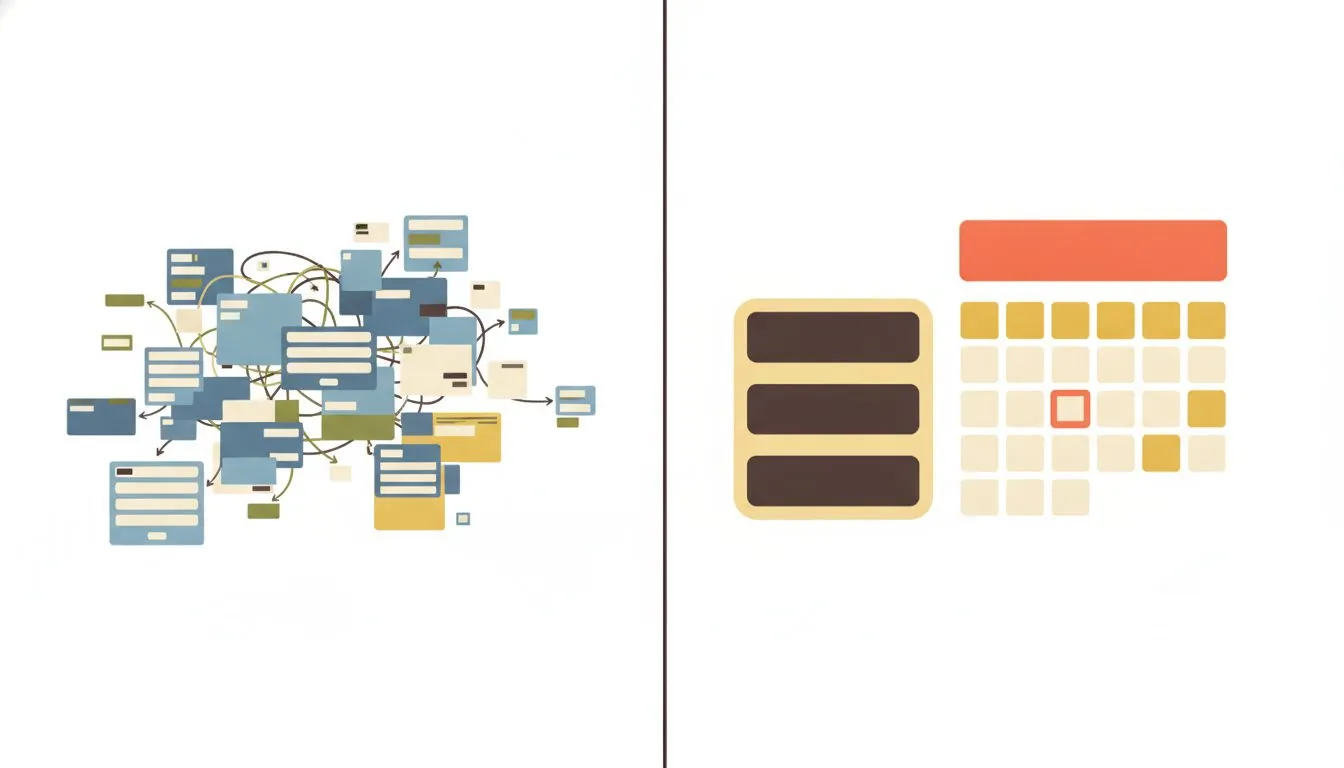
A frictionless booking page vs. one that loses clients before they convert
Booking is the one page that has to work flawlessly. Everything before it is marketing. This part is the actual transaction.
The flow should take under a minute for a returning client who already knows what they want. Ask for the essentials first: service, stylist, time. Save the extra questions for after the appointment is confirmed.
Embedded booking versus a link
Where possible, keep booking on your own site rather than sending people somewhere else. Most salons in our audit didn't, and usually that's the booking tool's choice rather than the salon's, because tools differ a lot in what they allow.
From each company's own help pages:
- Vagaro offers a true "In Website" embed, and the booking widget is part of the base subscription.
- Booksy provides a booking widget script for your site.
- Square Appointments provides embed code on its Free plan, but Square says clients "will be taken to a flow in another tab or window," so the calendar doesn't sit inside your page.
- Fresha documents a Book Now link that opens your Fresha page, with no embeddable widget.
- GlossGenius offers a link or a popup window that opens your GlossGenius booking site, with no inline embed.
None of that makes the link-only tools a bad choice. It just means the Book button has to be impossible to miss, and the page it opens should look like yours.
Deposits and cancellation policies
A deposit or cancellation policy belongs on the booking page, stated plainly. A client surprised by a no-show fee after the fact is a client who leaves a bad review over it. Most salons already do this: 19 of the 25 in our audit stated a policy.
If you want to charge deposits or no-show fees, check your plan. GlossGenius includes both on every plan. Square Appointments allows deposits on its Free plan but keeps cancellation and no-show policies to Plus and Premium. Vagaro requires its card processing plus the Online Shopping Cart add-on, $10 a month in the US. Fresha requires Fresha Payments, and Booksy requires Mobile Payments with a $5 minimum deposit.
A gallery that proves the work
A service list tells a visitor what's offered. A gallery shows whether it's any good. For a business people hire based on visual results, that distinction matters more than almost anything else on the site. It's also the page most salons in our audit didn't have.
Ten to twenty real photos, updated regularly, beat fifty from three years ago. A before-and-after format works well for color and cut transformations. It answers the exact question a new client is silently asking.
An embedded Instagram feed is better than nothing, but it isn't a portfolio. It shows whatever you posted last, not your best work, and a new visitor can't browse it by service.
Skip stock photography entirely. A stock photo of a generic salon interior signals, correctly, that nobody photographed the actual work.
Short video clips are worth adding if there's time to film them. A ten-second clip of a finished blowout often does more than a still photo ever could.
Reviews and social proof
Reviews do a lot of the trust-building a stranger's website would otherwise have to do from scratch. 97% of consumers read reviews for local businesses, per BrightLocal's 2026 Local Consumer Review Survey. Yet we found no reviews at all on 15 of the 25 salon sites we checked.
Show a live feed of Google reviews where your platform allows it, rather than a handful of hand-picked quotes. A visitor trusts a review pulled straight from Google more than one that could have been edited. Respond to reviews publicly, good and bad.
The review rules salons most often break
This is where plenty of well-meaning salons get into trouble, so it's worth being precise.
Don't offer a discount for a Google review. Google's own help page is unambiguous: offering incentives "like free or discounted goods or services, in exchange for customers to post reviews" is "strictly prohibited". That rules out the familiar "10% off your next visit for a review" card at the till.
Don't only ask happy clients. Google's content policy also bars merchants from selectively soliciting positive reviews, and from requiring or pressuring clients to leave a review while they're still on the premises. Ask every client, the same way, after they've left.
Don't buy reviews or bury bad ones. In the US, the FTC's rule on consumer reviews, in effect since 21 October 2024, prohibits buying fake reviews and offering incentives conditioned on a positive review. It also bars claiming your website shows all or most of your reviews when negative ones have been suppressed. The FTC's own Q&A covers the detail. Google's rule on incentives is the stricter of the two, so follow Google's for Google reviews.
What does work is timing. A simple request sent after the appointment, by text or email, while the result is still fresh, gives clients an easy way to share it without any of the above.
Service menu and pricing: how much to show
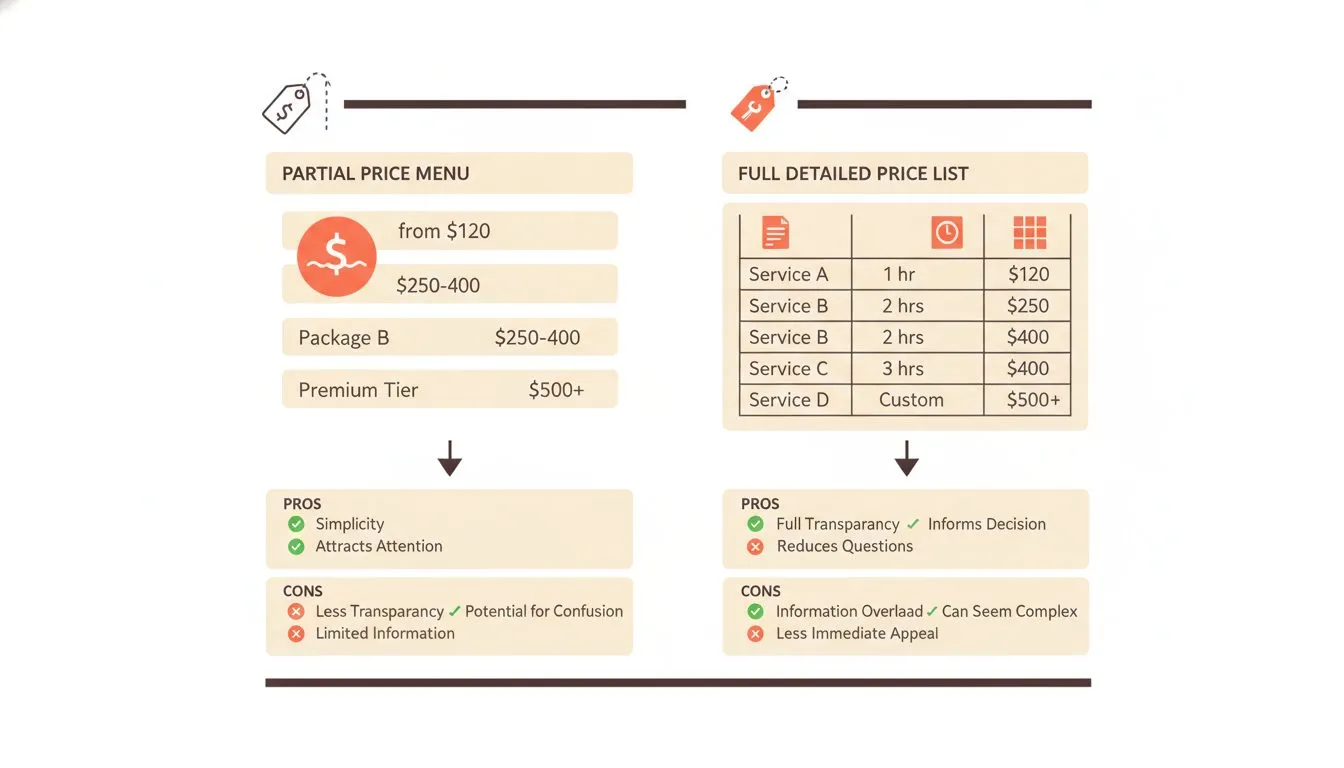
Showing price ranges vs. full pricing - weighing transparency against flexibility
Pricing transparency is one of the more debated choices for a salon site. Our audit suggests salons have mostly settled it: none of the 25 showed exact fixed prices, 18 used starting prices or ranges ("from $X", "$X+"), and 7 showed nothing.
Starting prices are a sensible middle ground. They remove the barrier for price-sensitive clients while leaving room for a consultation on longer or more complex work. What doesn't work is no pricing information at all, which reads as evasive rather than premium.
Group services logically, cuts, color, treatments, add-ons, rather than one long list. A client scanning on a phone should find their service in seconds.
Packages and memberships deserve their own clearly labeled section. Burying a genuinely good loyalty deal inside a wall of à la carte pricing means most visitors never find it.
Contact, hours, and location
This section sounds obvious, and it's still one of the most often done badly. We couldn't find hours on more than half the sites we checked.
Hours on the site should match your Google Business Profile exactly. For holidays and temporary changes, including closures of up to six days in a row, Google lets you set special hours: go to your Business Profile, select Edit profile, then Hours, and edit the special hours. Google suggests confirming hours for official holidays even when they're the same as usual.
An embedded map beats a typed address alone, especially for a storefront that's easy to walk past. Include parking information if it isn't obvious from the street.
List the phone number as a tappable link, not plain text. On a phone, that's the difference between one tap and a client copying the number by hand, and 14 of the 25 salons we checked hadn't done it.
Mobile design and site speed
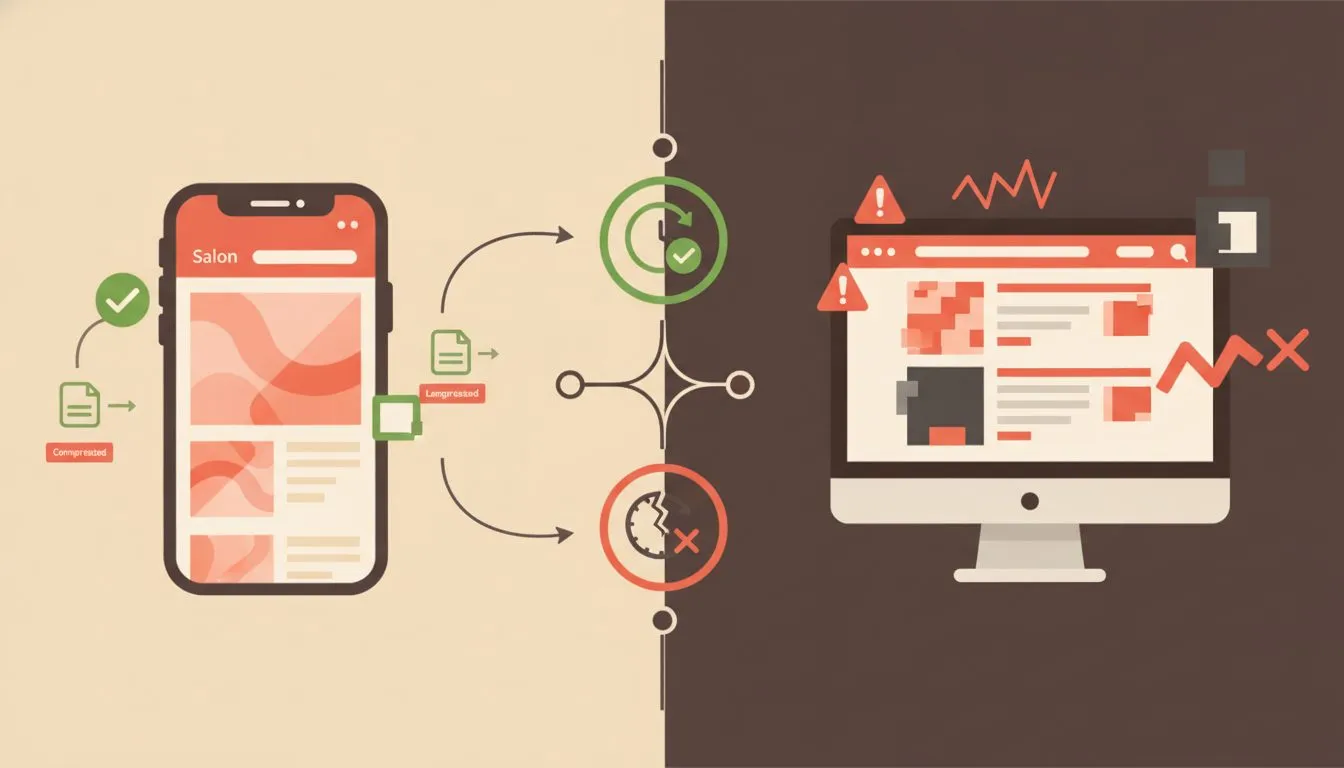
Mobile-first design and fast load times directly affect whether visitors book or bounce
Mobile design isn't a nice-to-have. Mobile devices now account for roughly half of all web traffic worldwide, per StatCounter's ongoing usage data, and a salon client browsing between appointments is very likely on a phone.
Speed matters as much as layout. Google publishes concrete targets, its Core Web Vitals: the main content should load within 2.5 seconds, the page should respond to a tap within 200 milliseconds, and the layout shouldn't jump around as it loads. Our guide to reading a website speed test explains how to check yours.
It matters commercially, too. In a Google case study, Vodafone found that a 31% improvement in how quickly its main content loaded led to 8% more sales. A slow gallery page can quietly cost bookings nobody ever traces back to it. If yours is slow, why is my website so slow covers the usual causes.
Test the site on an actual phone, not just a resized browser window. Buttons that look fine on a laptop can be too small to tap accurately on a smaller screen.
Local SEO basics
A salon's real competition is whoever else shows up when someone searches "haircut near me." That's the search worth winning, far more than broad, generic terms nobody local actually types.
Keep the business name, address and phone number identical across the website, your Google Business Profile and any directory listing. Consistency makes it easier for search engines and customers alike to be confident they've found the right business.
Local landing pages help if a salon serves more than one neighborhood or town. A page built around "hair salon in [specific area]" is a better match for that exact search than a generic homepage.
Make sure your Google Business Profile links to your own website, not just a booking platform's page. And if you want clients to book straight from your listing, Google lets you connect a supported booking provider. Fresha, Square Appointments and Booksy were on Google's published partner list when we checked. GlossGenius, Vagaro and Boulevard were not, though that list is global and may not reflect every integration.
It's also worth checking how AI assistants describe your salon, since more clients now ask them for recommendations. Our guide to checking what AI assistants say about your business takes about twenty minutes.
Security and trust signals
An SSL certificate is non-negotiable, and on this at least, salons are ahead: all 25 in our audit loaded securely. Free, automated certificates are now the industry standard, a shift Let's Encrypt has driven since it began issuing them free. Our guide to SSL certificates covers the basics.
Beyond SSL, a few small signals build trust fast. A real address instead of a P.O. box helps. So do staff photos instead of stock avatars, and a short privacy note near any contact form.
A site that takes deposits online needs a properly secured checkout too. That's not optional once real money changes hands. If staff log in to update the site, two-factor authentication is a quick win. For the fuller list, see our website security best practices.
Accessibility basics worth building in
Accessibility isn't a separate project, and it doesn't take long to fold in from the start. Alt text on every gallery photo helps a screen reader describe the image. It helps search engines understand the photo too.
Font sizes should stay readable without pinching to zoom on a phone. Color contrast matters more than it looks: light text over a busy photo in a hero section is a common offender.
Video content should include captions where practical. A client browsing quietly in a waiting room, sound off, still gets the message.
The salon website checklist at a glance
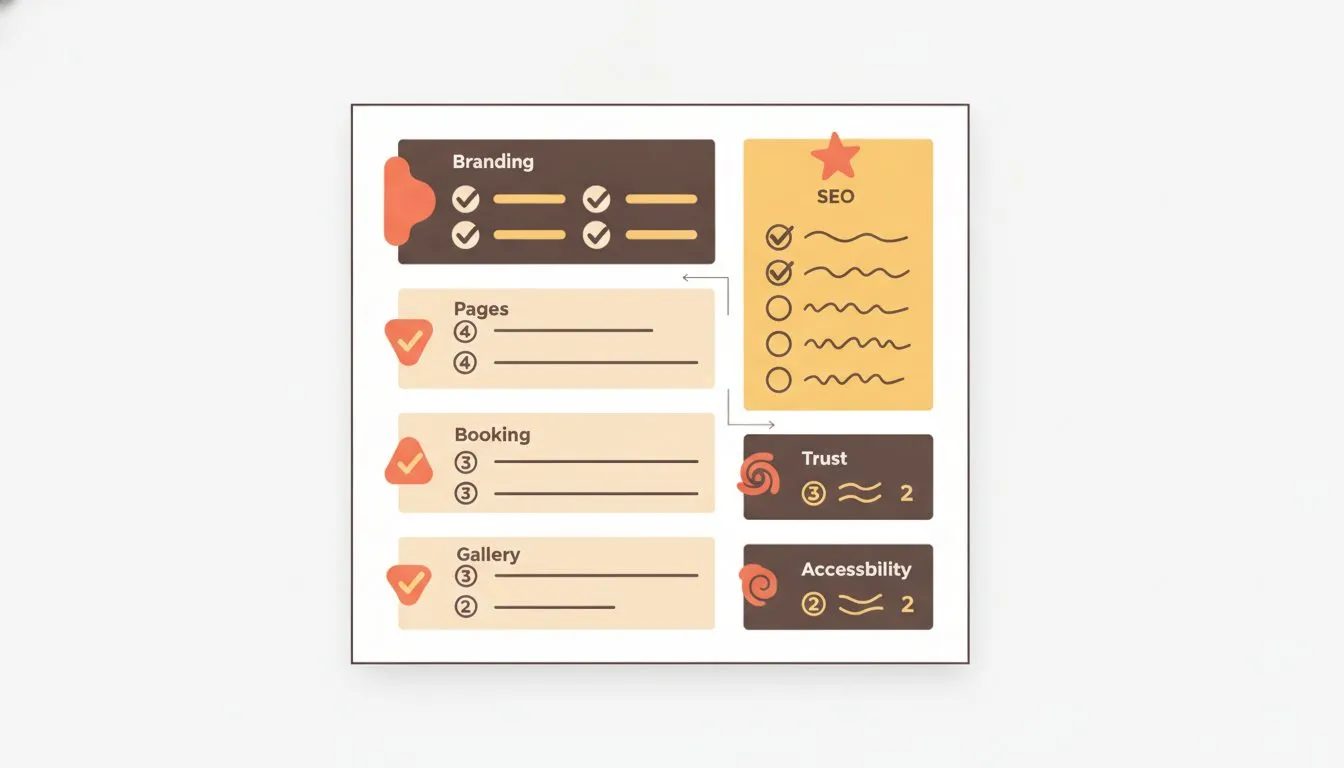
The complete salon website checklist - save this for your build or audit
Section | Must-have | Nice-to-have |
|---|---|---|
Booking | Book button visible on a phone without scrolling | Booking embedded on your own site |
Gallery | A dedicated gallery page of real client work, updated regularly | Before-and-after slider, short video clips |
Reviews | A live feed of Google reviews, collected without incentives | Video testimonials |
Service menu | Starting prices at minimum, grouped by service type | Packages and memberships, clearly labeled |
Contact | Address, tappable phone number, hours, embedded map | Live chat or text-to-book |
Mobile and speed | Fully responsive, tested on a real phone | Main content loading within 2.5 seconds |
Policies | Cancellation and deposit terms on the booking page | Deposits taken at booking |
Security | SSL certificate, secure checkout for deposits | Two-factor login for staff accounts |
Common mistakes that undercut good work
A few mistakes show up across a lot of salon sites, regardless of how good the haircuts are.
A site with no gallery is the most common, and it's the one that matters most for a visual business. A Book button that only appears after scrolling on a phone is close behind.
Outdated hours are another. A site still showing pre-holiday hours in February suggests the whole site might be stale, not just that one line. Google's special hours feature solves this for your listing, and the site should match.
A phone number that can't be tapped is a small mistake with an outsized effect. So is a missing map pin. A client who can't find the door on the first try often just picks the next result.
If you don't want to build this yourself
Worth knowing: we're Flashcloud, and we build sites like this for free as part of hosting. We think it's a strong option, but judge it against everything else on this list.
A salon owner's time is usually better spent behind the chair than fighting with a website builder. Flashcloud's free website build covers most of the must-haves above: a real site, up to five pages, built by a person rather than a template, which can include a gallery, a team page, contact details and a clear Book button. We write the copy and source images if you don't have them, and the domain is free for as long as you stay.
Booking still comes from a separate tool, since no hosting plan runs your appointment calendar. Any booking tool that offers an embeddable widget or a booking link can go straight onto the site. For the wider picture of every route to a website, see our guide to how to get a website.
The bottom line
A hair salon website doesn't need to be complicated. It needs booking that's easy to find on a phone, photos that prove the work, and pricing that doesn't feel like a trap.
Our audit suggests most salons already have the foundation: a real website, secure, with online booking. The gains are in the details most of them skip. A gallery page. A Book button visible without scrolling. A phone number you can tap. Hours that match Google.
Measure every addition against one job: someone finds the site, likes what they see, and books before closing the tab. Start with the must-haves in the table above, and add the nice-to-haves once the essentials are solid.

Neycho Tepavicharov is the co-founder of Flashcloud, with nearly two decades in web hosting behind him and a hosting company he co-founded and sold along the way. He started Flashcloud to make hosting clearer, more generous, and genuinely supportive, and he writes about hosting, performance, how AI is changing the industry, and the occasional strong opinion about where it gets things wrong.
Connect on LinkedIn