Domain lifecycle: what happens from registration to deletion

Every domain name has a life. It gets born, it works hard, and if you forget about it, it fades away. Understanding a domain's lifecycle helps you avoid costly mistakes and keep your site online. This guide walks you through every stage, in plain language, so nothing catches you off guard.
By the end, you'll know exactly what happens at each step, what to watch for, and how to stay in control. Let's start with the big picture.
What the domain lifecycle actually covers
A domain is more than a web address. It's a leased asset with a fixed set of stages. Once you understand those stages, managing your domain gets easy.
Why every domain follows the same path
All domains follow the same lifecycle. It doesn't matter if you own a global brand or a hobby blog. The rules come from the registries and ICANN, not from your registrar.
That's actually good news. It means the process is predictable. Learn it once, and it applies to every domain you'll ever own.
The key stages from registration to deletion
Here are the main stages a domain moves through:
- Registration - you reserve the name for a set period.
- Active use - the domain points to your site and email.
- Expiry - the registration period ends.
- Grace period - a window to renew before problems start.
- Redemption period - a costly last chance to recover it.
- Deletion - the domain drops and returns to the open market.
Simple enough. But each stage has details that matter, and we'll cover them all.
How understanding this protects your site
Most domain disasters come from one thing: not knowing what happens next. People miss a renewal email, ignore a warning, and lose a name they've spent years building.
Knowing the lifecycle puts you ahead of that risk. You'll spot the warning signs early and act before it's too late.
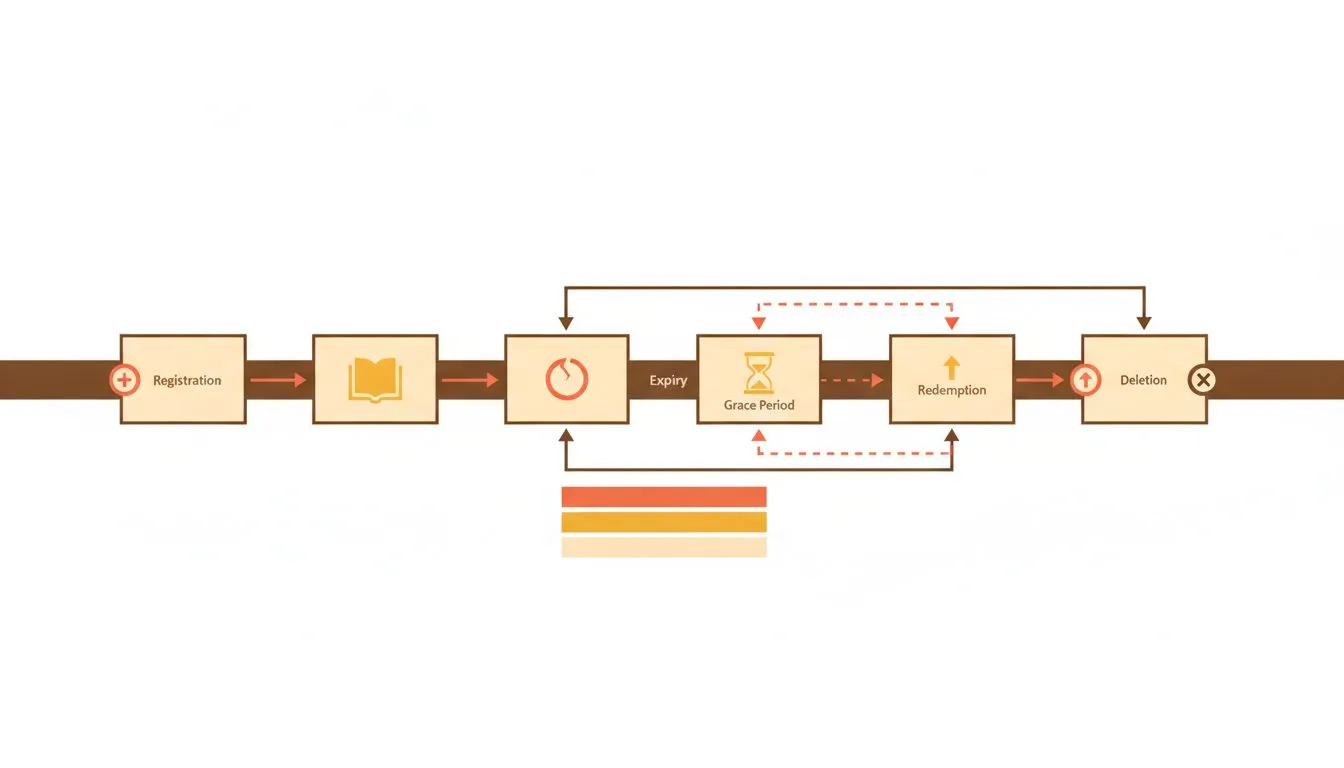
The full journey of a domain, start to finish
Stage one: registering and owning your domain
Everything starts with registration. This is where you claim your name and set the clock ticking.
How domain registration works
You pay a registrar to reserve a domain for a set period, usually one to ten years. The registrar records your name in the global registry. That entry is what makes the domain yours.
Registration is fast. In most cases your domain is live within minutes. If you want a walkthrough, our guide on registering a new domain covers each step.
What your ownership actually means
Here's the part people get wrong. You don't own a domain outright. You lease it.
You hold the rights for as long as you keep renewing. Stop paying, and those rights lapse. Renewal is what keeps the name yours, year after year.
That's not a catch. It's just how the system works for everyone. Treat renewal as part of running your site, and you'll never have a problem.
Choosing the right domain from the start
Your domain sticks with you for a long time, so choose well. A few things matter more than the rest:
- The name - short, clear, and easy to spell out loud.
- The extension - pick the right ending for your site, covered in full in our guide to choosing a domain name.
- Availability - check it's free and not trademarked by someone else.
Want to know which endings you can register? Our guide to which TLDs we support lays out your options. And with Flashcloud, you get a free domain for life on our web hosting plans, so the cost never becomes a reason to let it lapse.
During active use
Once your domain is live, it enters its longest stage. This is where it earns its keep, pointing visitors and email to the right place.
DNS settings and where your domain points
Your domain doesn't host your site by itself. DNS records connect it to your hosting and email. Think of DNS as the address book of the internet.
Get one record wrong, and your site can vanish or your email can stop arriving. It's worth understanding the basics. Our article on what DNS is and how the internet finds your site explains it clearly, without the jargon.
Common records you'll deal with include A records for your site, MX records for email, and CNAME records for subdomains. Small edits, big impact.
Keeping your registration details up to date
Your domain has contact details attached to it. If those go stale, you're asking for trouble.
Outdated contact info can block renewals, hide warning emails, and even trigger a domain suspension. If your registrar can't reach you, they can't warn you when things go wrong.
Check your details once a year. Make sure the email on file is one you actually read. It takes two minutes and saves real headaches later.
Auto-renewal and why it matters
The single best move you can make is turning on auto-renewal. It's the simplest way to protect your domain across its whole lifecycle.
With auto-renewal on, your domain renews itself before it expires. No missed dates. No scramble. Just keep your payment method current and you're covered.
Pair that with a current payment method and you remove almost every way a domain gets lost. It's a five-minute setup that runs quietly in the background for years.
What happens when a domain expires
This is the part of the lifecycle people fear most. It doesn't have to be scary, but you do need to know how it unfolds.
The expiry date and immediate effects
When your registration period ends, the domain expires. In many cases, the effects hit fast.
Your website can go offline. Your email can stop working. Visitors may see an error or a parking page instead of your content. For a business, that's lost sales and lost trust in a matter of hours.
The good news? You're not out of options yet. A missed date is the start of a recovery window, not the end.
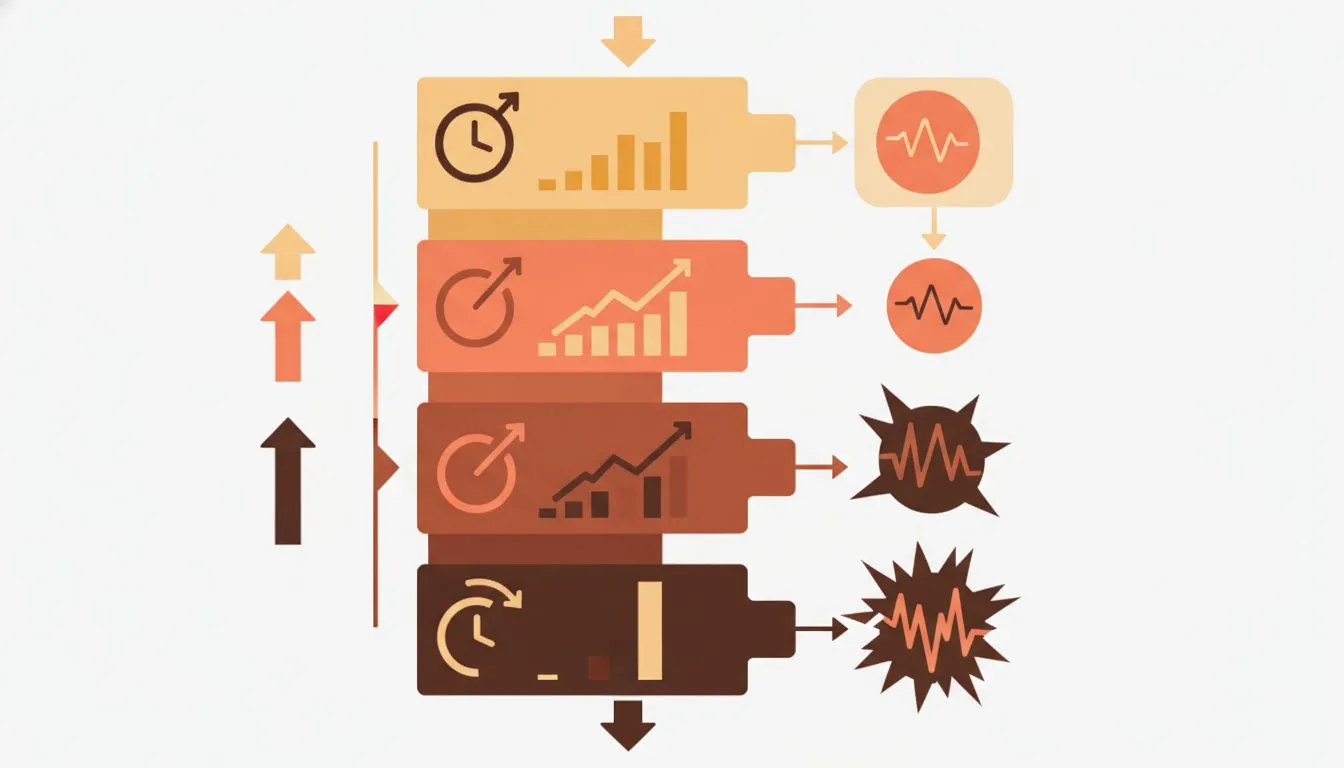
The longer you wait after expiry, the harder recovery gets
The grace period window
Most registrars offer a grace period after expiry. This varies by registrar and extension, and is commonly around 30 days.
During the grace period, you can usually renew at the normal price. No penalty, no drama. Just log in, pay, and your domain comes back to life.
This window is your safety net. But don't lean on it. The moment you notice an expired domain, renew it. Our guide on renewing your domain shows you exactly how.
Redemption period and deletion timeline
Miss the grace period, and things get serious. The domain enters what's called the redemption period.
You can often still recover the domain here, but it costs far more. Registries charge a hefty redemption fee on top of the renewal. Recovery is slower too, sometimes taking several days.
The typical timeline looks like this:
- Expiry to the end of the grace period - renew at normal cost. This varies by registrar and extension, commonly around 30 days.
- Redemption period - high recovery fees. This lasts 30 days for gTLDs.
- Pending delete - a short window of a few days with no recovery possible.
Note for country extensions. The 30-day redemption period comes from ICANN's Expired Registration Recovery Policy and applies to gTLDs: .com, .net, .org and the other generic extensions. Country code extensions set their own rules, and some have no redemption period at all. A .de domain, for example, can be deleted immediately on expiry with no recovery window. If you're on a country extension, the timeline above may not apply to you, so check your registry's rules. If the domain you want is registered to someone else, what to do when someone else owns the domain you want covers the drop process and when to walk away.
If you'd like the full breakdown, we cover it in what happens if you forget to renew your domain.
Deletion, drop, and what comes next
When a domain is fully deleted
After the redemption period ends, the domain sits in a short pending-delete state. No one can register it during those few days.
Then it drops. The registry deletes the record and the domain re-enters the open market. Anyone in the world can register it next.
Domain drop catching and auctions
Valuable domains rarely sit unclaimed for long. Specialist services watch for drops and snap up good names the instant they become available.
This is called drop catching. Some expired domains also go to auction before they fully release. Either way, if your name has any value, someone may be waiting for it.
That's why acting early beats acting late. Once your domain drops and someone else grabs it, getting it back can be difficult or impossible.
How to reclaim or move on from a lost domain
If your domain has dropped and been registered by someone else, your options narrow. You can try to buy it back, but there's no guarantee, and the price is set by the new owner.
If it's still available, register it fast. If it's gone for good, you may need a new name and a plan to redirect old links. Either way, prevention always wins.
Here's how to stay in control:
- Turn on auto-renewal and keep your payment method current.
- Keep your contact email current and read it.
- Note your renewal date in a calendar as a backup.
- Choose a longer registration period to reduce the chance of a miss.
You can also browse our full domains knowledgebase for more guides.
Staying ahead of the lifecycle
A domain's lifecycle is straightforward once you know the stages. You register, you use, you renew, and you protect. Skip the renewing, and the clock starts running toward deletion.
Stay ahead of it and your site stays online. Turn on auto-renewal, keep your details current, and treat your domain as the asset it is. Do that, and you'll never lose sleep over an expiry date again.
Want your domain and hosting managed in one friendly place, with real human support? Take a look at our plans and let us handle the moving parts for you.
Methodology: the 30-day redemption period figure cited in this guide comes from ICANN's Expired Registration Recovery Policy, which applies to gTLDs. Grace periods and country code extension rules vary by registry and extension.

The Flashcloud team shares hosting know-how, product news, and honest guidance to help you get the most from your website.
Connect on LinkedIn