How to build a website yourself in 2026

To build a website yourself, work through it in order: decide what the site is for, register a domain, choose hosting, pick a platform, set it up, plan and write your pages, choose a design, add the essentials, check everything before launch, then keep it running. Ten steps, done once, in sequence.
Building your own website has never been more accessible, and this guide walks you through every step. Whether you're a small business owner, a freelancer, a creator, someone with a side project, or you just want a personal site online, the route is the same. You don't need to be technical. You need a plan and a bit of patience.
This is one of the four ways to get a website. If you haven't decided that building it yourself is the right route for you, start with our overview of how to get a website, then come back here when you're ready to build. Keep this guide open in a second tab while you work.
Step 1: Decide what the site is for
Before you touch a single tool, write one sentence: what should a visitor do after landing on your site? Book an appointment, call you, buy something, read your work, or get in touch.
That one sentence decides your pages. A site with a clear job stays lean. A site with no stated job tends to grow pages nobody needs and nobody reads.
Be specific. "I want people to book a consultation" is a job. "I want a nice website" is not. Get this right and every step that follows gets easier.
Step 2: Register a domain
Your domain is your address on the web. Register it in your own name and your own account, no matter who ends up building or hosting the site. If someone else registers it for you, you don't truly own it, and that becomes a problem later.
Across the major registrars, a .com runs roughly $12 to $20 a year. The number that matters is the renewal, not the first year. GoDaddy, for example, advertises a .com for $0.01, but that price requires a three-year term where years two and three are $22.99 each, and it renews at $22.99 after that. Always check what you'll pay in year two.
Keep the name short, easy to say out loud, and free of hyphens and numbers. If you can say it to someone in a noisy room and they type it correctly, it's a good name. For a fuller walkthrough, read how to choose a domain name that works for your business. If the name you want is already taken, here's what to do when someone owns the domain you want.
Step 3: Choose hosting
Hosting is where your website's files actually live. It affects your speed, your uptime, and how easily you fix things when they go wrong. Here's what to look for, in plain terms:
- The renewal price, published before you buy. The intro price is rarely the price you'll pay in year two.
- Daily backups you can restore yourself, without opening a support ticket.
- A free SSL certificate, so your site loads securely over https.
- Support you can actually reach when something breaks.
As one example of how the numbers look: Flashcloud runs at $2.79/mo on a 12-month term renewing at $9.99, with a domain free for as long as you stay, daily backups, and free SSL. Compare that shape against any host you're considering, first price and renewal both.
For the full decision, read how to choose web hosting in 2026. If any of the terms here are unfamiliar, our web hosting glossary explains them in plain language.
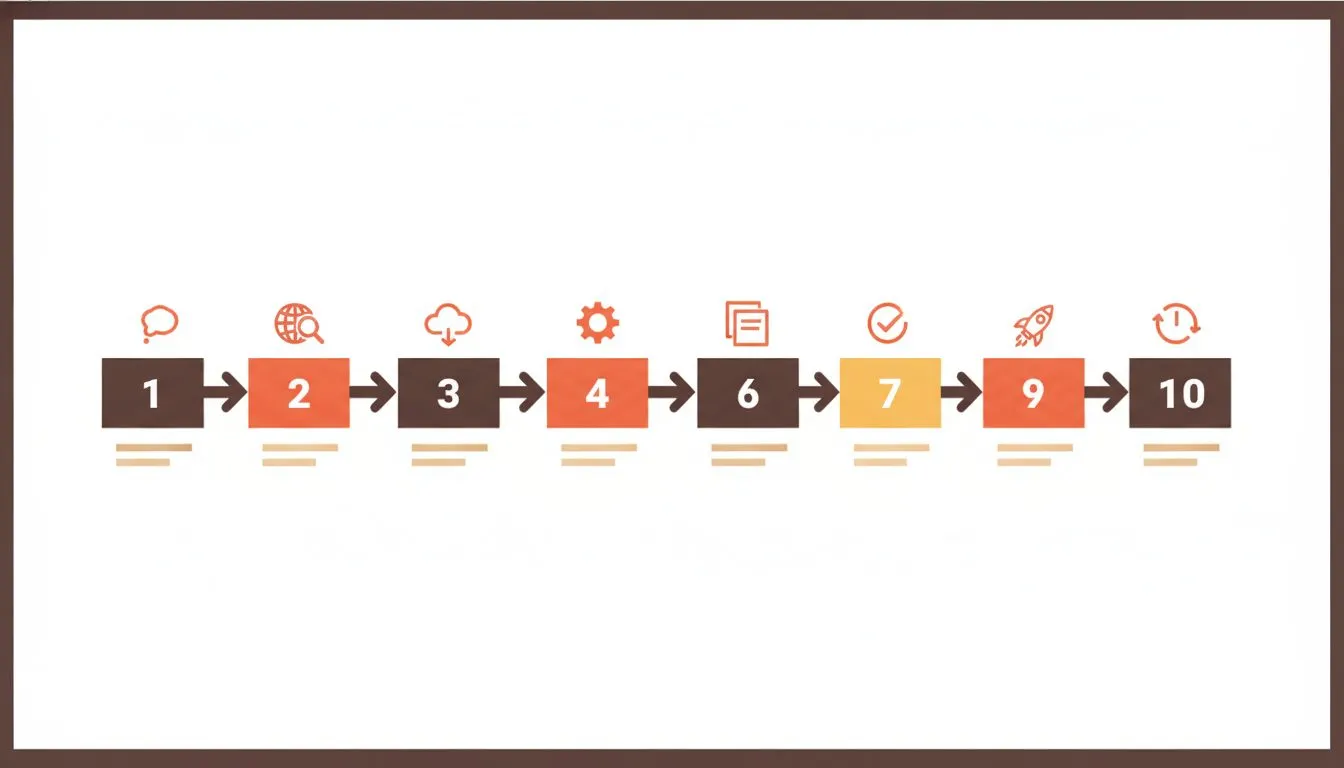
The ten steps, in order. Work through them one at a time.
Step 4: Choose a platform
There are two broad options: a website builder, or self-hosted WordPress. The choice shapes everything that comes after it, so it's worth a proper think. For the full comparison, read website builder vs WordPress. From here on, this guide uses WordPress as the worked example because it's the most common self-hosted choice, but the steps map loosely onto any builder too.
Step 5: Set it up
First, point your domain at your hosting so the two talk to each other. Then install WordPress, which most hosts do in one click from the control panel. Here are the how-to references for both:
Once it's installed, confirm two things. First, that the site loads over https with a valid SSL certificate. If it doesn't, here's how to force https on your site.
Second, check the PHP version. According to the WordPress.org requirements, the recommendation is PHP 8.3 or greater with MySQL 8.0 or MariaDB 10.11. The actual minimum is PHP 7.4, which WordPress.org notes has reached end of life and may expose a site to security vulnerabilities. So PHP 8.1 or newer is fine, and 7.4 is worth upgrading from. If you're not sure, here's what PHP version you should use for WordPress.
Step 6: Plan and write your pages
Write before you design. This is the step most people skip, and it's the one that saves the most time.
Most small business sites need five to seven pages: home, about, services, contact, and whatever your Step 1 purpose calls for, such as a gallery, reviews, or an FAQ. Each page should do one job.
Write the actual words in a plain document first. Design is much easier to build around real content than around placeholder text. When you already know what each page says, laying it out takes a fraction of the time.
Step 7: Pick a design
A theme controls how your site looks. Free themes are enough for the vast majority of sites. Astra, GeneratePress, and Kadence all ship free versions on WordPress.org, and any of them will get you a clean, fast site.
Choose for readability on a phone first, then for looks. A theme that looks stunning on your laptop but cramped on a phone is the wrong choice, because most of your visitors are on a phone.
Test on a real phone, not a resized browser window. They behave differently, and only the real device tells you the truth. For picks by site type, see our WordPress theme recommendations for every type of website.
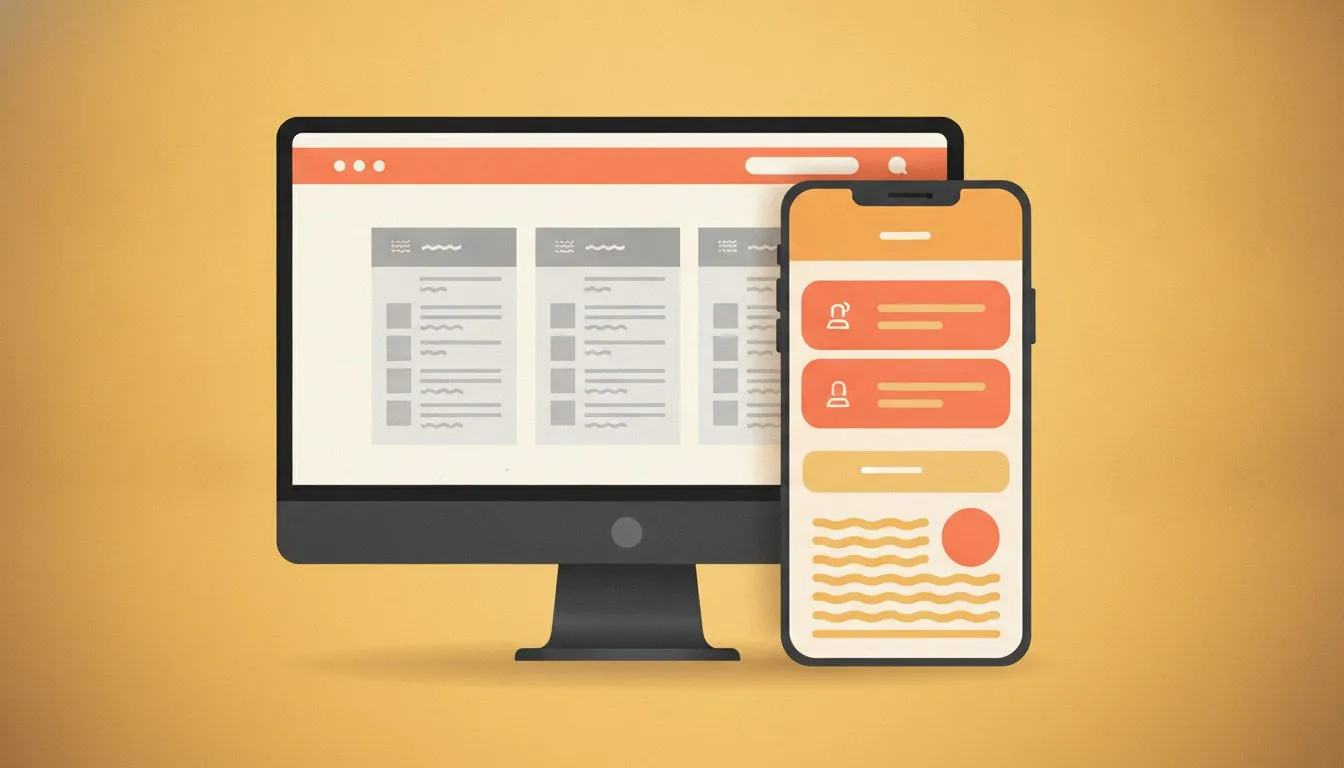
Design for the phone first. That's where most of your visitors are.
Step 8: Add the essentials
Keep plugins to what the site actually needs. Every plugin you add is one more thing to update, and one more thing that can break. A basic, sensible set, all with free versions:
- A form plugin such as WPForms, so people can contact you.
- An SEO plugin such as Yoast or Rank Math, to help search engines read your pages.
- A backup plugin such as UpdraftPlus, on top of whatever your host provides.
- A security plugin such as Wordfence, to watch for trouble.
Here's the honest part: a disciplined owner running a simple brochure site can stop at the free versions of all of these. You don't need to buy anything to launch a solid, secure site. Add paid features only when you hit a real limit, not before.
Step 9: Check everything before launch
Publishing is easy. Publishing something that works is the goal. Run through this checklist before you tell anyone the site is live:
- Open every page on a real phone. Look for broken layouts, missing images, and text that runs off the edge.
- Submit every form once, and confirm the message actually arrives. If it doesn't, here's the fix for contact form emails not arriving.
- Check the phone number is tappable and the email address is correct. Tiny errors here cost real enquiries.
- Test your speed against Core Web Vitals. Aim for main content loaded within 2.5 seconds, the page responding to a tap within 200 milliseconds, and no layout jumping as it loads. Google's Web Vitals guide explains the thresholds, and our guide to a website loading speed test explains what the results mean.
- Take a backup, and test restoring it at least once. A backup you've never restored is a guess, not a safety net.
- Set up a Google Business Profile if you serve a local area, and link it to your new site.
Step 10: Keep it running
A website isn't a one-time job. It's a small, steady one. The ongoing work is light but real:
- Keep WordPress core, your theme, and plugins updated. Here's how WordPress automatic updates work and how to manage them.
- Keep backups you've confirmed you can restore. Our guide to backing up a WordPress site walks you through it.
- Every few months, check the details. Are your hours, prices, and contact details still right? Outdated information quietly costs you trust.
One thing to budget for: the first-year price and the ongoing price are rarely the same, both for hosting and for any premium plugins. Plan for year two so it isn't a surprise. And if the site slows down later, here's how to work out why your website is so slow.
If you'd rather not build it yourself
Some people get to Step 6, sit down to write their pages, and realize that writing is the hard part. That's completely normal, and there are other routes. You can hire someone to build a website, or use an AI website builder if you want to understand what you get and what you own first.
Or you can have a site built as part of your hosting. Flashcloud builds up to five pages, writes the copy, and sources the images if you don't have them. If that sounds easier than doing it all yourself, look at the free website option. None of these is better than building it yourself. It's about which one fits you.
The takeaway
Building a website yourself is not one big task. It's ten small ones, done in order. Decide the job, get your domain and hosting sorted, pick a platform, set it up, write before you design, add only the essentials, check it properly, and then keep it ticking over.
Work through the steps once and you'll have a site that works hard for you from day one, and the confidence to improve it whenever you're ready.

Neycho Tepavicharov is the co-founder of Flashcloud, with nearly two decades in web hosting behind him and a hosting company he co-founded and sold along the way. He started Flashcloud to make hosting clearer, more generous, and genuinely supportive, and he writes about hosting, performance, how AI is changing the industry, and the occasional strong opinion about where it gets things wrong.
Connect on LinkedIn